56 /Administration
Entering Administration:
1.
2.
3.
Release all calls on your M7324 or M7310 telephone.
Indicators for calls on other telephones stay ON.
4.
I
5.
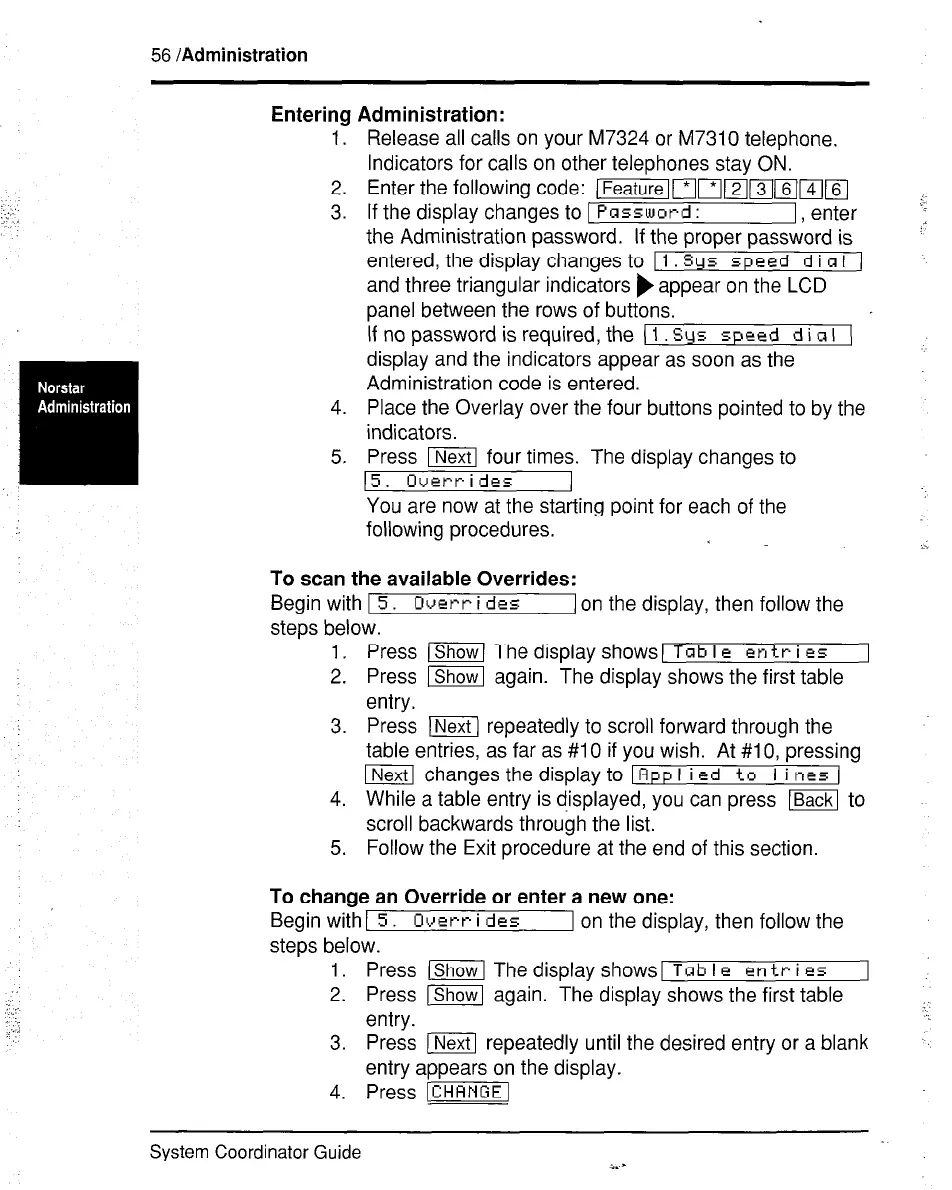
Enter the following code: [Featuremm)21mm14116]
j
If the display changes to 1
Password :
I, enter
the Administration password. If the proper password is
“’
entered, the display changes to
11 Sys speed d i CI I 1
and three triangular indicators ) appear on the LCD
panel between the rows of buttons.
If no password is required, the 1-1
display and the indicators appear as soon as the
Administration code is entered.
Place the Overlay over the four buttons pointed to by the
indicators.
Press m four times. The display changes to
15. Overrides
You are now at the starting point for each of the
following procedures.
To scan the available Overrides:
Beginwith15. Overrides
I on the display, then follow the
steps below.
1. Press (Shawl The display shows)
Tab I c en tr i es
2. Press j-%ZG again. The display shows the first table
entry.
3. Press [Next1 repeatedly to scroll forward through the
table entries, as far as #I 0 if you wish. At #lO, pressing
ml changes the display to 1 Rpp I i
Ed to I i t-1e5 (
4. While a table entry is d-isplayed, you can press ~ to
scroll backwards through the list.
5. Follow the Exit procedure at the end of this section.
To change an Override or enter a new one:
Begin with1 5. Overr i dcs
I on the display, then follow the
steps below.
1. Press (=I The display shows1
Tab I B en tr i es
2. Press [?%GK again. The display shows the first table
entry.
3. Press ) repeatedly until the desired entry or a blank
entrv aooears on the diselav.
4.
Press [CHANGEl
System Coordinator Guide
i.)



 To Next Page