Instant Messaging (IM)
129
Initiating a call from an Instant Message
To initiate a call from the IM Inbox, press the Expand fixed key or press
the Msgs Context-sensitive soft key and select Instant Messaging from
the menu.
Note: You cannot initiate a call from an Instant Message, if your
service provider requires that a Directory Number (DN) be used to
initiate a call.
To initiate a Call from an Instant Message
:
View
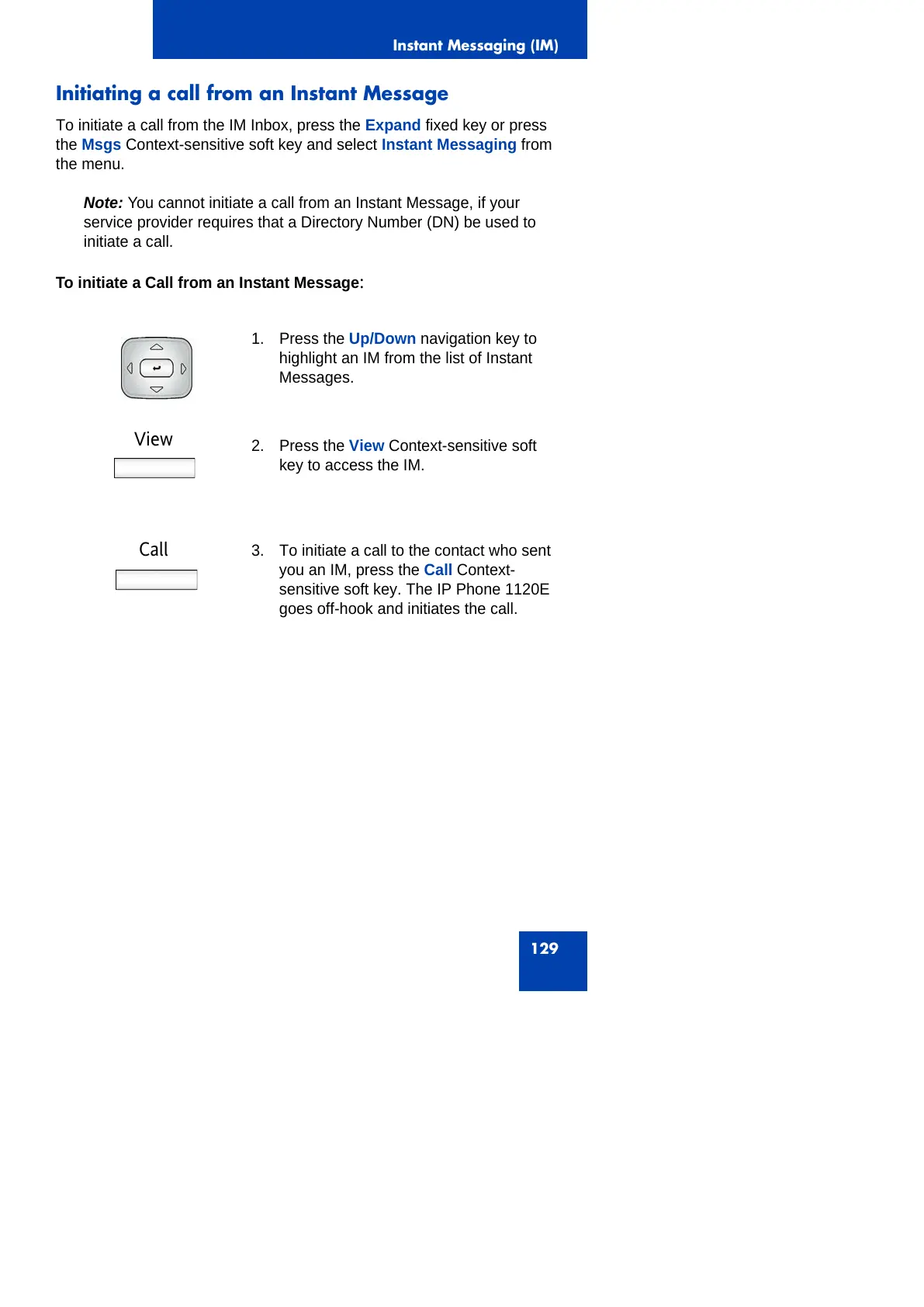
1. Press the Up/Down navigation key to
highlight an IM from the list of Instant
Messages.
2. Press the View Context-sensitive soft
key to access the IM.
Call 3. To initiate a call to the contact who sent
you an IM, press the Call Context-
sensitive soft key. The IP Phone 1120E
goes off-hook and initiates the call.



 To Next Page