The Address Book
92
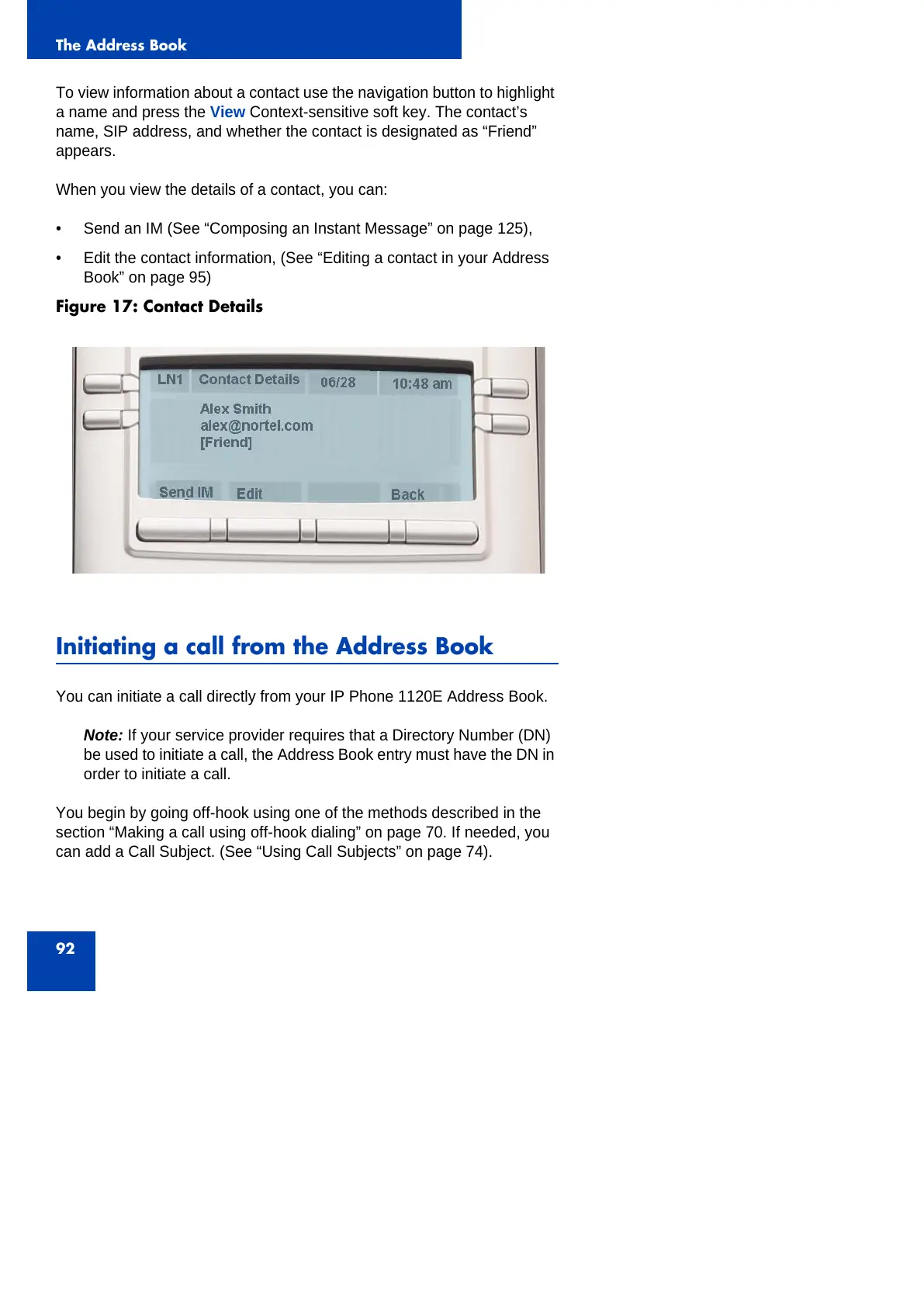
To view information about a contact use the navigation button to highlight
a name and press the View Context-sensitive soft key. The contact’s
name, SIP address, and whether the contact is designated as “Friend”
appears.
When you view the details of a contact, you can:
• Send an IM (See “Composing an Instant Message” on page 125),
• Edit the contact information, (See “Editing a contact in your Address
Book” on page 95)
Figure 17: Contact Details
Initiating a call from the Address Book
You can initiate a call directly from your IP Phone 1120E Address Book.
Note: If your service provider requires that a Directory Number (DN)
be used to initiate a call, the Address Book entry must have the DN in
order to initiate a call.
You begin by going off-hook using one of the methods described in the
section “Making a call using off-hook dialing” on page 70. If needed, you
can add a Call Subject. (See “Using Call Subjects” on page 74).



 To Next Page