Visual indicators
190
Visual Alerter/Message Waiting Indicators
The red LED light at the top right of the phone lights to indicate incoming
calls or when a caller leaves you voice mail. The blue LED light at the top
left of the phone lights to indicate when you receive a new IM or when
there are unread IMs in your Instant Message Inbox.
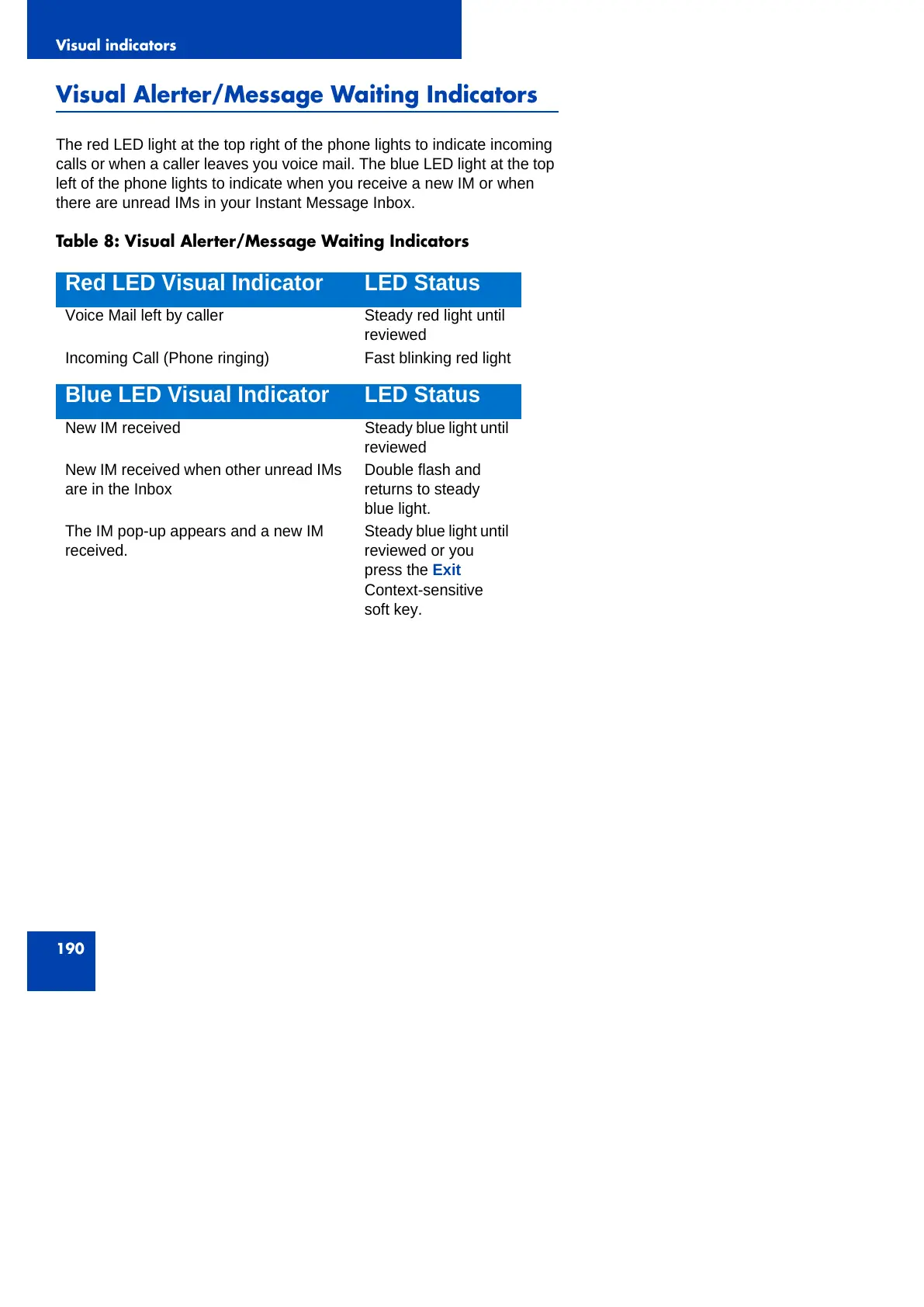
Table 8: Visual Alerter/Message Waiting Indicators
Red LED Visual Indicator LED Status
Voice Mail left by caller Steady red light until
reviewed
Incoming Call (Phone ringing) Fast blinking red light
Blue LED Visual Indicator LED Status
New IM received Steady blue light until
reviewed
New IM received when other unread IMs
are in the Inbox
Double flash and
returns to steady
blue light.
The IM pop-up appears and a new IM
received.
Steady blue light until
reviewed or you
press the Exit
Context-sensitive
soft key.



 To Next Page