While on an active call
136
To make a call on hold the active call
Using 3-way calling
When you have more than one call and you want to join those calls into
one call, you can use either 3-way calling or create a conference call.
Note: Your system administrator or service provider must enable 3-
way calling and conference calls for your IP Phone 1120E. Please
contact your service provider or system administrator to determine if
this feature is available.
The 3-way Call feature joins two calls on your phone into one 3-way call.
You and the other two callers can speak together. When you join more
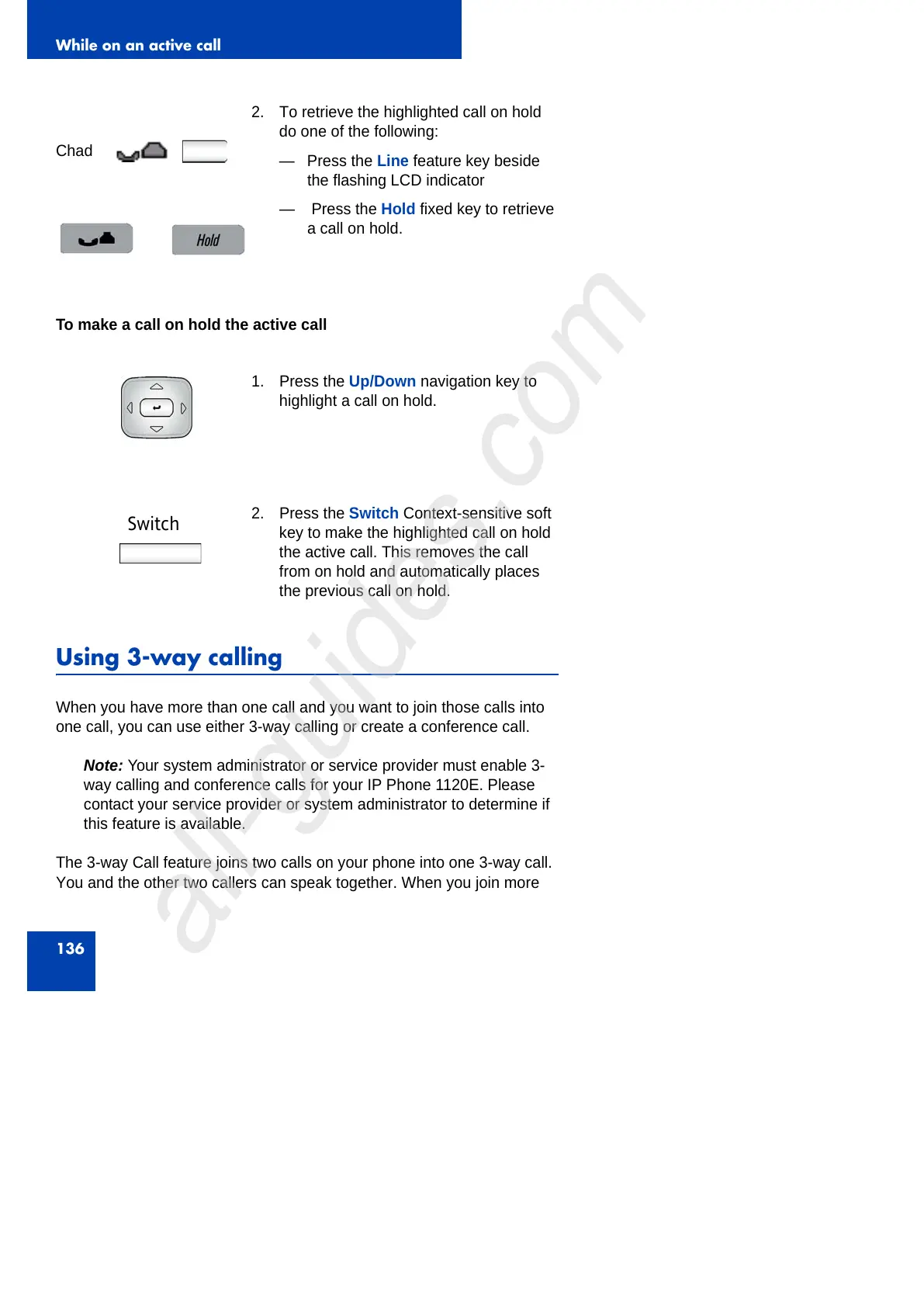
Chad
2. To retrieve the highlighted call on hold
do one of the following:
— Press the Line feature key beside
the flashing LCD indicator
— Press the Hold fixed key to retrieve
a call on hold.
1. Press the Up/Down navigation key to
highlight a call on hold.
Switch
2. Press the Switch Context-sensitive soft
key to make the highlighted call on hold
the active call. This removes the call
from on hold and automatically places
the previous call on hold.



 To Next Page