Receiving a call
85
Declining an incoming call
You can decline an incoming call by pressing the Decline Context-
sensitive soft key. You can decline a call with or without giving a reason.
You can create custom decline reasons and have the option of selecting
one. If you do not choose a custom decline reason, the phone sends the
default message: “User has declined call”.
The treatment that an incoming call receives when Call Decline is invoked
depends upon the call server. In a SIP environment the caller receives a
call declined message and the caller no longer hears ring back. In a non
SIP environment the caller may continuously hear ring back. The call
does not get redirected to voice mail.
To decline an incoming call:
Decline
1. Press the Decline Context-sensitive soft
key to decline an incoming call.
New
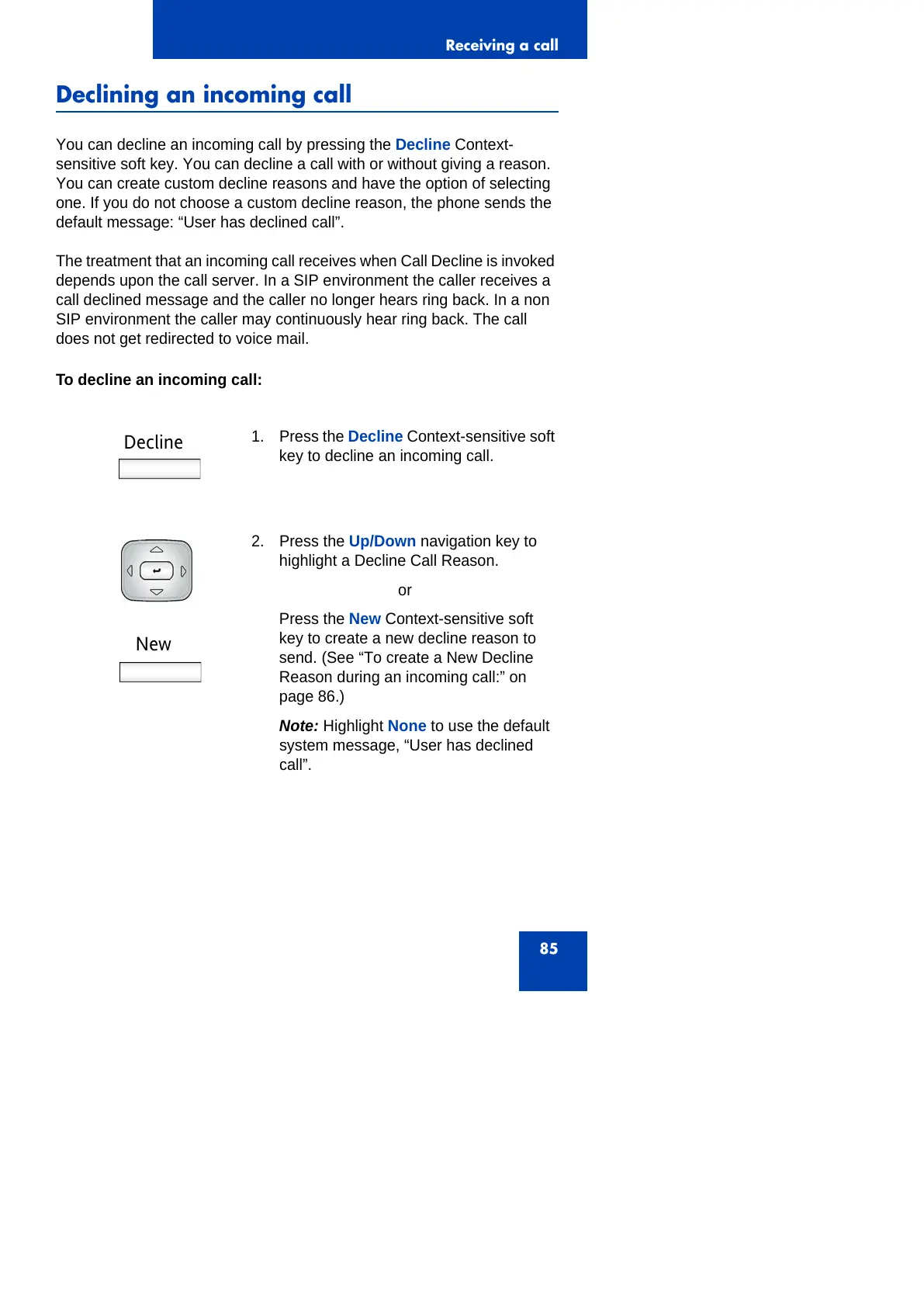
2. Press the Up/Down navigation key to
highlight a Decline Call Reason.
or
Press the New Context-sensitive soft
key to create a new decline reason to
send. (See “To create a New Decline
Reason during an incoming call:” on
page 86.)
Note: Highlight None to use the default
system message, “User has declined
call”.



 To Next Page