The Address Book
91
The Address Book
The Address Book is a personal directory of contacts from which you can
make a phone call or send an IM. You can access the Address Book
while on a call and start a new call from the highlighted contact. You can
use the Address Book to do the following:
• “Viewing the Address Book” on page 91
• “Initiating a call from the Address Book” on page 92
• “Adding a contact to your Address Book” on page 93
• “Copying information to the Address Book” on page 99
• “Searching for a contact in the Address Book” on page 101
Viewing the Address Book
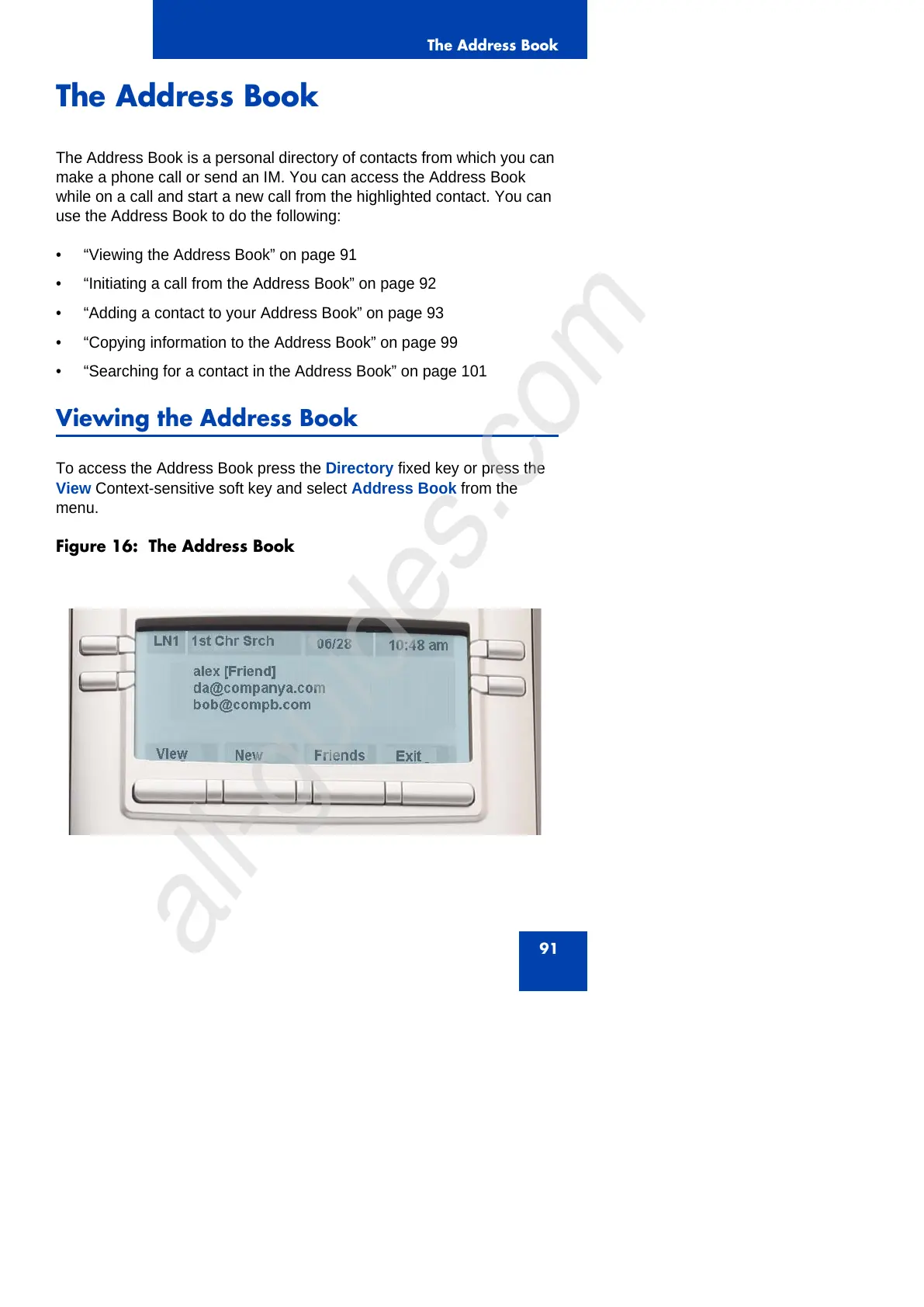
To access the Address Book press the Directory fixed key or press the
View Context-sensitive soft key and select Address Book from the
menu.
Figure 16: The Address Book



 To Next Page