Entering text
40
To enable the # Ends Dialing feature, press the Prefs Context-sensitive
soft key and select Misc Options highlight # Ends Dialing and press the
Change Context-sensitive soft key.
To enable the # Ends Dialing feature:
To turn off # Ends Dialing, press the Prefs Context-sensitive soft key,
select Misc Options, highlight # Ends Dialing and press the Change
Context-sensitive soft key.
To turn off # Ends Dialing:
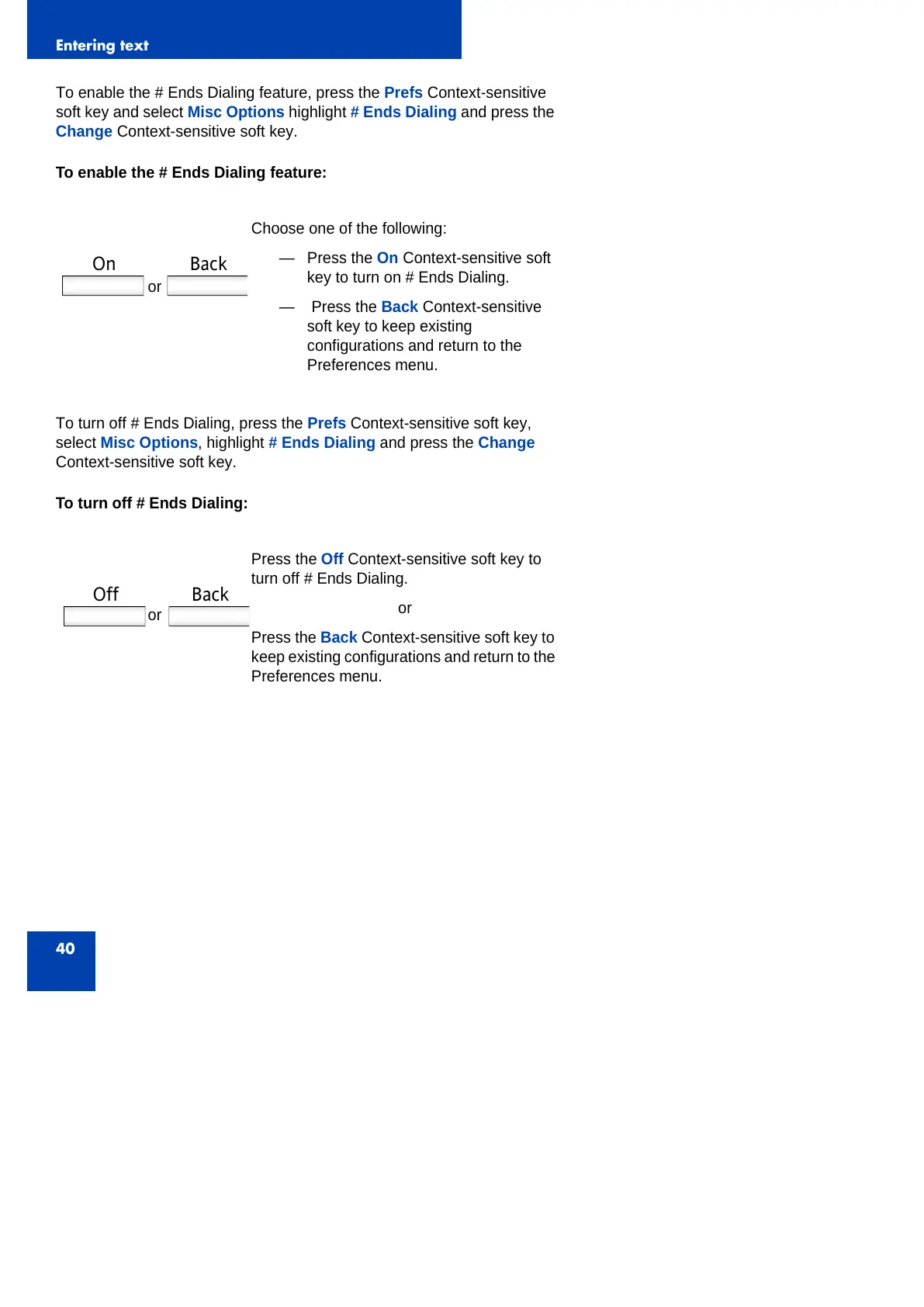
Choose one of the following:
— Press the On Context-sensitive soft
key to turn on # Ends Dialing.
— Press the Back Context-sensitive
soft key to keep existing
configurations and return to the
Preferences menu.
Press the Off Context-sensitive soft key to
turn off # Ends Dialing.
or
Press the Back Context-sensitive soft key to
keep existing configurations and return to the
Preferences menu.
or
On Back
or
Off Back



 To Next Page