Accessing the IP Phone 1120E
47
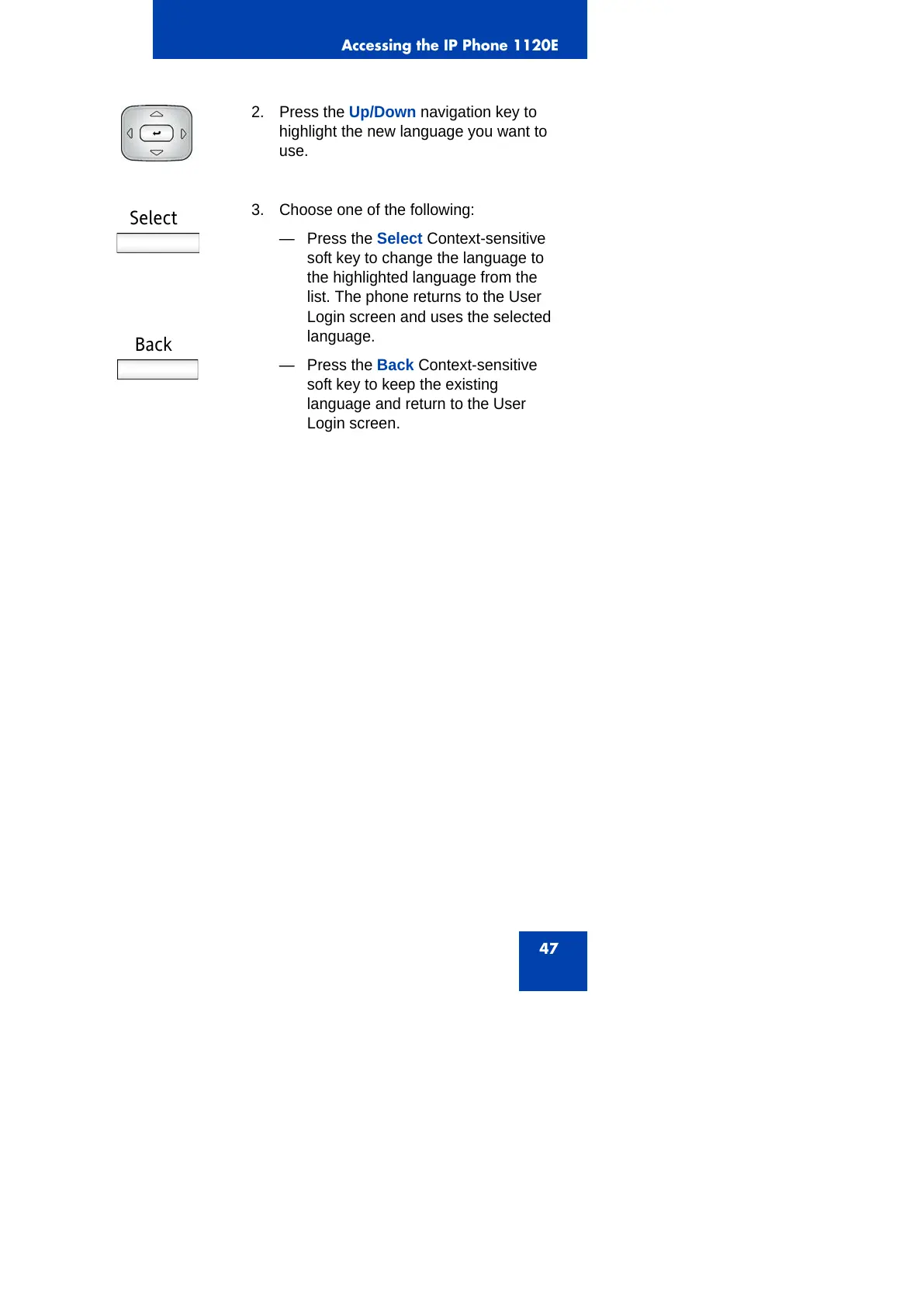
2. Press the Up/Down navigation key to
highlight the new language you want to
use.
Select
Back
3. Choose one of the following:
— Press the Select Context-sensitive
soft key to change the language to
the highlighted language from the
list. The phone returns to the User
Login screen and uses the selected
language.
— Press the Back Context-sensitive
soft key to keep the existing
language and return to the User
Login screen.



 To Next Page