Configuring the IP Phone 1120E
68
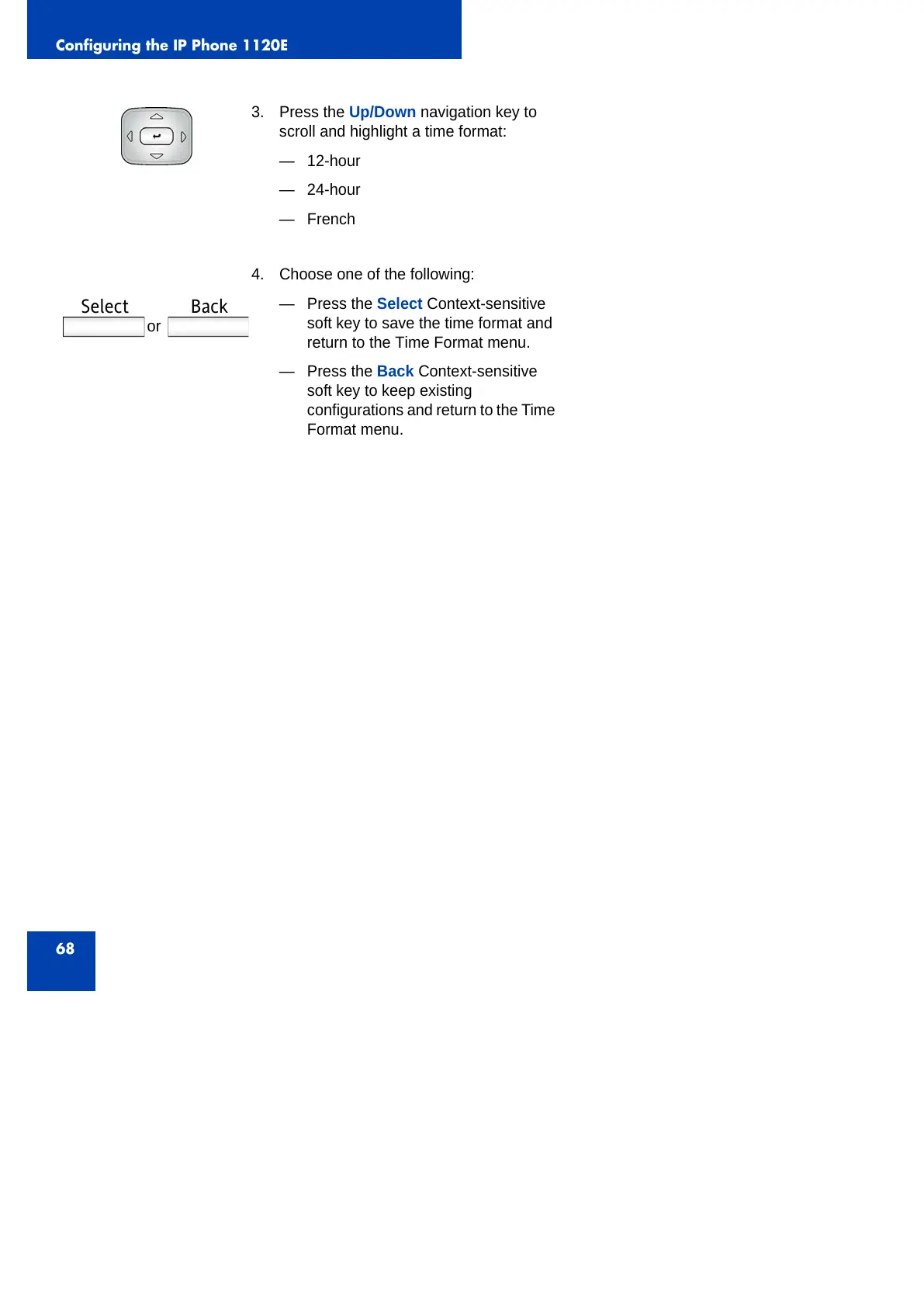
3. Press the Up/Down navigation key to
scroll and highlight a time format:
— 12-hour
— 24-hour
—French
4. Choose one of the following:
— Press the Select Context-sensitive
soft key to save the time format and
return to the Time Format menu.
— Press the Back Context-sensitive
soft key to keep existing
configurations and return to the Time
Format menu.
or
Select Back



 To Next Page