The Address Book
96
Edit
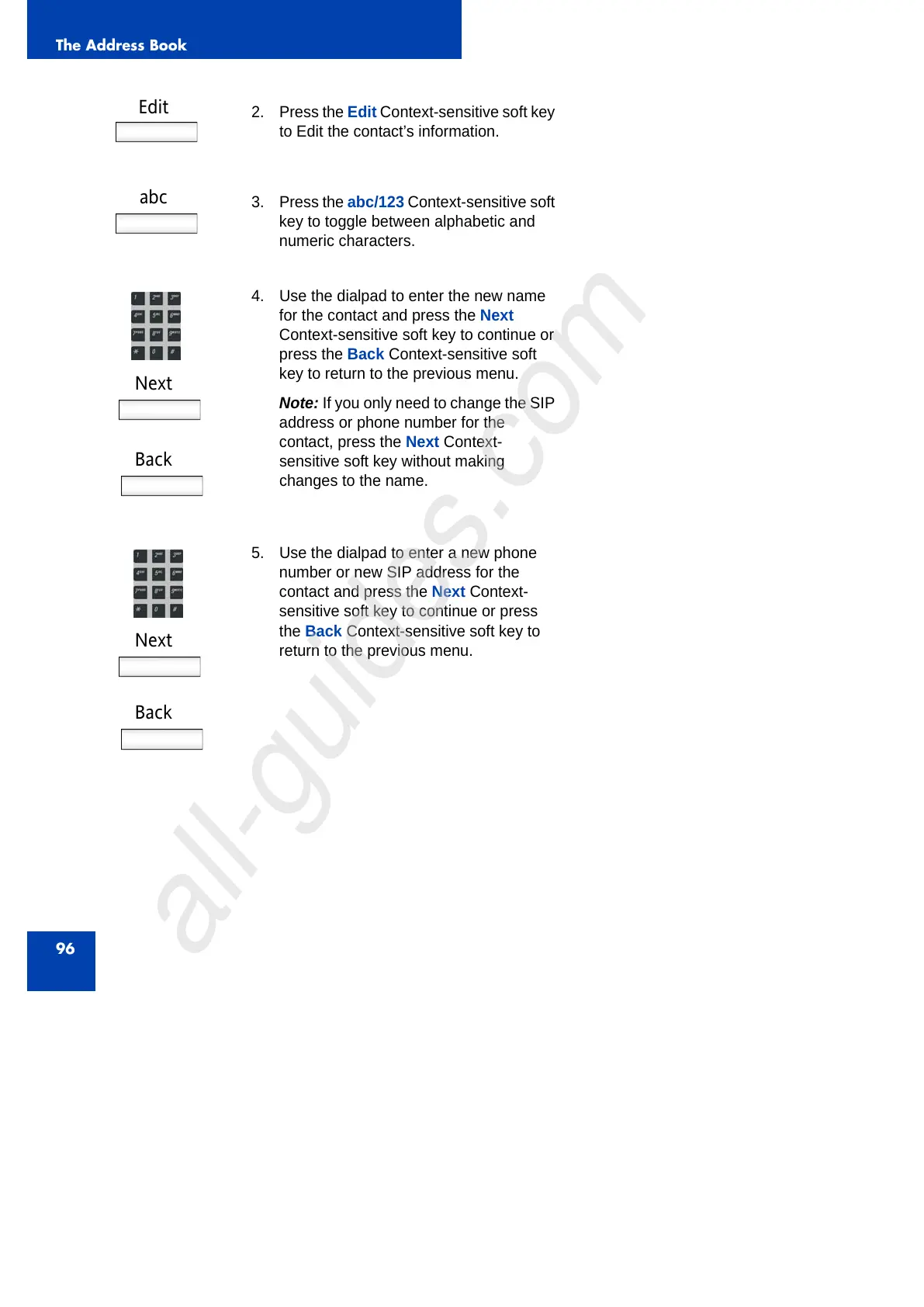
2. Press the Edit Context-sensitive soft key
to Edit the contact’s information.
abc
3. Press the abc/123 Context-sensitive soft
key to toggle between alphabetic and
numeric characters.
Next
Back
4. Use the dialpad to enter the new name
for the contact and press the Next
Context-sensitive soft key to continue or
press the Back Context-sensitive soft
key to return to the previous menu.
Note: If you only need to change the SIP
address or phone number for the
contact, press the Next Context-
sensitive soft key without making
changes to the name.
Next
Back
5. Use the dialpad to enter a new phone
number or new SIP address for the
contact and press the Next Context-
sensitive soft key to continue or press
the Back Context-sensitive soft key to
return to the previous menu.



 To Next Page