The Address Book
98
Delete
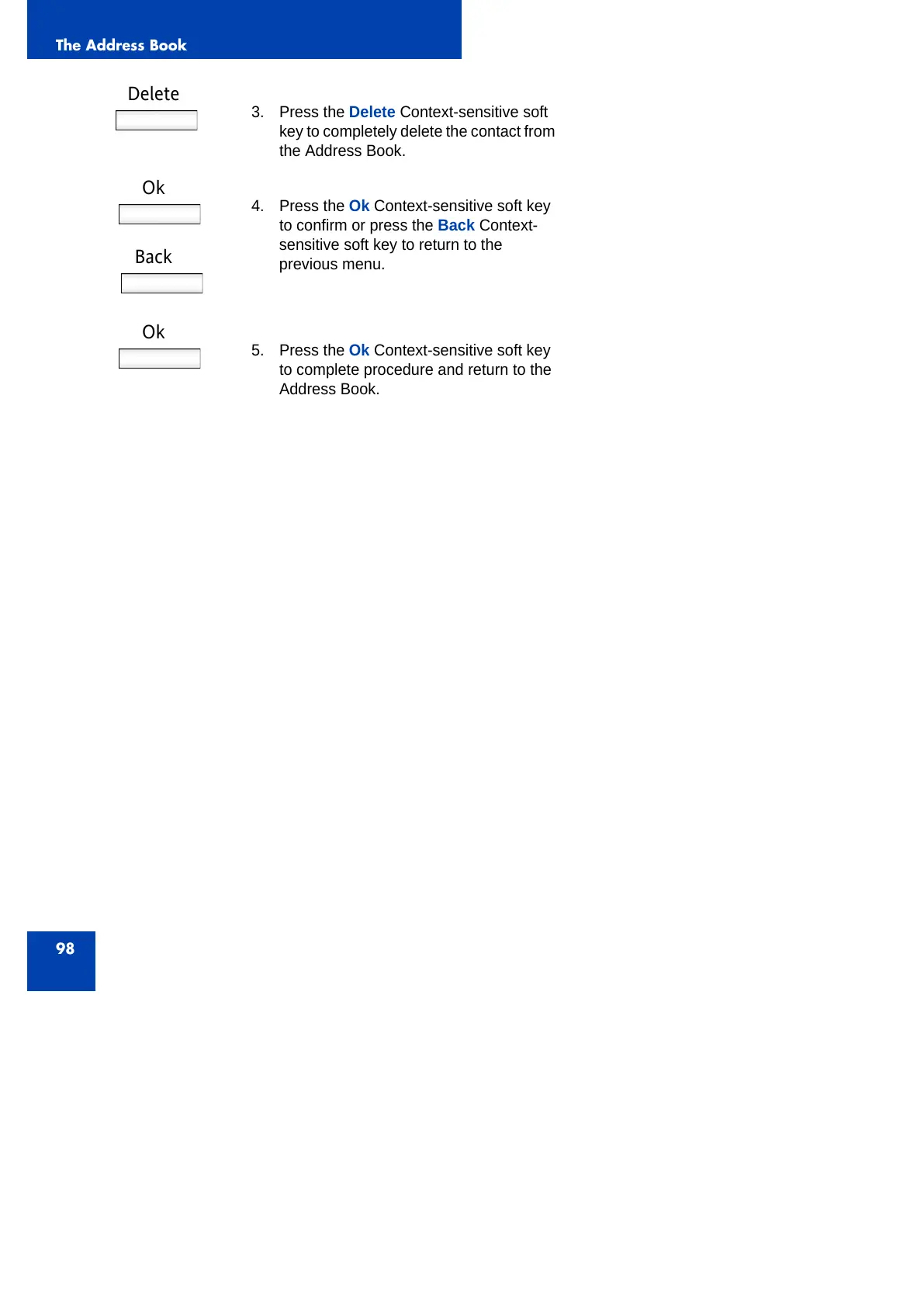
3. Press the Delete Context-sensitive soft
key to completely delete the contact from
the Address Book.
Ok
Back
4. Press the Ok Context-sensitive soft key
to confirm or press the Back Context-
sensitive soft key to return to the
previous menu.
Ok
5. Press the Ok Context-sensitive soft key
to complete procedure and return to the
Address Book.



 To Next Page