Chapter 5 Advanced Troubleshooting 53
BCM50 Troubleshooting Guide
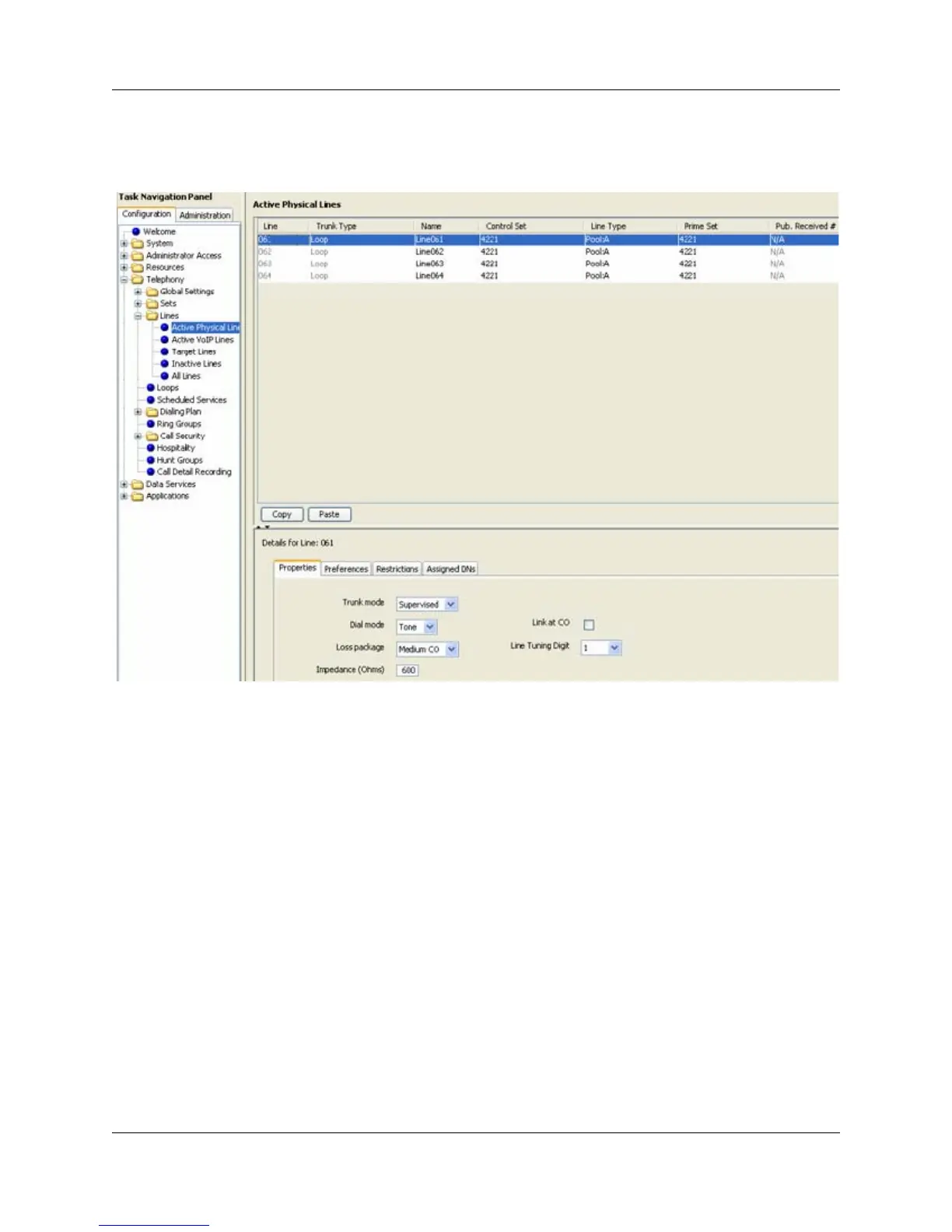
6 Select Configuration > Telephony > Lines > Active Physical Lines. Select the appropriate
line and verify that it is provisioned correctly. The Line Type should be Pool A, the Trunk
Mode should be Supervised, and the Dial Mode should be Tone.





 To Next Page