54 Chapter 5 Advanced Troubleshooting
NN40020-700NN40020-700
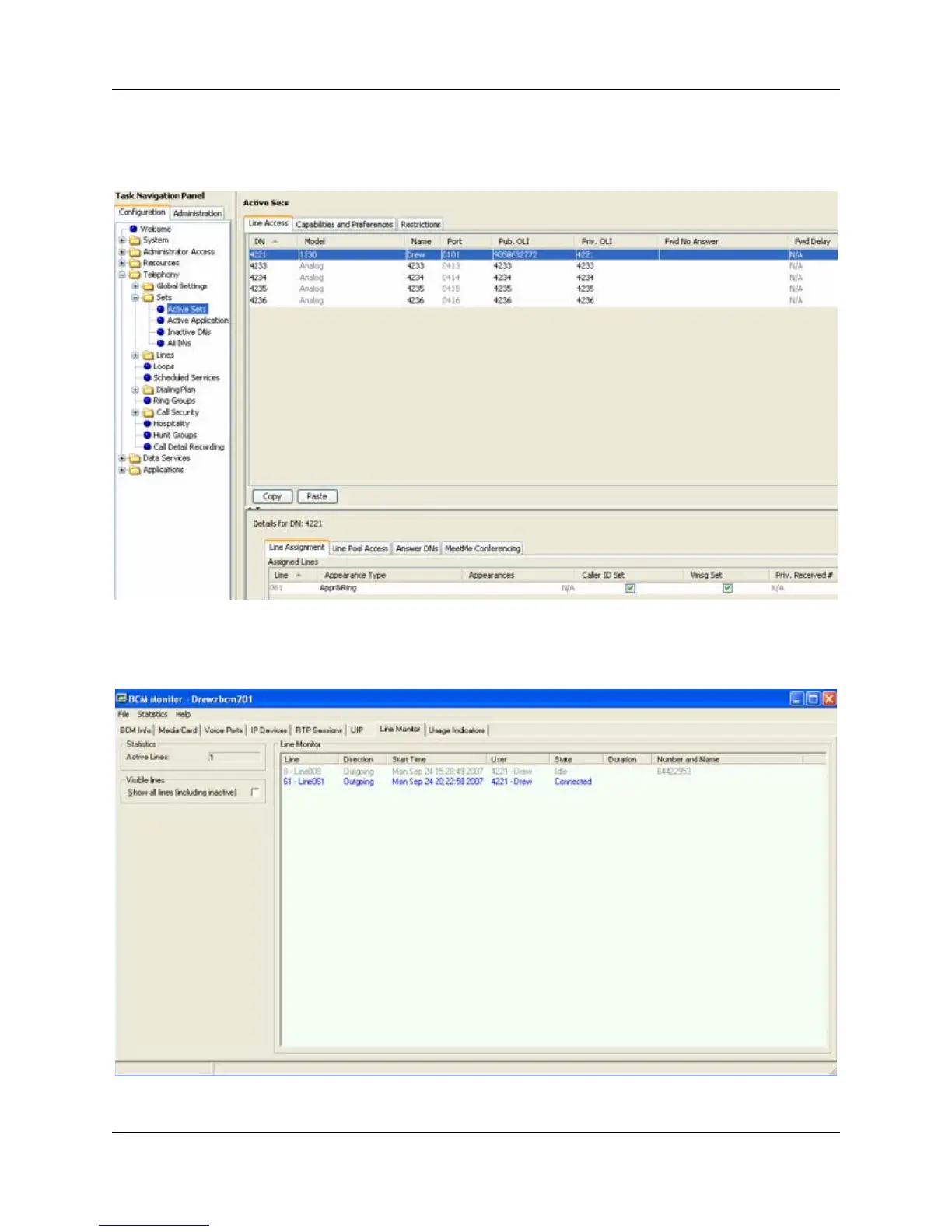
7 Select Configuration > Telephony > Sets > Active Sets. Select the appropriate set and verify
that it is provisioned correctly. On the Line Assignment tab, verify that the Appearance Type
is one of the following: appear only, appear and ring, or ring only.
8 Select Administration > Utilities > BCM Monitor and click the Launch BCM Monitor
button.
9 Select the BCM Info tab and verify the status of the line.





 To Next Page