Northstar EXPLORER 550/550i Installation and Operation Manual
10
c) To change a name or number:
1 Press
to display the name or number:
2 Press
or to select a letter or digit to
change. Press or to change the letter or
digit.
Repeat this to change other letters or
numbers.
3 Press
to accept the new value. Or press
to ignore the changes.
d) To change a slider value
Press
to decrease the value or to increase
the value.
Operate the EXPLORER by selecting items from
menus. Items can be submenus, commands or
data.
Selecting a submenu
A
after a menu item indicates a submenu, for
example Chart . Press or to move the
highlight to the submenu, then press
.
Starting a command
Press
or to move the highlight to the
command, for example Goto cursor, then press
.
Changing data
First press
or to move the highlight to the
data to change, then:
a) To change a tick box
means On or Yes
means Off or No.
Press
or to change the tick box.
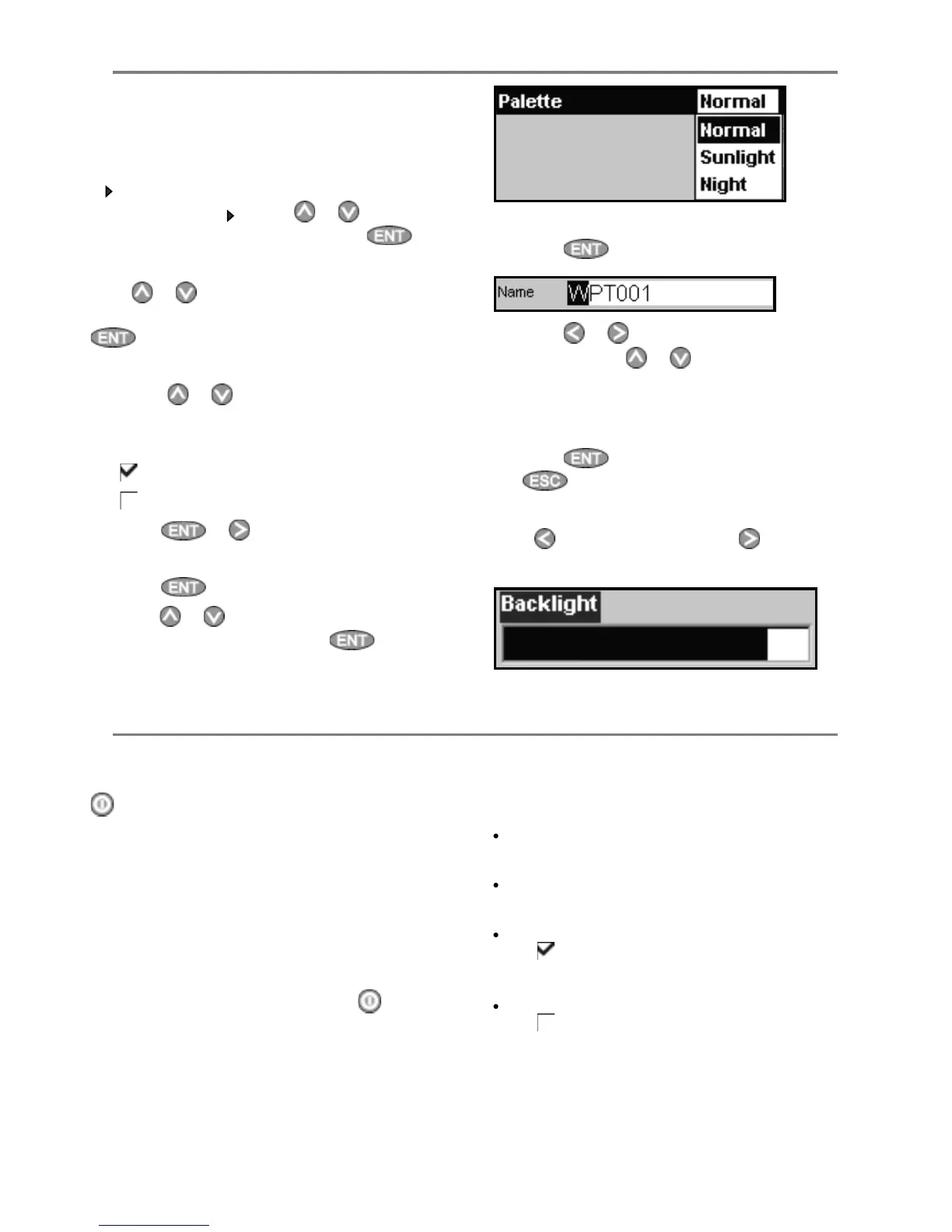
b) To select an option
1 Press
to display the menu of options.
2 Press
or to move the highlight to the
option you want, then press
.
2-3 Turning on and off / auto power
Turning on manually
If the EXPLORER is not wired for auto power, press
to turn the unit on. If necessary, adjust the
display to be easy to read (see section 2-4).
Note: If the EXPLORER is not wired for auto power
then the EXPLORER does not record engine hours
and might not record fuel consumption (see
section 15-4).
Turning off manually
If the EXPLORER is not wired for auto power or if
the ignition switch is off, hold down
until the
display turns off.
Auto power
If the EXPLORER is wired for auto power (see
section 15-4), then:
The EXPLORER automatically turns on when
you turn the boat’s ignition switch on.
You can not turn the EXPLORER off while the
ignition switch is on.
If
Auto power off (see section 14-1)
is , the EXPLORER automatically turns off
when you turn the boat’s ignition switch off.
If
Auto power off (see section 14-1)
is , the EXPLORER stays on when you turn
the boat’s ignition switch off. You can now
turn the EXPLORER off manually.
2-2 Using the menus



 To Next Page