Northstar EXPLORER 550/550i Installation and Operation Manual
21
Tracking records the boat’s position to memory at
regular intervals, which can be:
Time intervals.
Or distance intervals.
The track of where the boat has been can be
displayed on the chart. The EXPLORER can display
one track while recording another.
To work with tracks, see section 14-5.
The EXPLORER can store five tracks:
Track 1 can hold up to 2000 points and is
intended to record the normal progress of
the boat.
Tracks 2, 3, 4 and 5 can hold up to 500 points
each and are intended to record sections to
be retraced accurately, for example entering a
river mouth.
Tip: Record the tracks in good conditions.
When recording is on and the track becomes full
then recording continues and the oldest points
in the track are deleted. The maximum length of
a track depends on the selected track interval: a
small interval will give a shorter, more detailed
3-5 Tracks and tracking
track and a long interval will give a longer, less
detailed track, as shown in these examples:
The track lengths are in the current distance units,
for example nm.
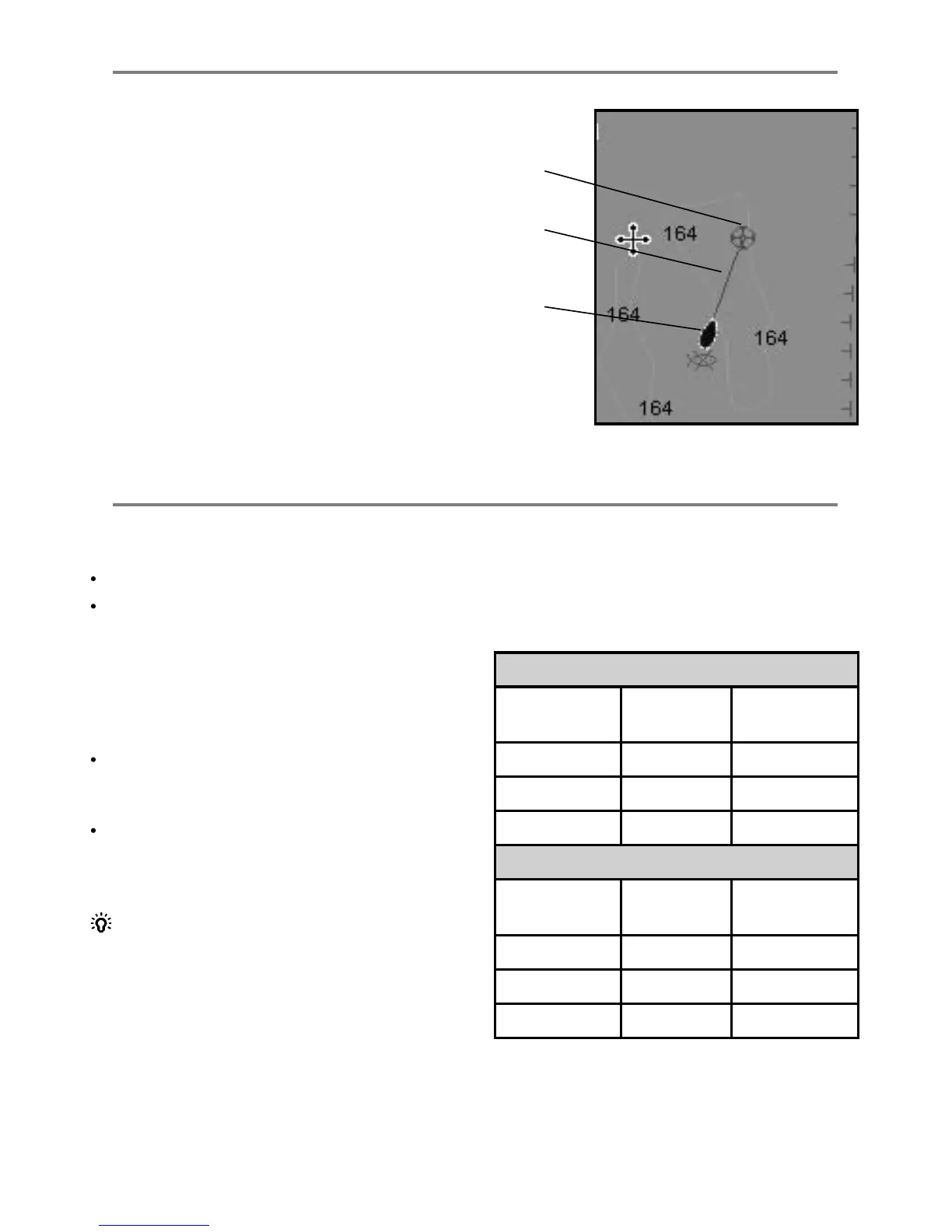
If Projected course is turned on, then the
EXPLORER will display the projected position
based on the course over ground (COG), speed
and a specified time. To turn Projected course on
and off and to set the time, see section 14-2.
A Projected position
B Boat’s projected course
C Boat position
3-4 Projected course
Time intervals
Interval Track 1 Track 2, 3, 4
or 5
1 sec 33 minutes 8 minutes
10 sec 5.5 hours 1.4 hours
1 min 33 hours 8 hours
Distance intervals
Interval Track 1 Track 2, 3, 4
or 5
0.01 20 5
1 2,000 500
10 20,000 5,000
A
C
B



 To Next Page