Northstar EXPLORER 550/550i Installation and Operation Manual
51
Simulate mode is a way of becoming familiar with
the EXPLORER (see section 2-7).
Press
once or more until the Setup menu
is displayed, then select Simulate:
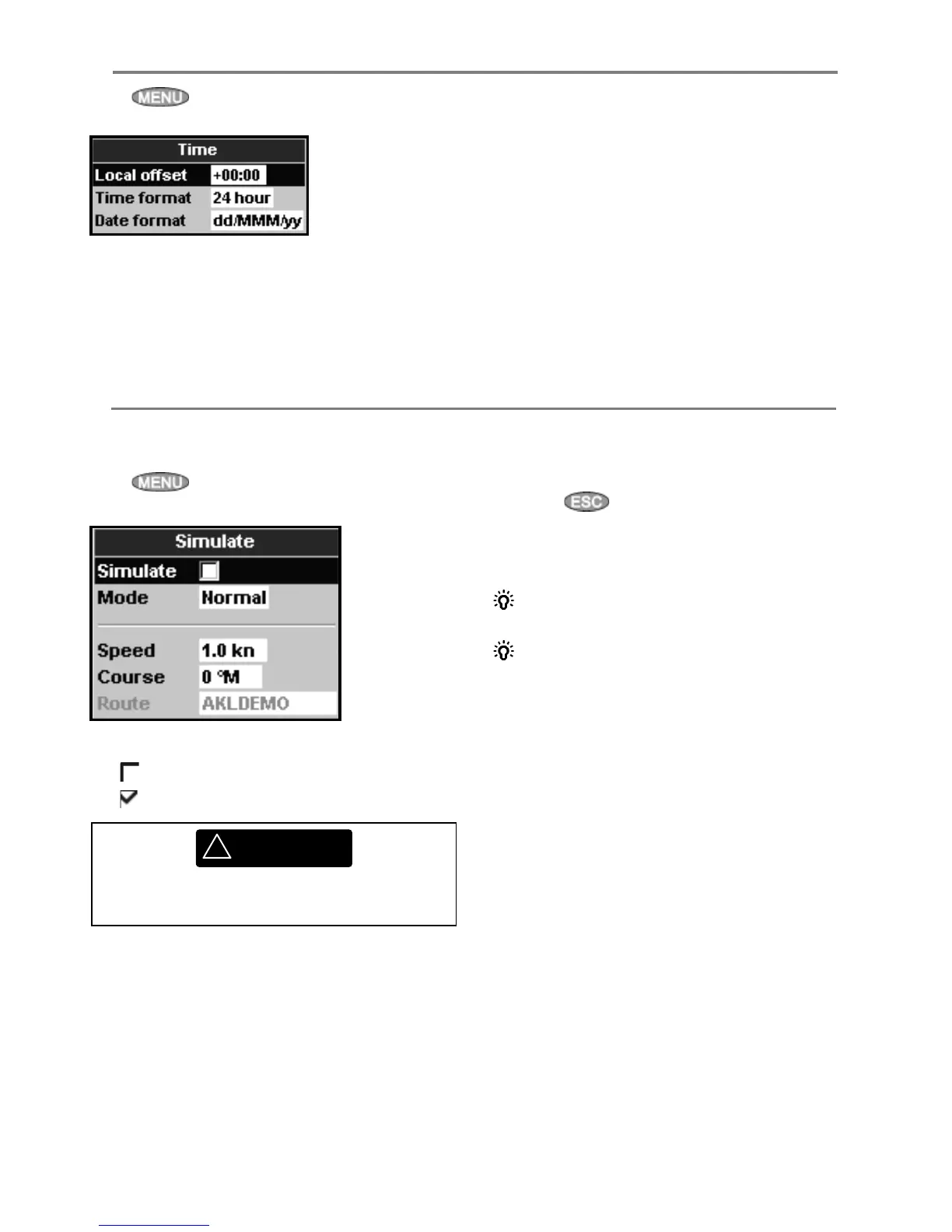
Simulate
Turn simulate mode off
Turn simulate mode on
Mode
There are two choices for Mode:
1 Normal
Simulates the boat moving from the selected
start point at the given speed and heading. The
options required for Normal are:
Speed: The simulated boat speed to use.
Course: The simulated bearing for the boat to
follow.
Press
once or more until the Setup menu
is displayed, then select Time:
Local offset
The difference between local time and UTC
(GMT). Change local offset when daylight saving
time starts and ends. The range is 0 to ± 13 hours,
in 30 minute steps.
Time format
The options are 24 hour or 12 hour.
Date format
The options are dd/MMM/yy, MMM/dd/yy,
dd/MM/yy or MM/dd/yy.
14-10 Setup > Time
14-11 Setup > Simulate
!
WARNING
Never have simulate mode on when the
EXPLORER is navigating on the water.
Note: To select the start point, go to the chart
display before starting the simulation. Then:
• To start the simulation from the boat position,
press
to switch to centre on boat
mode.
• To start the simulation from a different point,
move the cursor to that point on the chart.
Tip: To calculate a course, use the cursor (see
section 3-3).
Tip: As the boat moves, vary Course to
simulate the boat moving off course.
2 Demo
Simulates a boat moving along a route and
automatically displays different EXPLORER
functions.
The options required for Demo are:
Speed: The simulated boat speed to use.
Route: The route to follow.



 To Next Page