AFP-3030 Operations Manual — P/N DOC-01-039:A 26/11/2015 48
Logic Zone Read Status
3.9 Logic Zone
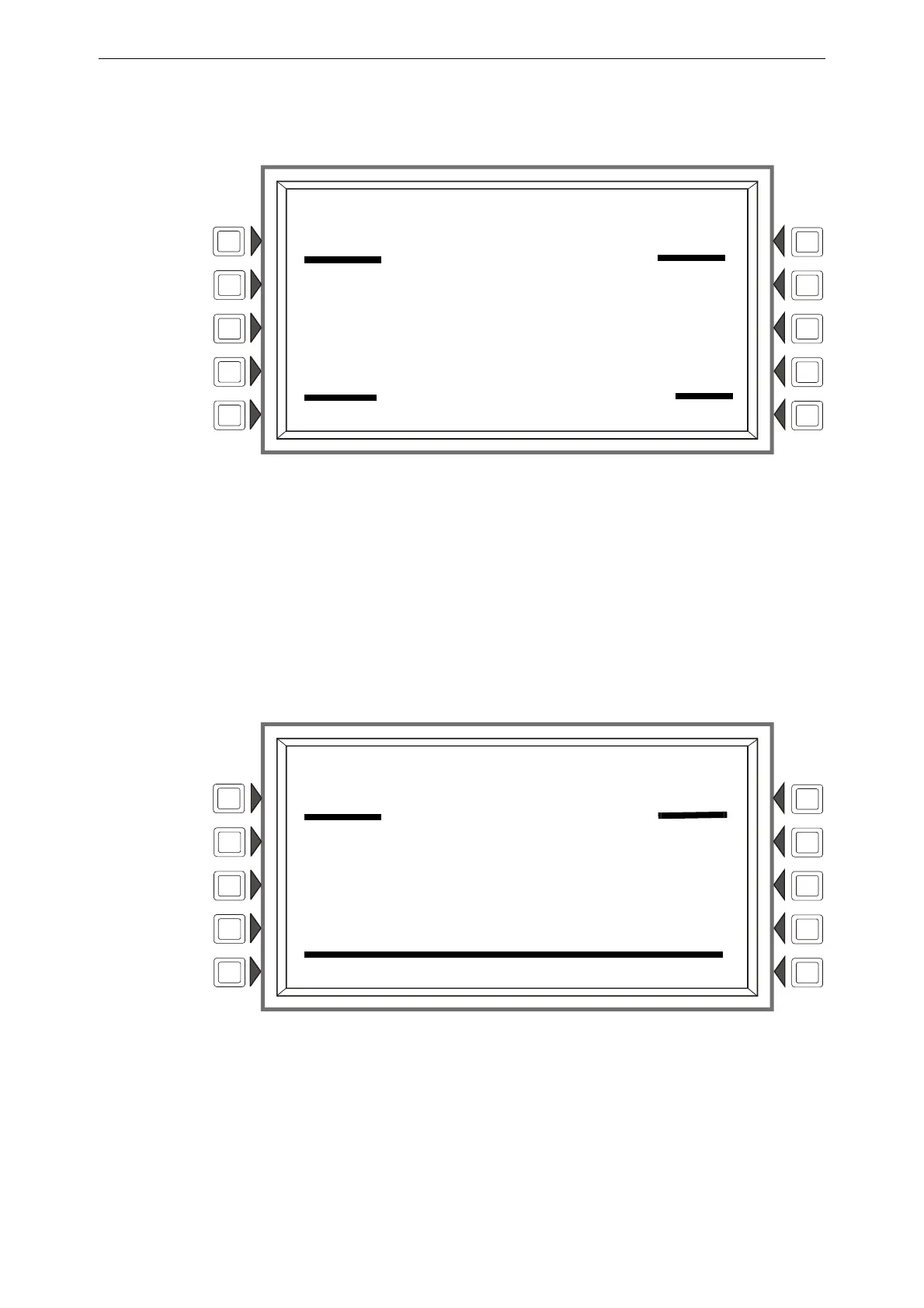
When a logic zone address is entered into the Point Select Screen and the ACCEPT soft key is
pressed, the following screen will display:
Figure 3.10 Logic Zone Screen - Read Status
Display
Lines 1 through 6 - Refer to the descriptions in Section 3.2, “Smoke Detector”, on page 41.
EQUATION: The logic equation for this logic zone is displayed here
Line 15 - Current time and date.
3.10 Special Function Zone
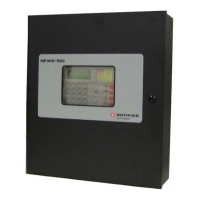
When a special function zone address is entered into the Point Select Screen and the ACCEPT soft
key is pressed, the following screen will display:
Figure 3.11 Special Function Zone Screen - Read Status
Display
Lines 1 through 6 - Refer to the descriptions in Section 3.2, “Smoke Detector”, on page 41.
Line 7 - The special zone number and function is displayed here.
LAKEVIEW GENERAL HOSPITAL
SYSTEM NORMAL
10:22:34A TUE JAN 25, 2011
READ ADDRESS: N124ZL0066
AUTOMATIC INACTIVE
LOGIC ZONE NUMBER 66 ZL0066
EQUATION:
AND(L1D1,L2D1)
10:22:34A TUE JAN 25, 2011
BACK
LAKEVIEW GENERAL HOSPITAL
SYSTEM NORMAL
10:22:34A TUE DEC 22, 2014
READ ADDRESS: N124ZF04
AUTOMATIC INACTIVE
SPECIAL ZONE NUMBER 04 ZF04
SUPERVISORY
BACK











 To Next Page