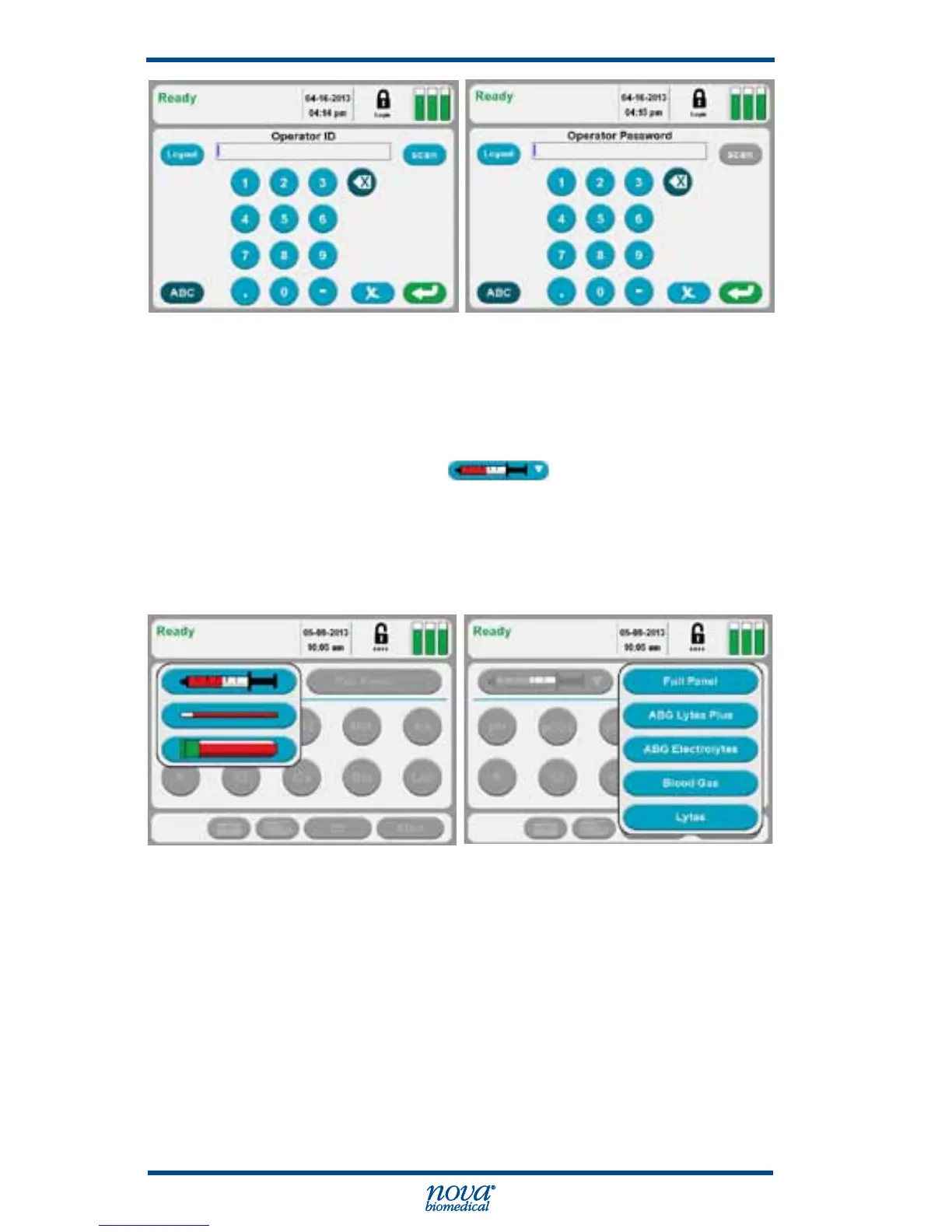
Figure 3.6 Operator ID Screen and Operator Password Screen
If login is not required or after logging into the analyzer:
1. Select the syringe icon from the container
drop-down list.
2. Select the desired Test Panel from the drop-down list
or select one or more analytes to create a Custom
Panel.
Figure 3.7 Ready Screen: Container and Panel Drop-down List
3. Prepare the sample for analysis (mix well) then
attach the syringe to the luer station.



 To Next Page