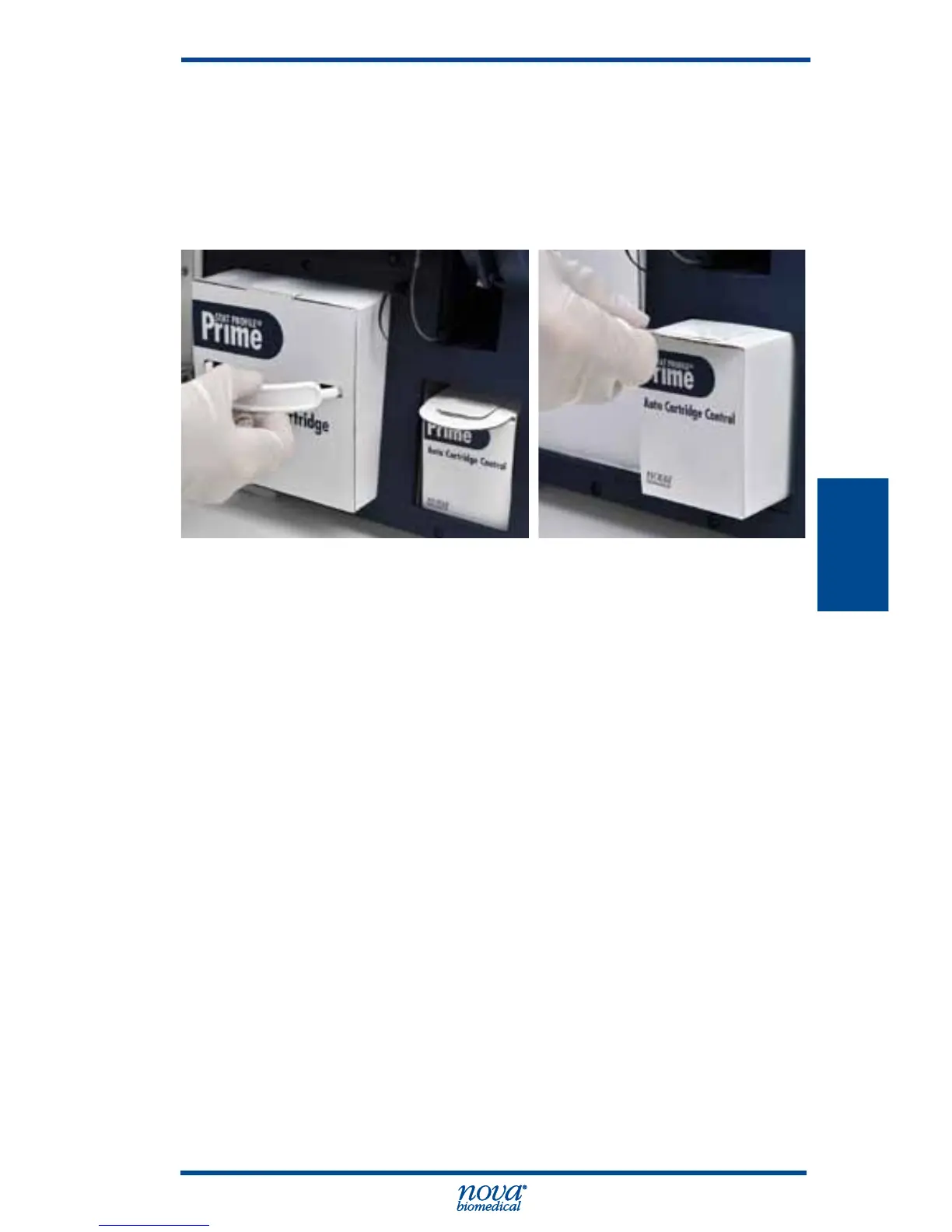
NOTE: The capillary adapter comes in the calibrator
cartridge box. It is very important for the proper
operation of the analyzer that the capillary adapter
be changed with every calibrator cartridge change.
Figure 4.3 Replacing Calibrator Cartridge and Control Cartridge
4.2.1 Change Calibrator Cartridge
1. Press the Tool Box icon.
2. From the System Menu, press the Change Calibrator
Cartridge and wait for pump to stop.
3. Open the door, remove old cartridge.
4. Slide new cartridge in past the front retaining lip.
5. Change the capillary adaptor: slide off used capillary
adapter and replace with new one that is provided
with Calibrator Cartridge.
6. Close door, press the Calibrate icon.



 To Next Page