6. Press Start to begin the analysis.
7. Wait for the Sample Probe to fully extend.
8. Prepare the sample for analysis (mix well) then
position the sample
over the probe
and press Aspirate
. The sample
probe will retract
automatically once
sufficient sample
has been aspirated
into the analyzer.
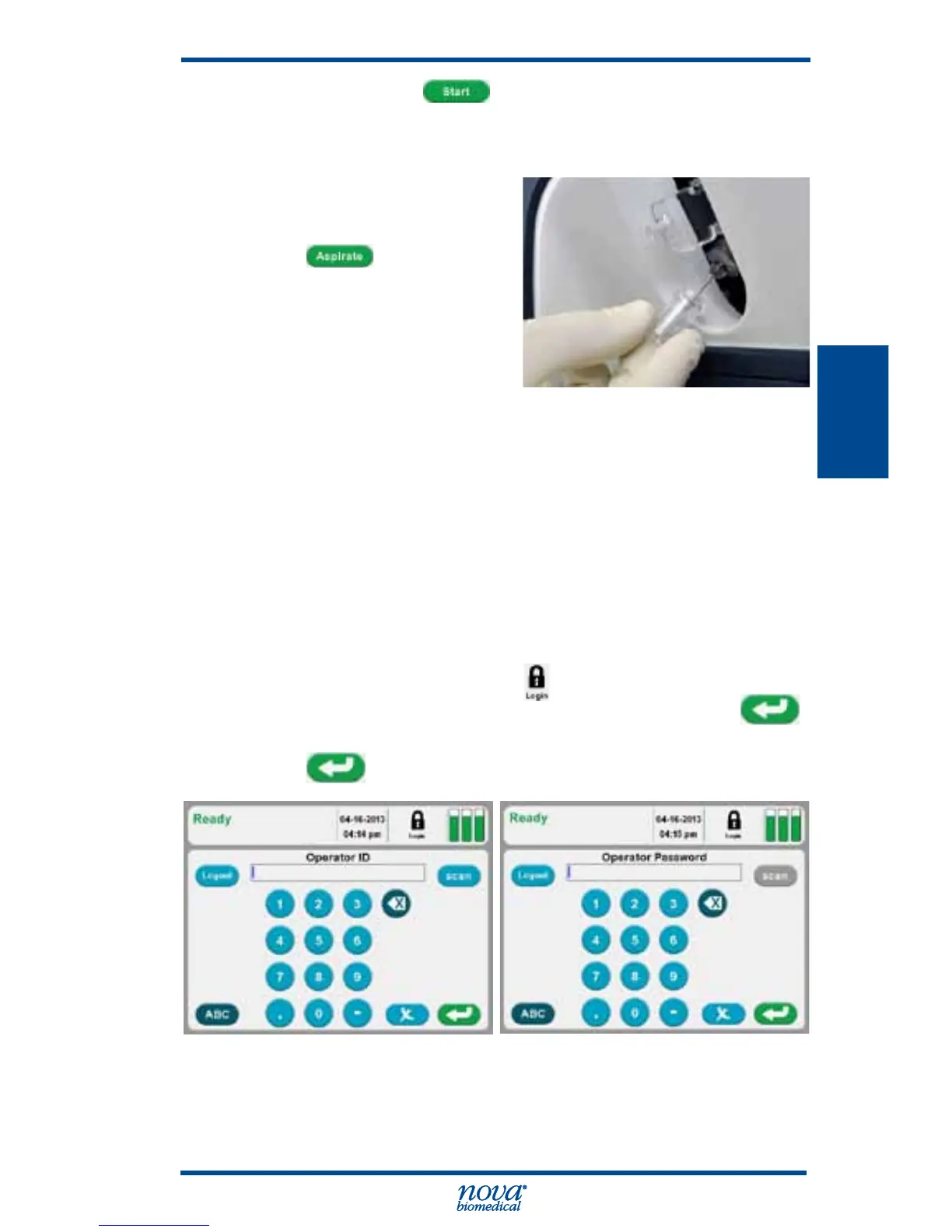
Figure 3.24 External Control to Probe
9. Once the analysis is complete press Save to keep
the QC results or press Delete to discard the QC
results.
3.2.3 Analyzing Proficiency Samples
From the Home screen, login if you are prompted to login.
1. Press the Login icon
to log into the analyzer.
2. Enter or scan your Operator ID then press .
3. If required, enter or scan your Password then press
.
Figure 3.25 Operator ID Screen and Operator Password Screen



 To Next Page