48
ML0044B December 1, 2017 Copyright 2017 Bitronics, LLC
Resets are found in setup menu
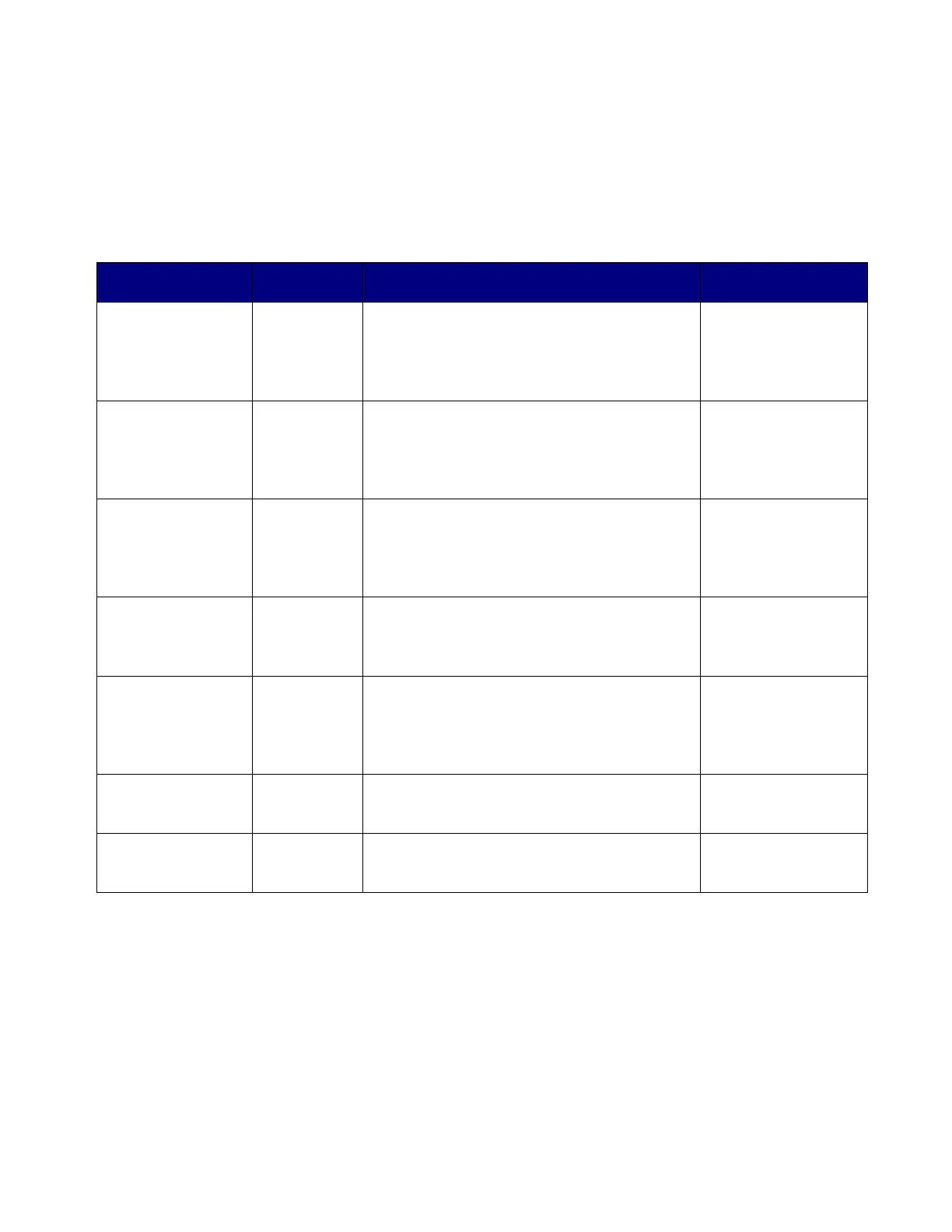
3.6.4 Display Error Messages
Error messages from self test are shown on the display (PPX II). The table below
summarizes the errors and the messages displayed:
SELF TEST RESULT SUMMARY FOR PPX II DEVICES
Fault Fault
Indication
Effects of Fault Corrective Action
Display Oveflow Display
flashes
9999
Measured quantity is too large to be
displayed. Communication option
output may still be accurate, if
overload does not exceed meter input
ratin
s
Correct fault
external to
instrument.
Input gain
calibration
checksum error
G CAL Calibration constants for the input gain
are in error. The display and the
communication option output are
reduced in accuracy to approximately
+/-3%.
Return to factory
for repair
Input phase
calibration
checksum error
P CAL Calibration constants for the phase are
in error. The display and the
communication option output are
reduced in accuracy to approximately
+/-3%.
Return to factory
for repair
nalog outputs
calibration
checksum error
CAL Calibration constants for the analog
outputs are in error. The analog
output option is reduced in accuracy to
a
roximatel
+/-3%.
Return to factory
for repair
Input Ove
-
Range
CLIP Peak input quantity exceeds the range
of the instrument. Both display and
communication option output accuracy
reduced by an amount depending
u
on the de
ree of ove
-ran
e.
Verify input
signals are within
range. If within
range, return to
factor
for re
air.
Protocol
Configuration
Erro
P CFG Instrument protocol configuration may
be corrupted and inaccurate. This
ma
cause communication errors.
Reset
configuration.
Firmware
Download in
Pro
ress
FLASH Will be displayed during download and
will disappear shortly after user
reboots mete
Reboot meter
when prompted.


 To Next Page