15
Powering On the Unit
Once you have installed the Wireless Home Phone battery and power cord, press the power button
on the back of the unit to turn the system on.
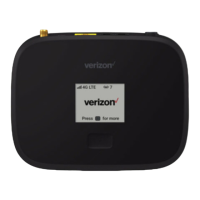
While the unit boots up, the Menu button indicator light blinks red. You’ll see “Hello” on the display
screen, followed by the Verizon logo and then the Home screen.
Check the signal strength indicator ( ) to make sure at least two bars are lit. If not, move the
Wireless Home Phone to an alternative location that provides a stronger signal.
To power o the unit, simply press the power button again. If the battery is not fully charged, it will
continue to charge even while the unit is turned o.


 To Next Page