20
Making Calls
Before making a call, make sure at least two of the voice signal strength indicators are lit.
➊ Place a call by entering the desired phone number. In most areas, you will need to include
the three-digit area code, even when dialing a local number.
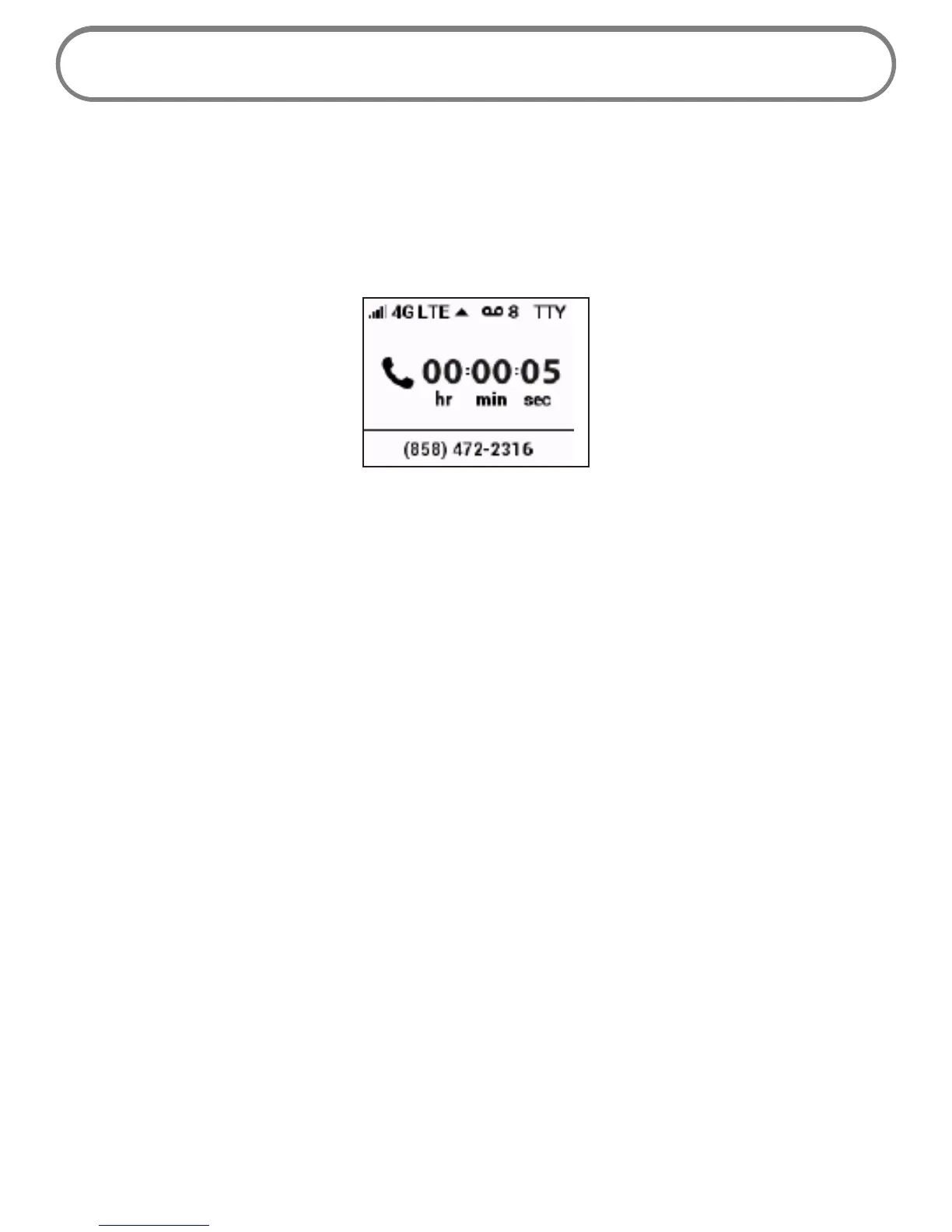
As soon as your call is connected, the Wireless Home Phone display screen shows a counter
that shows the length of your call.
➋ When your call is complete, hang up to ensure that you can receive calls.
Restrictions
The following types of calls cannot be made with your Wireless Home Phone:
• Collect or operator-assisted calls
• Phone numbers beginning with 500, 700, 900, 976
• Dial-around calls (e.g., 1010-XXXX)
• DSL or dial-up Internet service
• Calls to mobile merchant machines (credit card machines)
• Calls to any type of PBX or Centrex system
• Calls to Medical or Life Alert systems


 To Next Page