22
Call Waiting
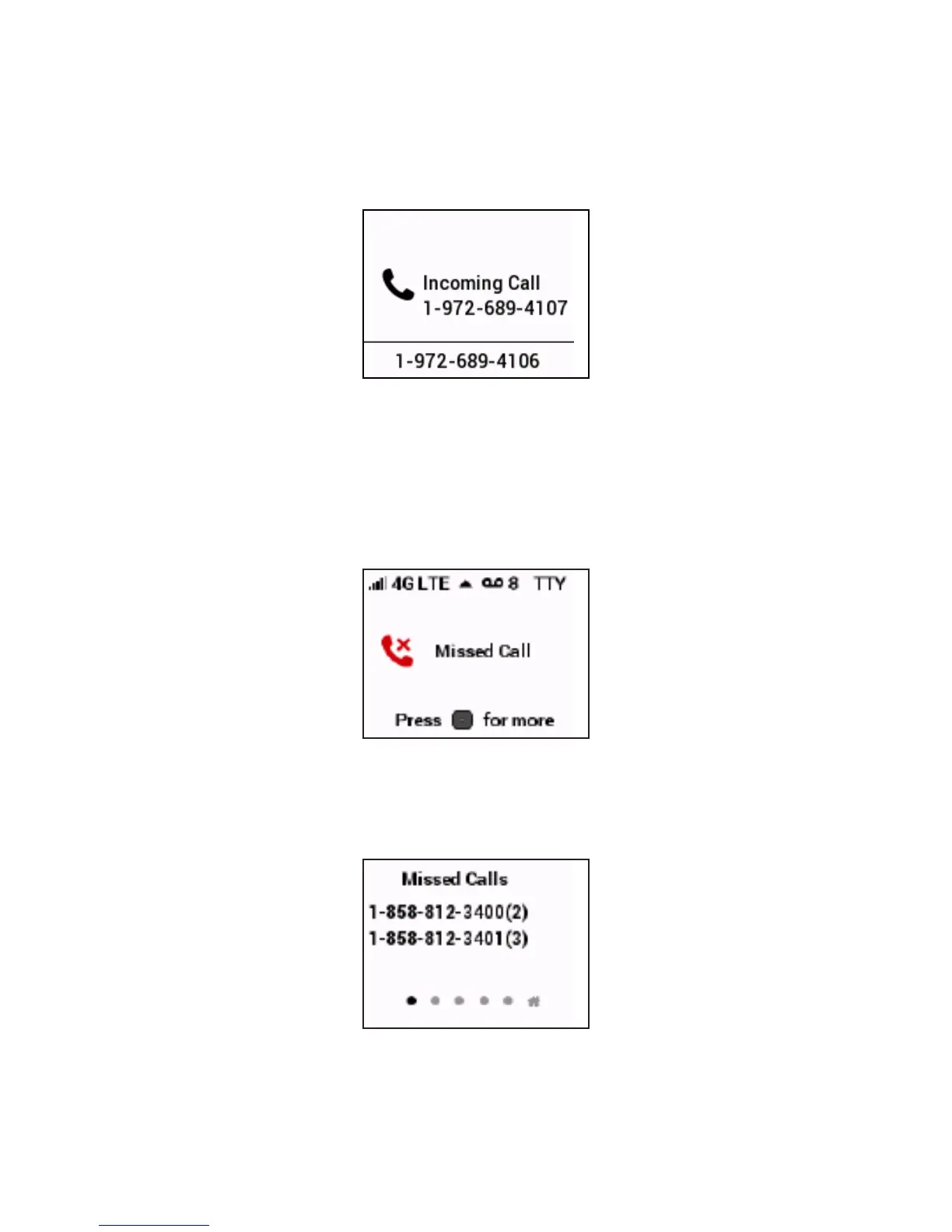
If a call comes in while you are on the phone, you’ll hear a click and the incoming phone number
appears on the Wireless Home Phone screen. Depress the Flash button on the phone to put the
rst call on hold and answer the second call. When you hang up or press Flash again, you are
reconnected with the rst call.
Missed Calls
If you do not pick up an incoming call, the Menu button indicator light blinks blue and the display
screen indicates a missed call.
Press the Menu button to view a list of missed calls. The last three missed calls are shown. If more
than one call was received from a number listed, the number of calls received from it appears in
parentheses. If caller ID is not available for a missed call, it appears as Private Number.
To clear the Missed Calls list, press the Menu button.


 To Next Page