23
Using Voice Mail
Verizon includes integrated voice mail with its phone service. If you want to use it, you must rst set
it up for your account.
Setting up Voice Mail
To set up and manage your voice mail, dial *86 and follow the system prompts. For more details
about your voice mail service, visit www.verizonwireless.com/voicemail.
Using Voice Mail
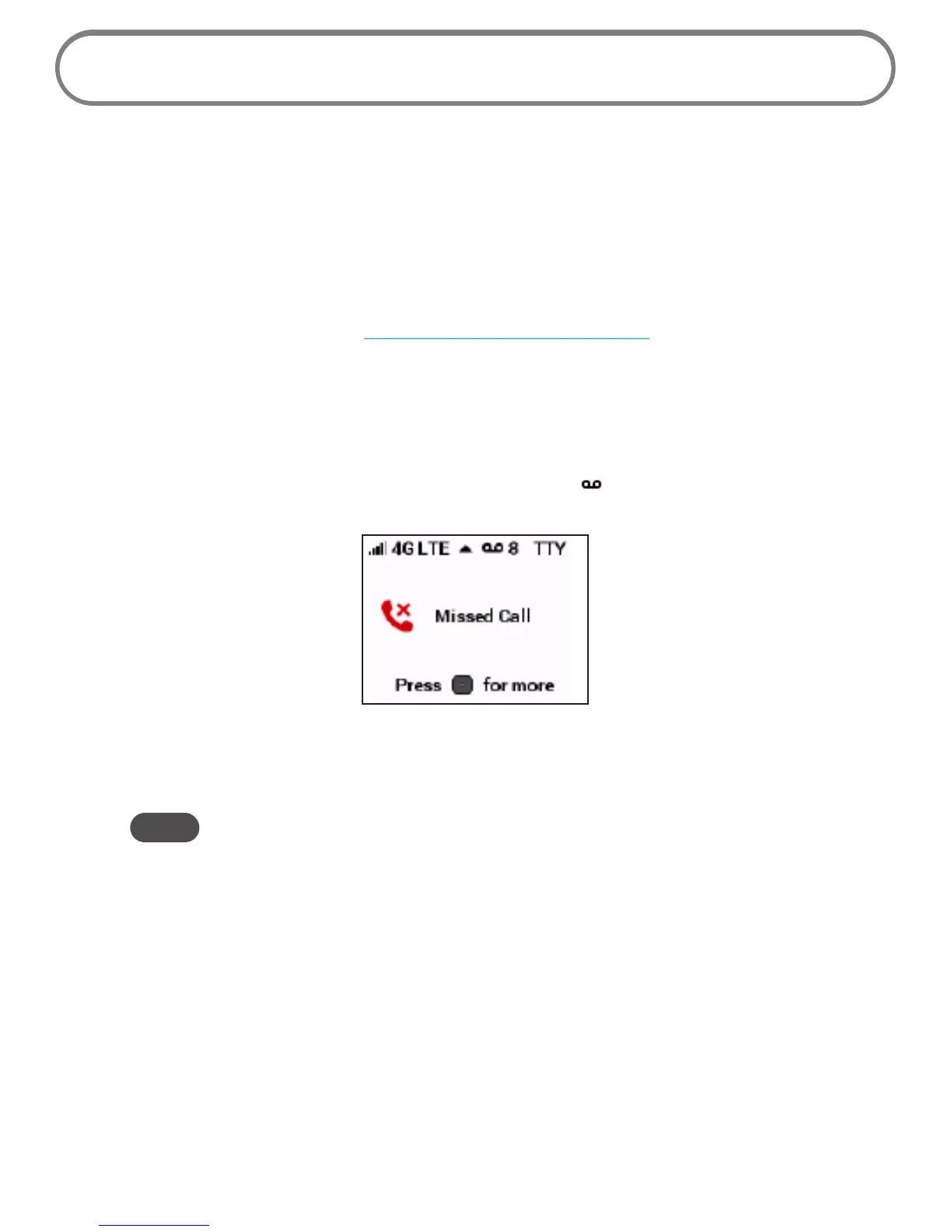
➊ When the voice mail system includes messages you have not listened to, the Menu button
indicator light blinks blue and the voice mail indicator ( ) appears on status bar of the
Wireless Home Phone screen, along with the number of new messages.
➋ Dial *86 to access your voice mail.
➌ Follow the system prompts to listen to and manage your voice mails.
NOTE Refer to the Troubleshooting section for additional instruction on accessing voice mail or using a
home phone answering machine as your preferred method to manage your voice messages.


 To Next Page