24
Call Forwarding
With Call Forwarding, you can automatically transfer all calls coming into your
Wireless Home Phone
to another phone number, including your mobile phone or office number. Your home phone will
not ring until you turn off the service.
To Turn on Call Forwarding
➊ Dial *72.
➋ Immediately enter the phone number to which you want calls forwarded (for example, *72-
555-123-4567).
➌ You will hear a conrmation tone.
➍ Hang up your home phone or return the phone receiver to its base.
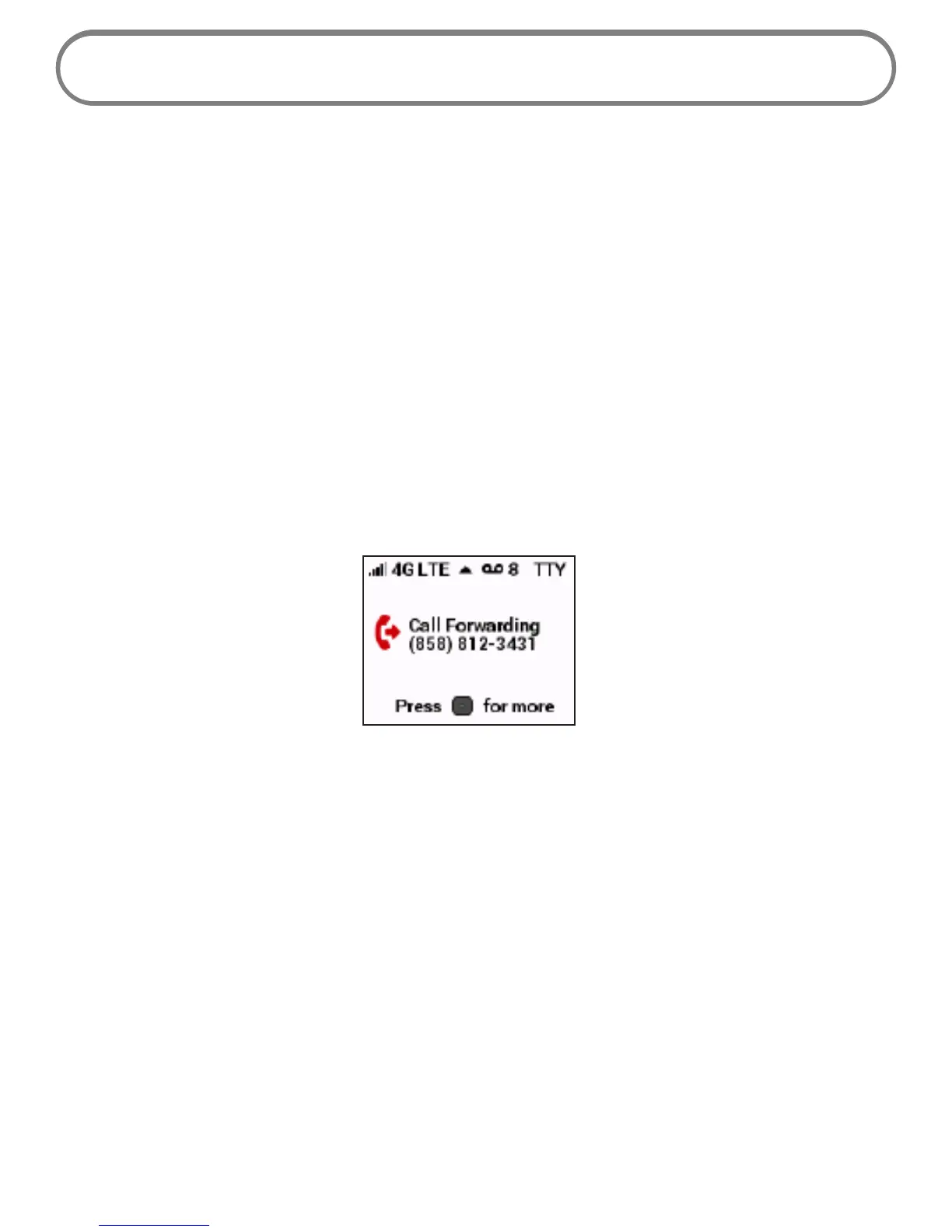
While Call Forwarding is in place, the Menu button indicator light blinks blue, and the display screen
indicates that forwarding is in eect.
To Turn o Call Forwarding
➊ Dial *73.
➋ You will hear a conrmation tone.
➌ Hang up your home phone or return the phone receiver to its base.


 To Next Page