English
43
2. Main function
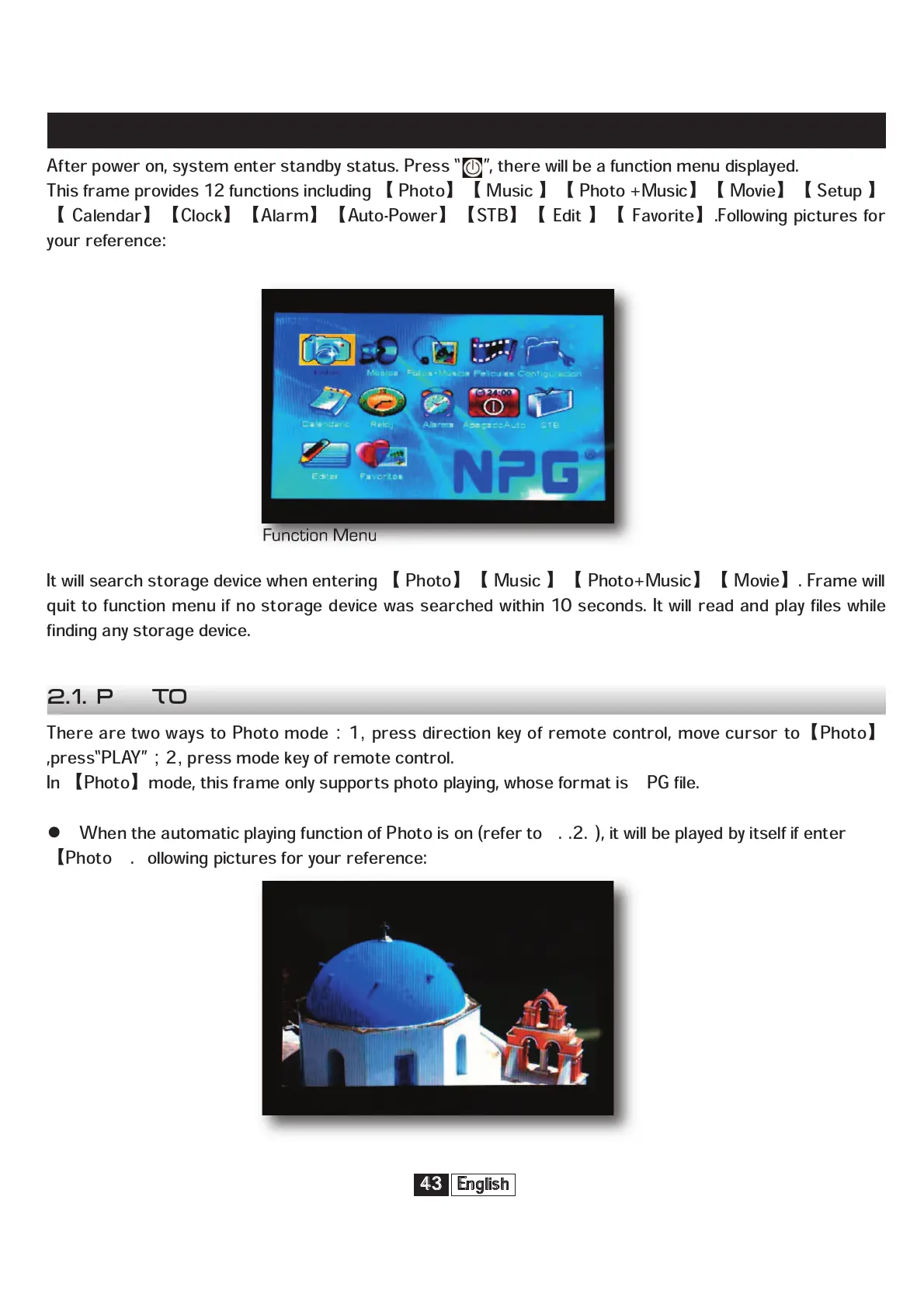
After power on, system enter standby status. Press “ ”, there will be a function menu displayed.
This frame provides 12 functions including
Photo
Music
Photo +Music
Movie
Setup
Calendar
Clock
Alarm
Auto-Power
STB
Edit
Favorite
.Following pictures for
your reference:
It will search storage device when entering
Photo
Music
Photo+Music
Movie
. Frame will
quit to function menu if no storage device was searched within 10 seconds. It will read and play files while
finding any storage device.
There are two ways to Photo mode
1
press direction key of remote control, move cursor to
Photo
,press“PLAY”
2
press mode key of remote control.
In
Photo
mode, this frame only supports photo playing, whose format is JPG file.
When the automatic playing function of Photo is on (refer to 3.1.2.1), it will be played by itself if enter
Photo
. Following pictures for your reference:
Function Menu
2.1. Photo


 To Next Page