E
nglish
58
3. Set parameter
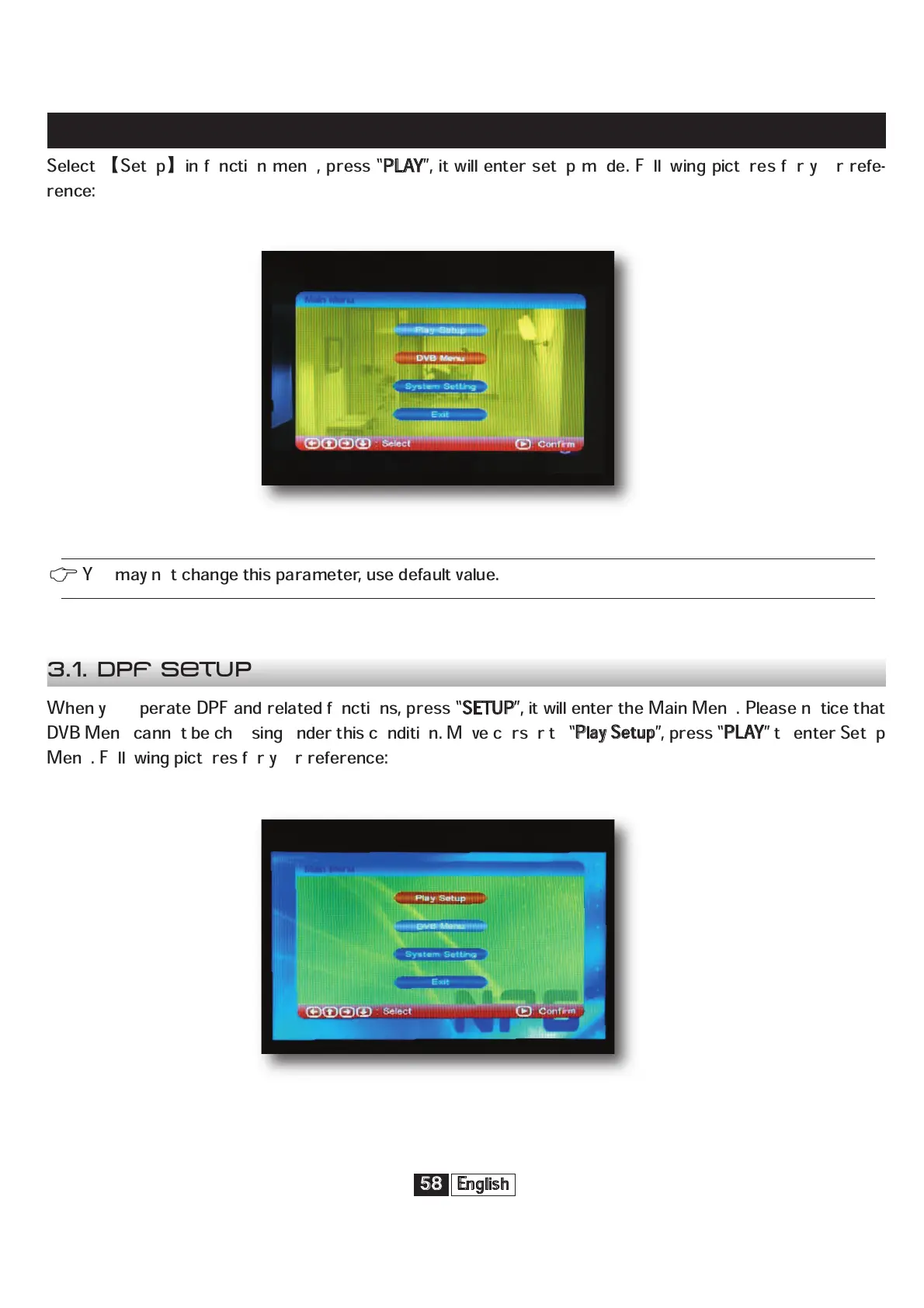
Select
Setup
in function menu, press “
P
LAY
”, it will enter setup mode. Following pictures for your refe-
rence:
When you operate DPF and related functions, press “
S
ETUP
”, it will enter the Main Menu. Please notice that
DVB Menu cannot be choosing under this condition. Move cursor to “
P
lay Setup
”, press “
P
LAY
” to enter Setup
Menu. Following pictures for your reference:
You may not change this parameter, use default value.
3.1. DPF Setup


 To Next Page