2.10.2.1.
C
hannel switch
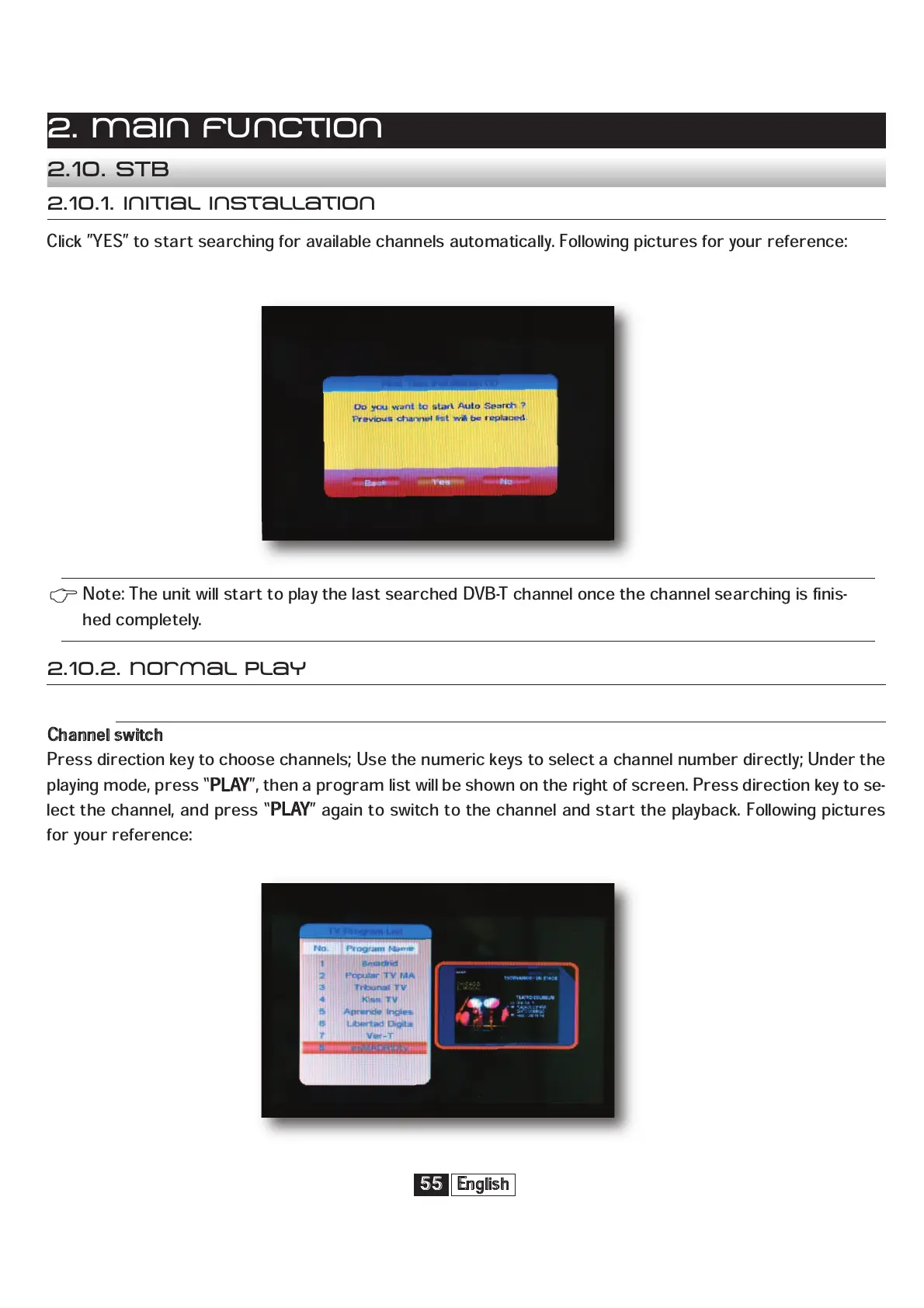
Press direction key to choose channels; Use the numeric keys to select a channel number directly; Under the
playing mode, press “
P
LAY
”, then a program list will be shown on the right of screen. Press direction key to se-
lect the channel, and press “
P
LAY
” again to switch to the channel and start the playback. Following pictures
for your reference:
2.10.2. Normal play
Click ”YES” to start searching for available channels automatically. Following pictures for your reference:
English
55
2. Main function
2.10. STB
2.10.1. Initial installation
Note: The unit will start to play the last searched DVB-T channel once the channel searching is finis-
hed completely.


 To Next Page