English
65
3. Set parameter
3.2. DVB Setup
3.2.4. System Setting
3.2.4.1
C
ountry
It provides to setup the country to receive signals.
3.2.4.2
L
anguage
Enter into the mode, there are 3 choices, they are 1st audio, 2nd audio and Subtitle
1st/2nd audio—It provides you can select 1st or 2nd audio language when the channel gives the choice of lan-
guage, otherwise, only the default language can be heard.
Subtitle—It provides you to select the subtitle language. It is workable only the channel gives the choice of lan-
guage, otherwise, the subtitle language is shown the default language.
3.2.4.2
G
MT Usage
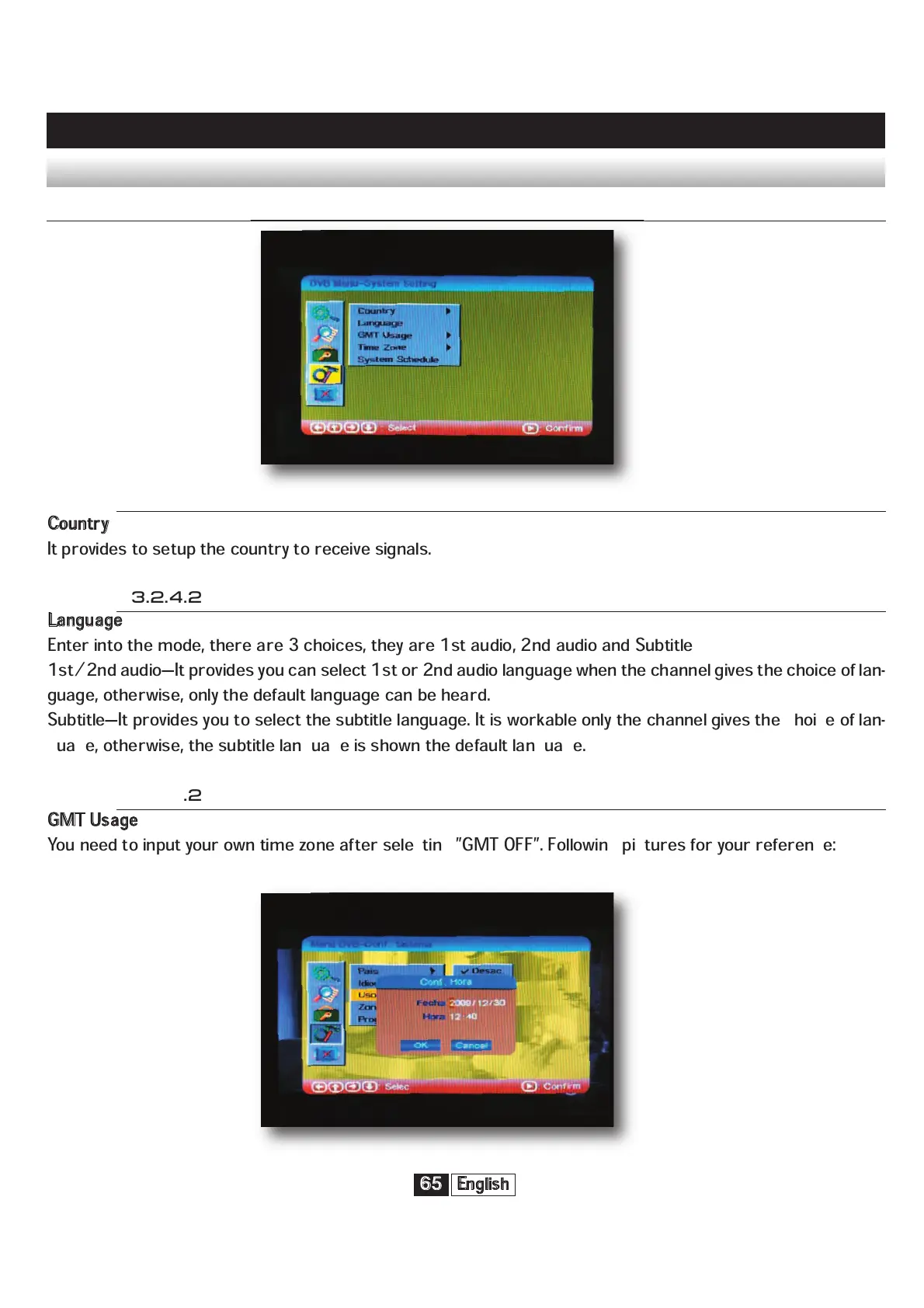
You need to input your own time zone after selecting ”GMT OFF”. Following pictures for your reference:



 To Next Page