E
nglish
62
3. Set parameter
3.2. DVB Setup
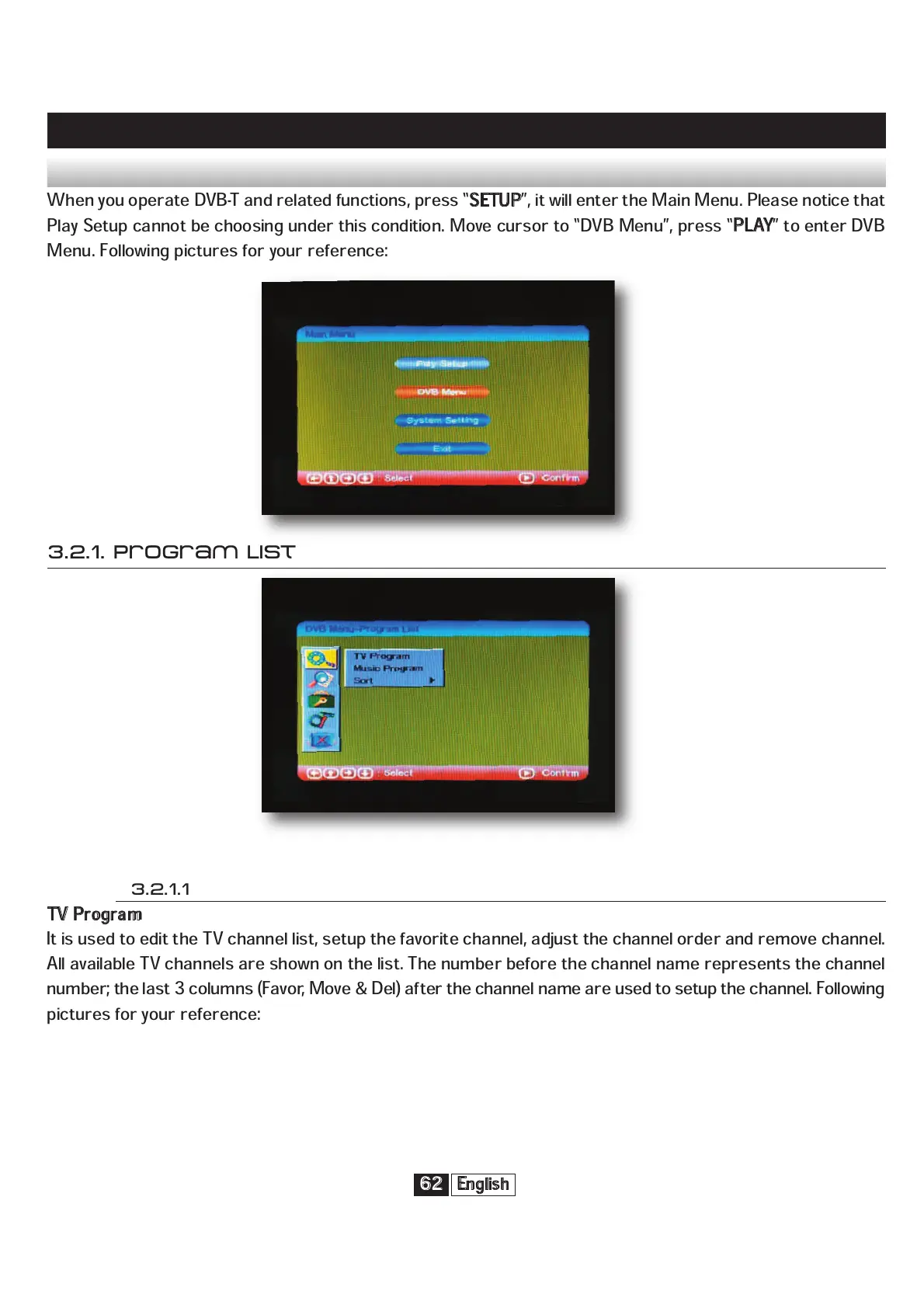
When you operate DVB-T and related functions, press “
S
ETUP
”, it will enter the Main Menu. Please notice that
Play Setup cannot be choosing under this condition. Move cursor to “DVB Menu”, press “
P
LAY
” to enter DVB
Menu. Following pictures for your reference:
3.2.1. Program List
3.2.1.1
T
V Program
It is used to edit the TV channel list, setup the favorite channel, adjust the channel order and remove channel.
All available TV channels are shown on the list. The number before the channel name represents the channel
number; the last 3 columns (Favor, Move & Del) after the channel name are used to setup the channel. Following
pictures for your reference:


 To Next Page