2.8.2. Delete
English
53
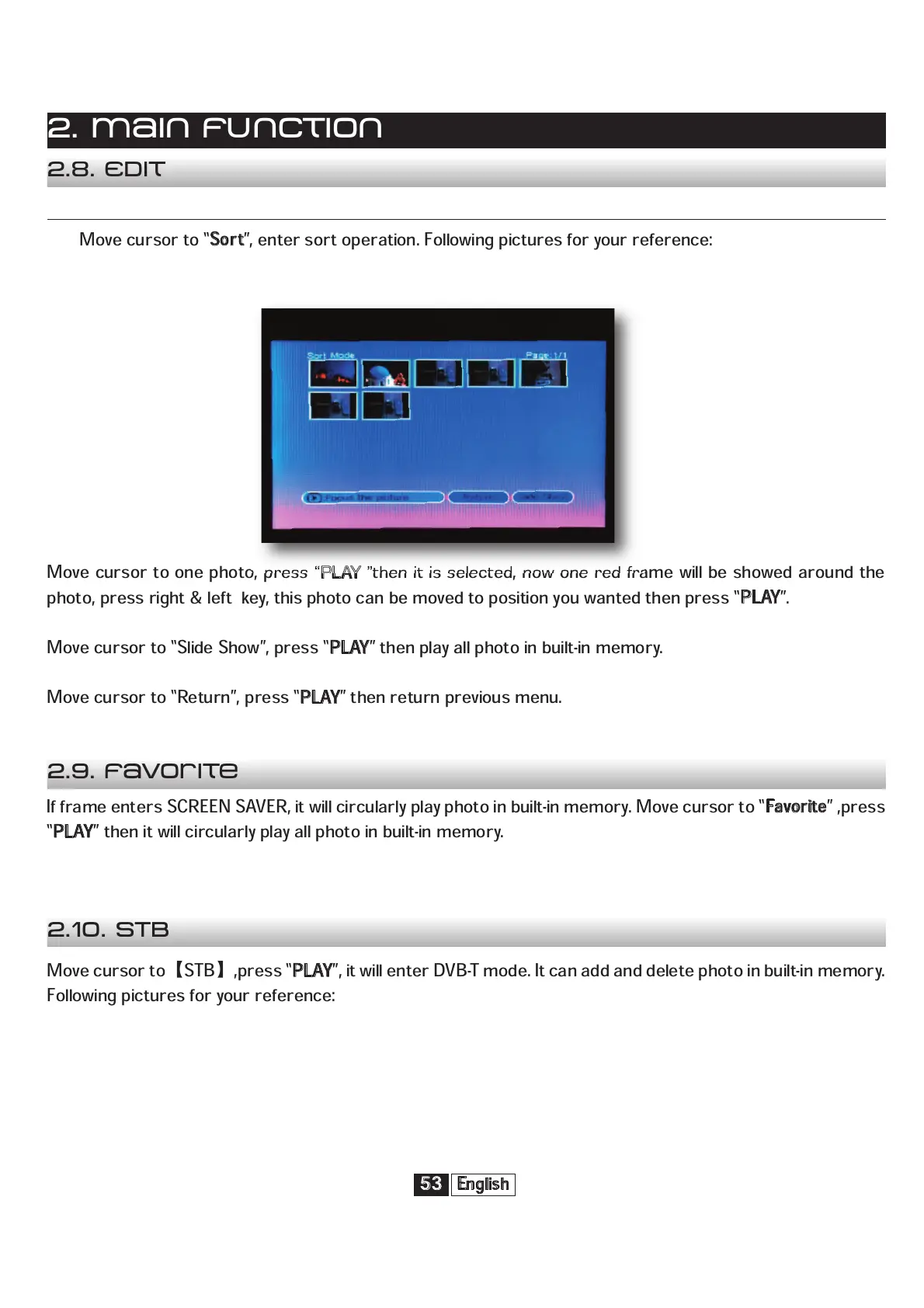
Move cursor to “
S
ort
”, enter sort operation. Following pictures for your reference:
Move cursor to one photo, press “
P
LAY
”then it is selected, now one red frame will be showed around the
photo, press right & left key, this photo can be moved to position you wanted then press “
P
LAY
”.
Move cursor to “Slide Show”, press “
P
LAY
” then play all photo in built-in memory.
Move cursor to “Return”, press “
PLAY
” then return previous menu.
If frame enters SCREEN SAVER, it will circularly play photo in built-in memory. Move cursor to “
F
avorite
” ,press
“
P
LAY
” then it will circularly play all photo in built-in memory.
Move cursor to
STB
,press “
P
LAY
”, it will enter DVB-T mode. It can add and delete photo in built-in memory.
Following pictures for your reference:
2. Main function
2.8. Edit
2.9. Favorite
2.10. STB


 To Next Page