E
nglish
60
3.1.2. Auto-Play
3. Set parameter
3.1. DPF Setup
3.1.2.1
P
hoto
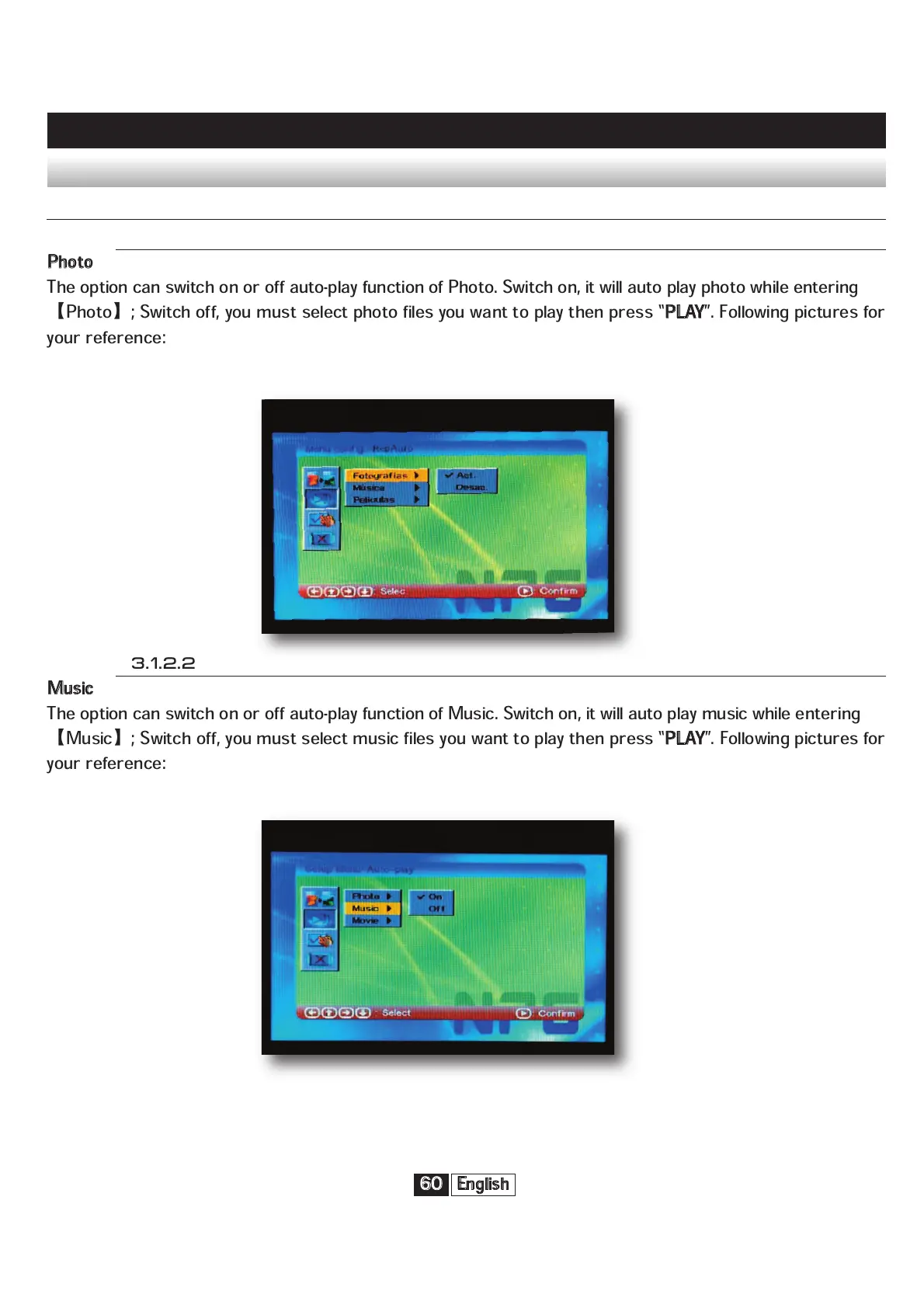
The option can switch on or off auto-play function of Photo. Switch on, it will auto play photo while entering
Photo
; Switch off, you must select photo files you want to play then press “
P
LAY
”. Following pictures for
your reference:
3.1.2.2
M
usic
The option can switch on or off auto-play function of Music. Switch on, it will auto play music while entering
Music
; Switch off, you must select music files you want to play then press “
P
LAY
”. Following pictures for
your reference:


 To Next Page