2.8.2. Delete
E
nglish
52
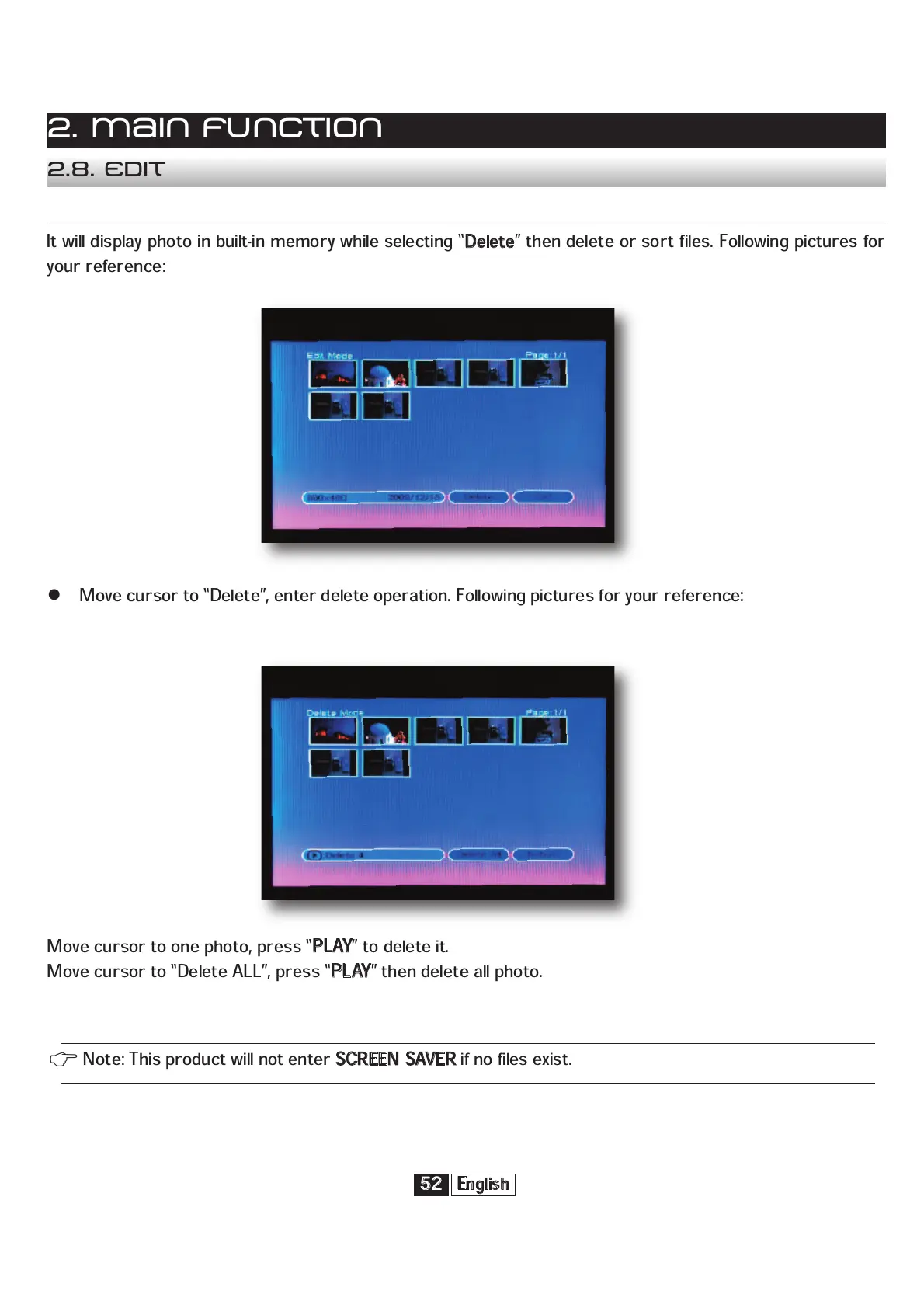
It will display photo in built-in memory while selecting “
D
elete
” then delete or sort files. Following pictures for
your reference:
Move cursor to “Delete”, enter delete operation. Following pictures for your reference:
Move cursor to one photo, press “
P
LAY
” to delete it.
Move cursor to “Delete ALL”, press “
P
LAY
” then delete all photo.
2. Main function
2.8. Edit
Note: This product will not enter
S
CREEN SAVER
if no files exist.


 To Next Page