E
nglish
64
3. Set parameter
3.2. DVB Setup
3.2.3. Parental control
3.2.3.1
C
hannel Lock
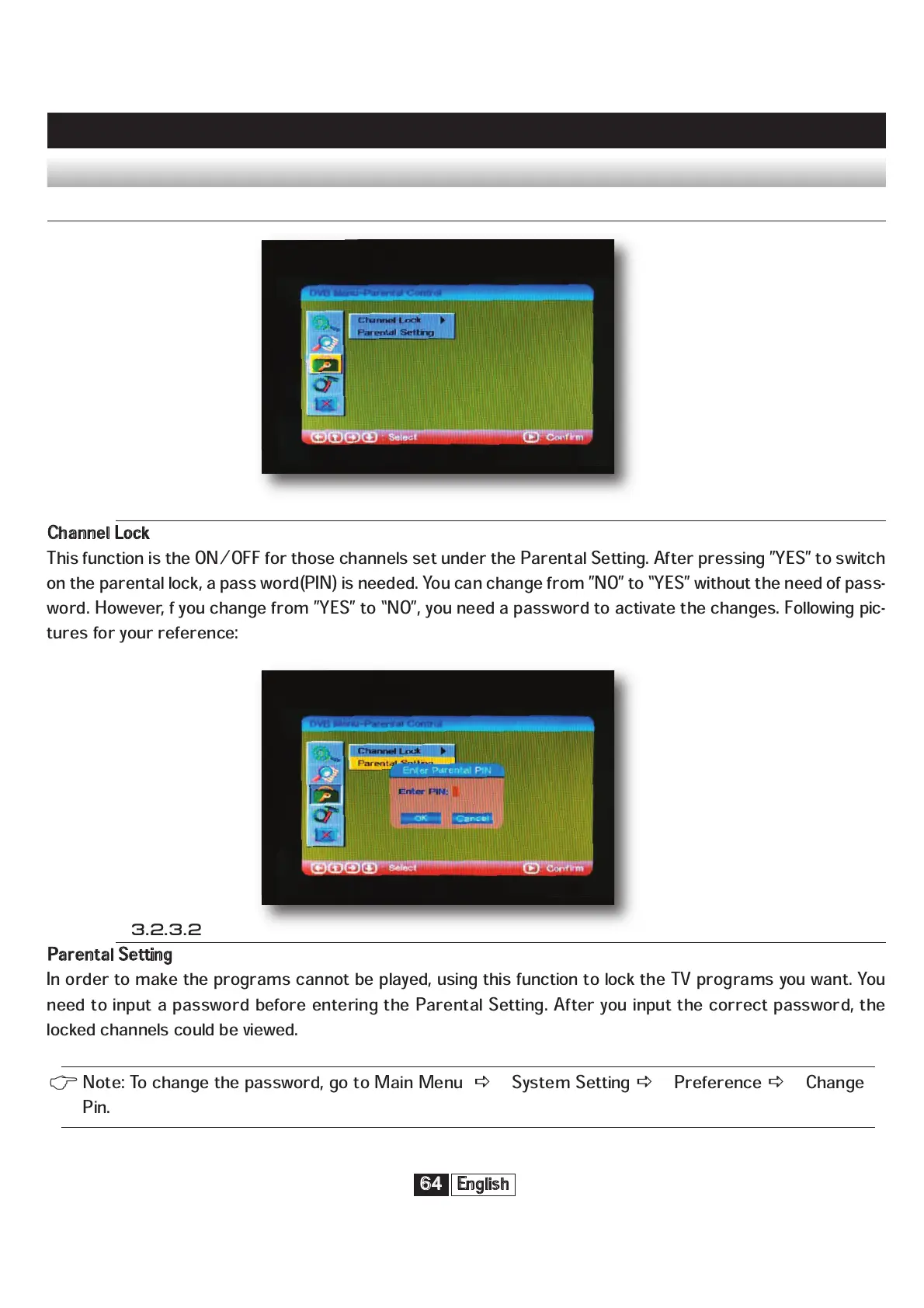
This function is the ON/OFF for those channels set under the Parental Setting. After pressing ”YES” to switch
on the parental lock, a pass word(PIN) is needed. You can change from ”NO” to “YES” without the need of pass-
word. However, f you change from ”YES” to “NO”, you need a password to activate the changes. Following pic-
tures for your reference:
3.2.3.2
P
arental Setting
In order to make the programs cannot be played, using this function to lock the TV programs you want. You
need to input a password before entering the Parental Setting. After you input the correct password, the
locked channels could be viewed.
Note: To change the password, go to Main Menu
System Setting
Preference
Change
Pin.



 To Next Page