English
45
2. Main function
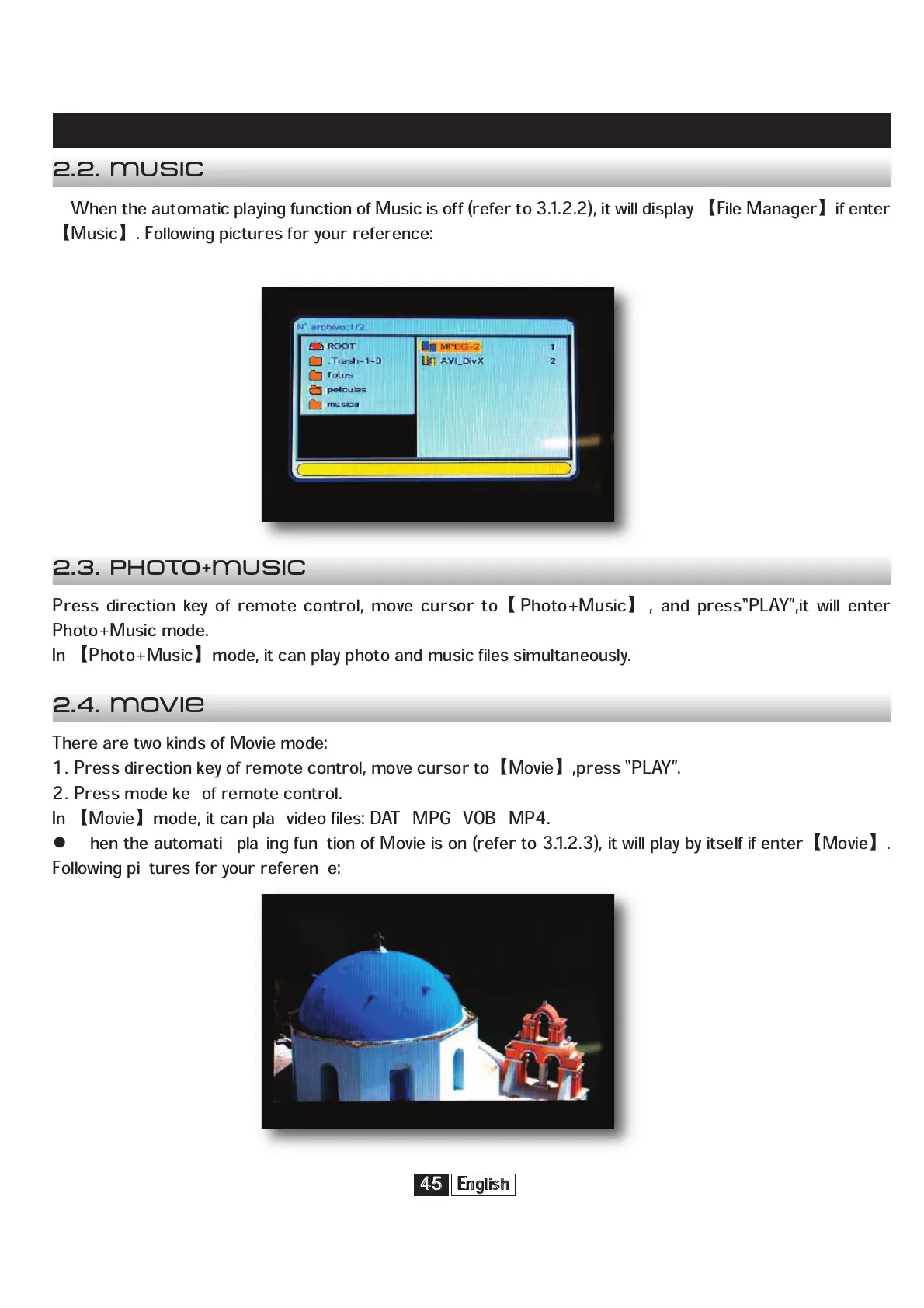
When the automatic playing function of Music is off (refer to 3.1.2.2), it will display
File Manager
if enter
Music
. Following pictures for your reference:
Press direction key of remote control, move cursor to
Photo+Music
, and press“PLAY”,it will enter
Photo+Music mode.
In
Photo+Music
mode, it can play photo and music files simultaneously.
There are two kinds of Movie mode:
1
Press direction key of remote control, move cursor to
Movie
,press “PLAY”.
2
Press mode key of remote control.
In
Movie
mode, it can play video files: DAT/MPG/VOB/MP4.
When the automatic playing function of Movie is on (refer to 3.1.2.3), it will play by itself if enter
Movie
.
Following pictures for your reference:
2.2. Music
2.3. Photo+Music
2.4. Movie


 To Next Page