2.10.2.1.
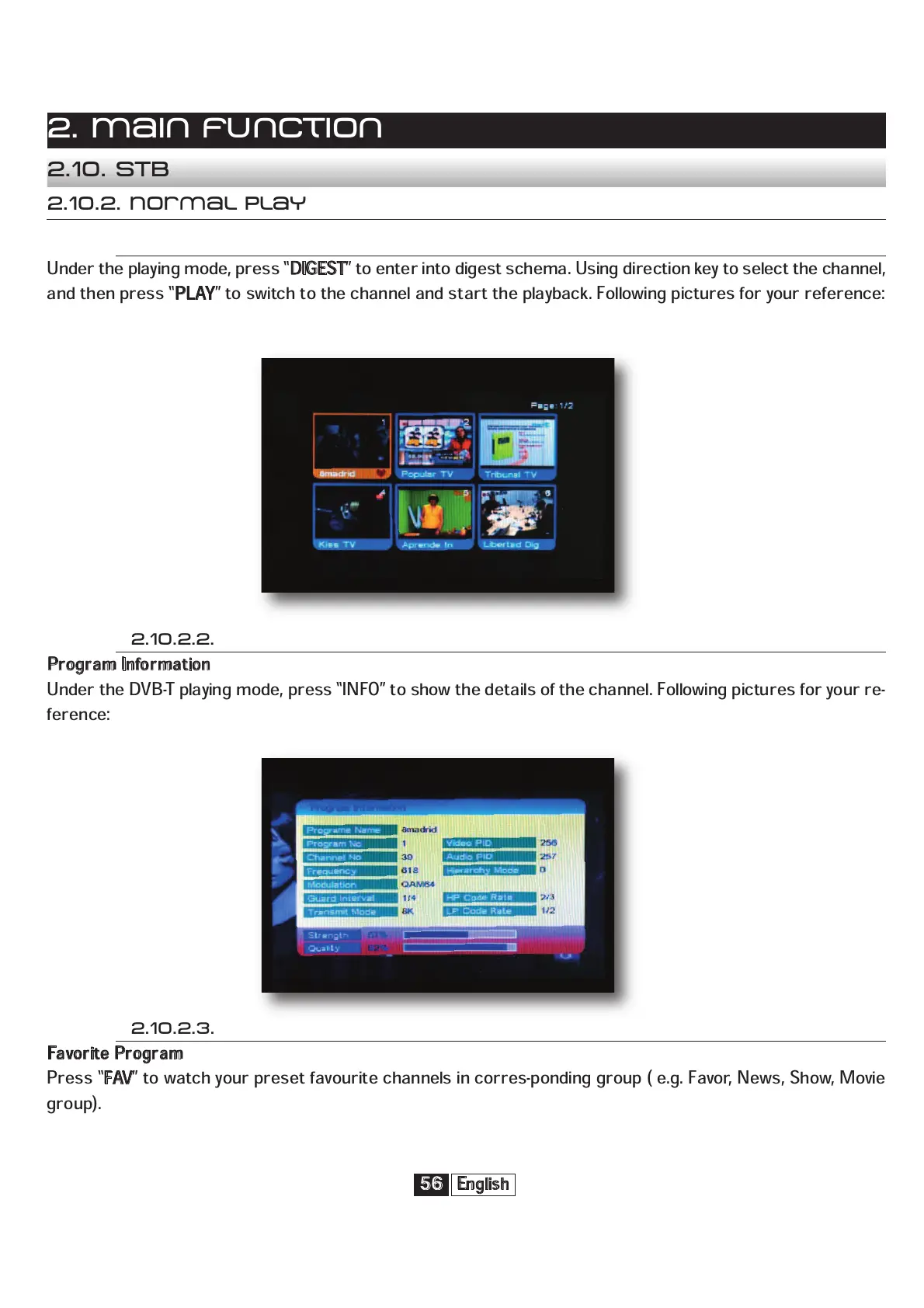
Under the playing mode, press “
D
IGEST
” to enter into digest schema. Using direction key to select the channel,
and then press “
P
LAY
” to switch to the channel and start the playback. Following pictures for your reference:
English
56
2. Main function
2.10. STB
2.10.2. Normal play
2.10.2.2.
P
rogram Information
Under the DVB-T playing mode, press “INFO” to show the details of the channel. Following pictures for your re-
ference:
2.10.2.3.
F
avorite Program
Press “
F
AV
” to watch your preset favourite channels in corres-ponding group ( e.g. Favor, News, Show, Movie
group).



 To Next Page