2.10.2. Normal play
2.10.2.4.
A
udio Mode
Press “
A
UDIO
” to switch audio mode. There are LL, RR and LR audio modes, you could set up Audio mode.
2.10.2.5.
C
hoosing Subtitle
Press “
S
UBTITLE
” to select or close subtitles on the screen. If the program doesn’t have the subtitle for choice,
there will be only choice of “
O
FF
”.
2.10.2.7.
F
unction switch
Press “
F
UNCTION
” to quit to function menu.
2.10.2.6.
E
PG
Press “
E
PG
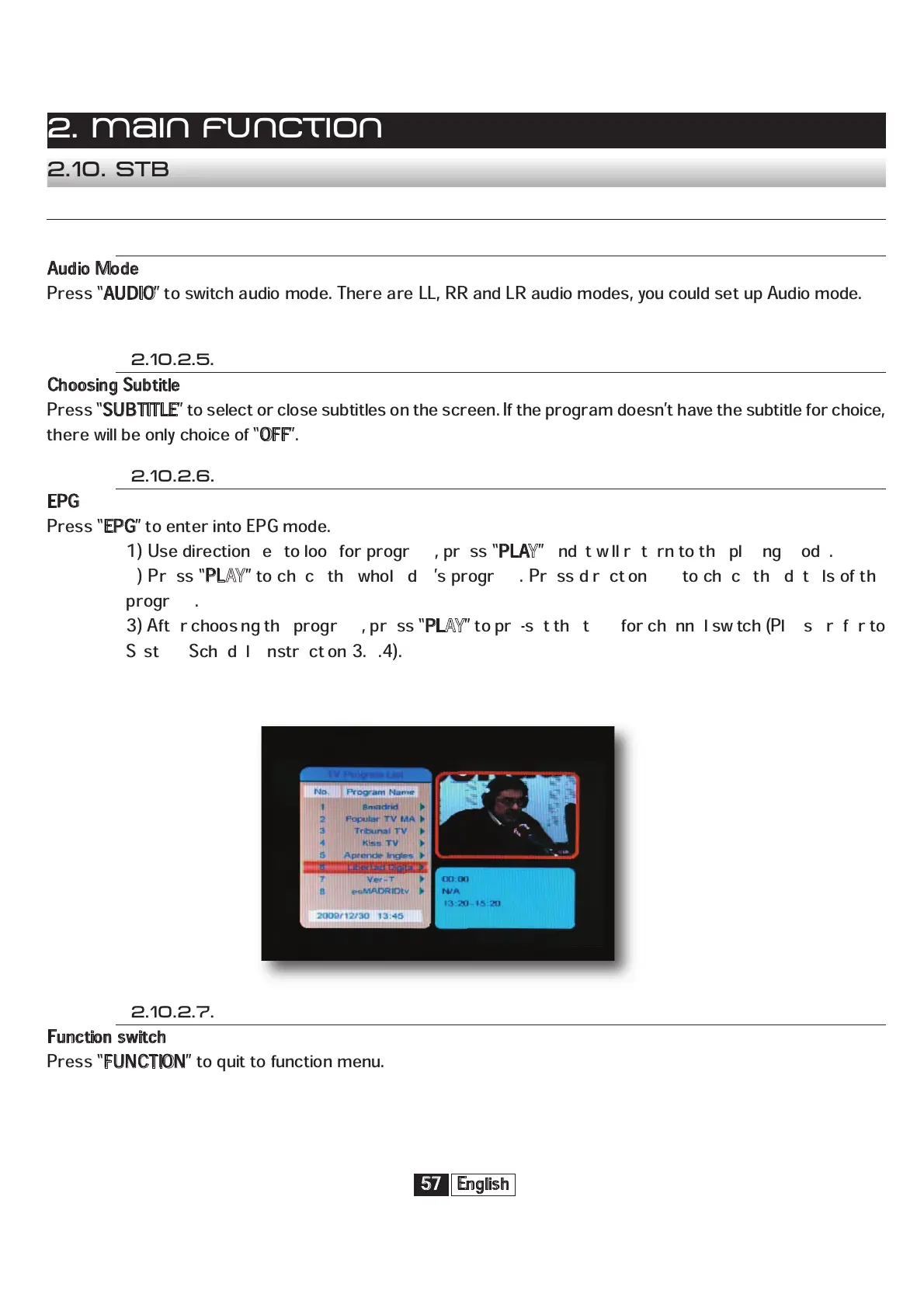
” to enter into EPG mode.
1) Use direction key to look for program, press “
P
LAY
” and it will return to the playing mode.
2) Press “
P
LAY
” to check the whole day’s program. Press direction key to check the details of the
program.
3) After choosing the program, press “
P
LAY
” to pre-set the time for channel switch (Please refer to
System Schedule instruction 3.2.4).
English
57
2. Main function
2.10. STB


 To Next Page