18
ba s i c s e T T i n g s
National Rejectors, Inc. GmbH, Buxtehude
SRG – Internal HENRI functions
Basic settings6
This chapter describes how to adjust basic settings, which HENRI saves
as presettings for all further applications:
Menu language•
System time•
Display contrast•
Baud rate•
Setting menu language
HENRI supports the following languages:
English•
French•
German•
Italian•
Dutch (option)•
Spanish (option)•
Default language is English when HENRI is delivered. If another language
is to be set:
Press
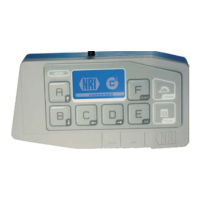
1 HENRI key.
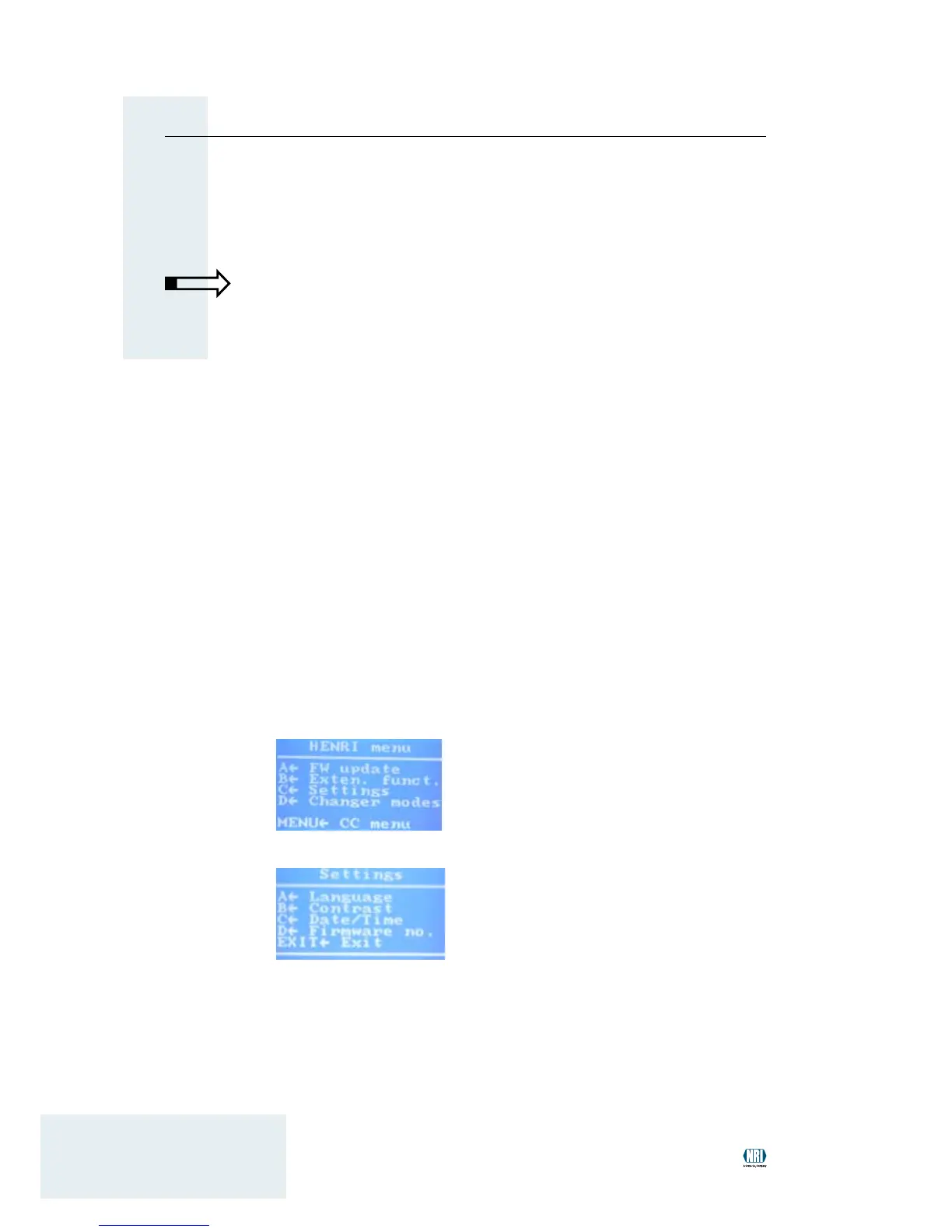
You enter the main menu:
Press 2 C key to open the se T T i n g s menu:
Press 3 A key to open submenu la n g u a g e .
Press
4 A or B key to select the language.
Use
5 EXIT key to return to the main menu.


 To Next Page