en-938821/2 8 - 51
8
Operator-Accessible Maintenance
Actions
Select "OPTIONS LOCKING". ☞
!
1
@
2
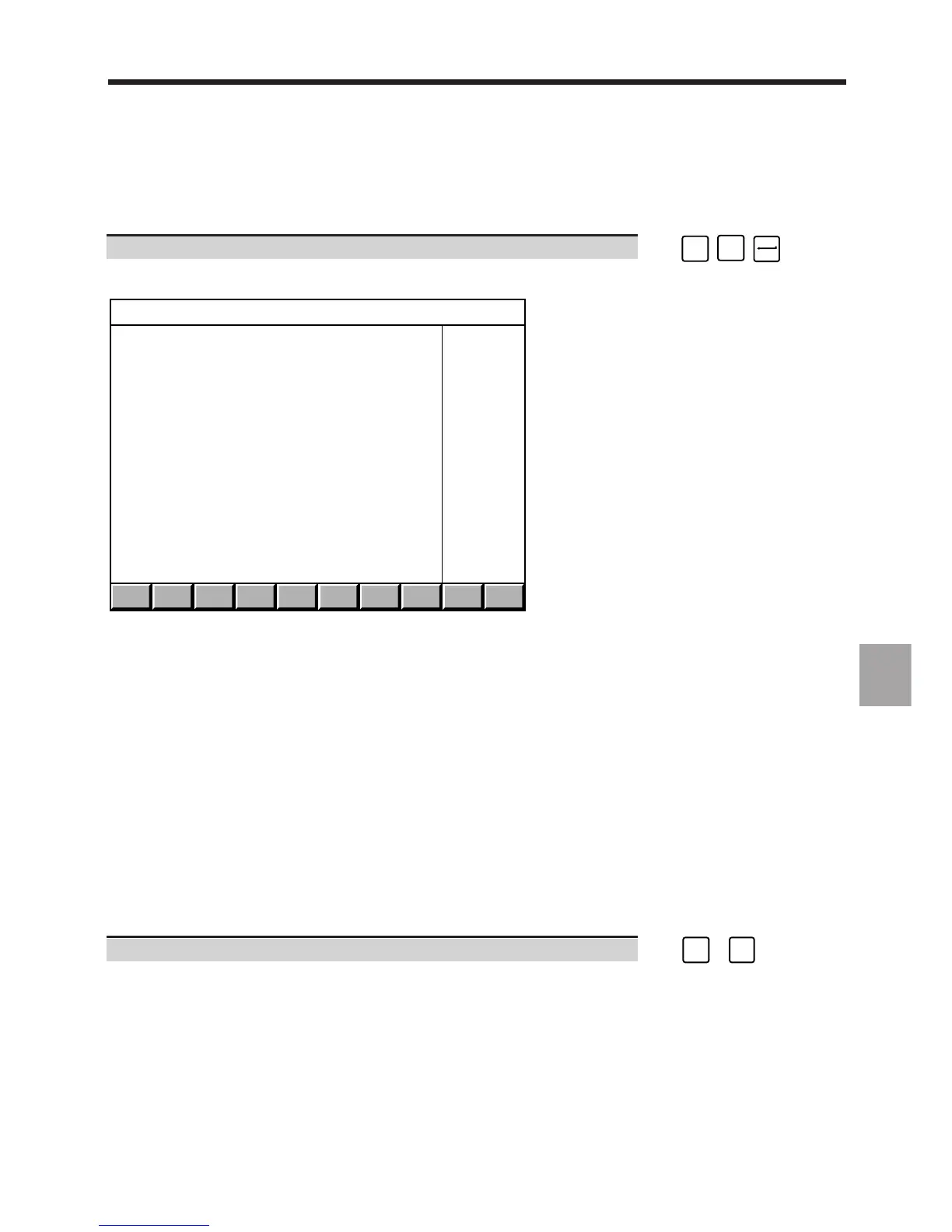
Display of the "OPTIONS LOCKING" menu:
. . / . . EXIT
OPTIONS LOCKING
> 0 JOB REFERENCE
1 AXES NUMBER
2 MEMORY SIZE
3 OPTIONS LIST
4 DATE
5 LOCKING
6 EDITION
?❚
The mandatory customisation steps are:
- checking the job reference (See 8.9.1),
- modifying the options list: mandatory key (See 8.9.4),
- entering the date and an identifier (See 8.9.5),
- locking the customisation (See 8.9.6).
The following steps are carried out only if one of the items below is modified in the new customisation (it is however
advised to check the content of the pages):
- modification of the number of axes and spindles (See 8.9.2),
- modification of the memory size (See 8.9.3).
Printout of the customisation (See 8.9.7) gives a record of the customisation carried out.
Exit from the Utility
You can exit from the utility:
- After a consultation without making any changes, in which case it is unnecessary to reset the system (See below)
- After modifying the configuration (the new configuration must be locked: see 8.9.6), in which case it is necessary
to reset the system to take the changes into account.
Exit from the utility. ☞
CTRL
+
S
X OFF



 To Next Page