10
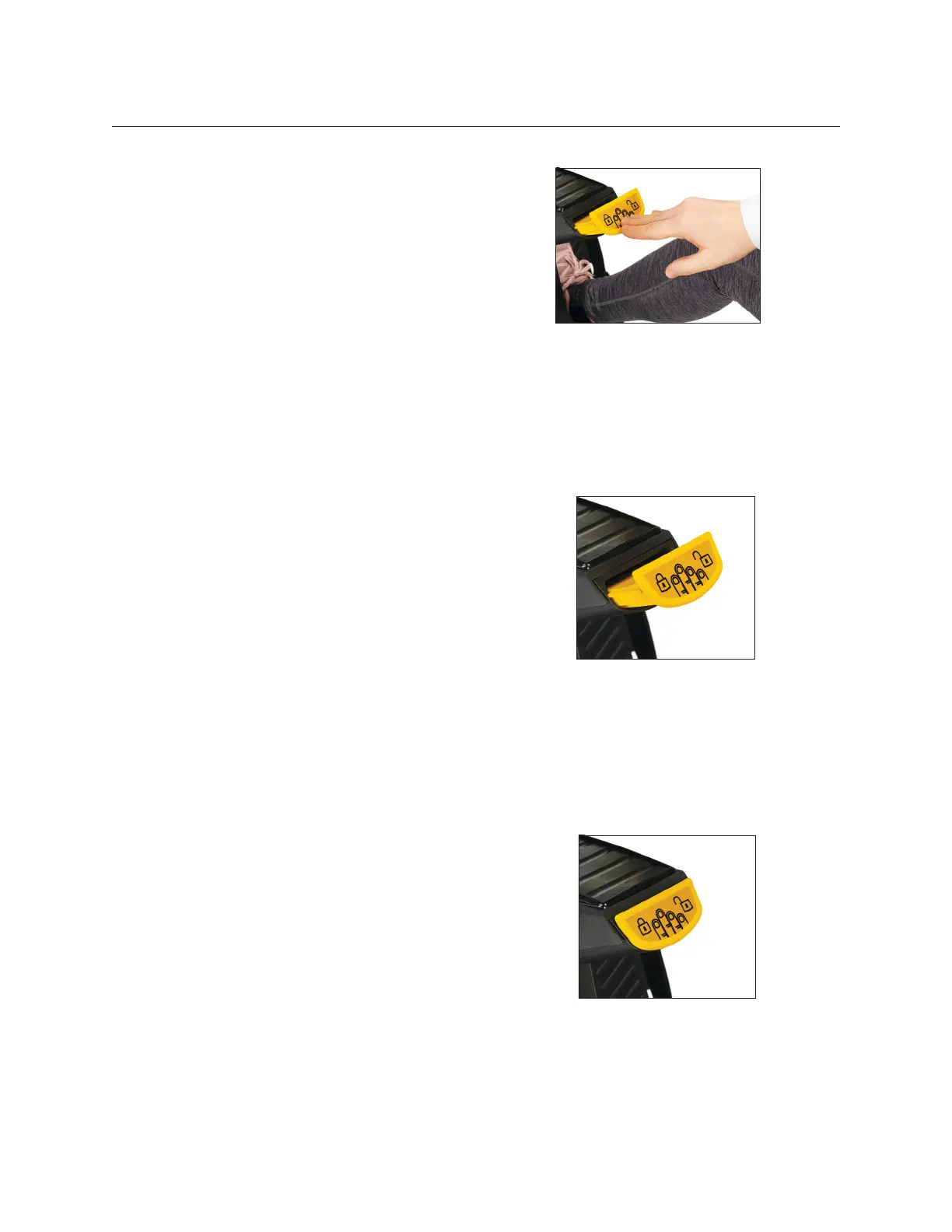
Lever is down when handles
and pedals are unlocked.
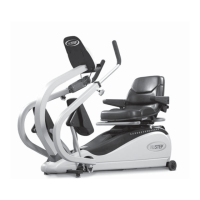
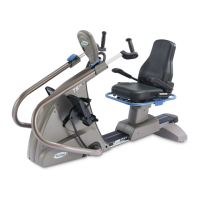
StrideLock lever
T6 StrideLock
®
To engage StrideLock:
1. Use the arm handles to push or pull
the arms and pedals to the desired
position.
2. Push down on the yellow StrideLock
lever and release. The lever will be in
an UP position when locked.
3. Check that StrideLock is engaged by
pushing or pulling on the arm handles
– they should not move.
To disengage StrideLock
1. Push down on the StrideLock lever
again. The lever will be in the DOWN
position when unlocked.
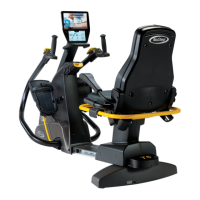
The StrideLock feature allows users to
lock the arm handles and foot pedals on
the T6. When StrideLock is engaged, the
handles and pedals do not move. This
stabilizes the product and makes it easier
for the user to:
• Get on and o the T6
• Adjust seat and handle positions
• Fasten footstraps or attach adaptive
accessories
Lever is up when handles
and pedals are locked.


 To Next Page