14
Display Screens
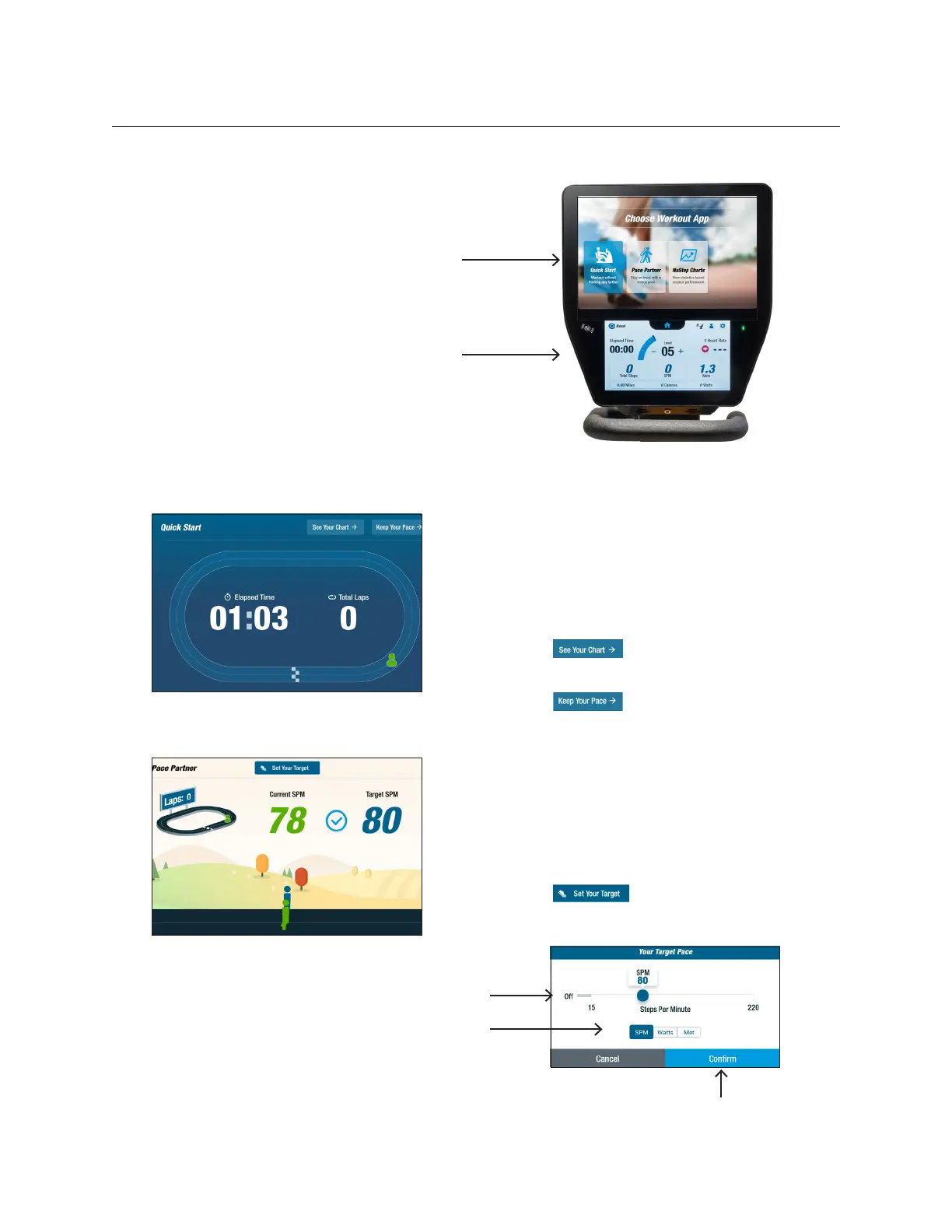
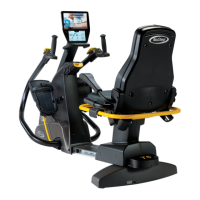
The T6 has a Home screen and Metric
screen with touchscreen navigation:
Home screen: Displays workout apps
Quick Start, Pace Partner and NuStep
Charts. Tap app icon to launch.
Metric screen: Displays all workout
metrics including time, speed (steps per
minute), total distance, watts, calories,
METs, resistance level and heartrate.
Quick Start
Users can work out without setting pace
goals or selecting metric values. Users
can switch to other apps from the Quick
Start screen. To switch:
• Tap to open the Performance
Charts app
• Tap to open the Pace Partner
app
Pace Partner
Users set a target pace and workout
metric SPM, Watts or METs. Goal is to
keep current pace at the target pace. To
set goals:
• Tap to open Your Target
Pace screen
App Screens
Use slider to set pace
Tap on desired metric
Tap to conrm settings


 To Next Page