10
SECTION 5
OPERATING UNIT
5.1 OPERATING
Open the lid and check that there is no sample in the instrument.
Ensure that the centrifuge is plug-in to correctly grounded sockets.
Turn the centrifuges on by using On/Off switch.
Learn the functions of the control panel (See Part 5.2.1.).
Set the values and start the operation (See Part 5.3)
5.2 DISPLAYS AND CONTROL PANEL
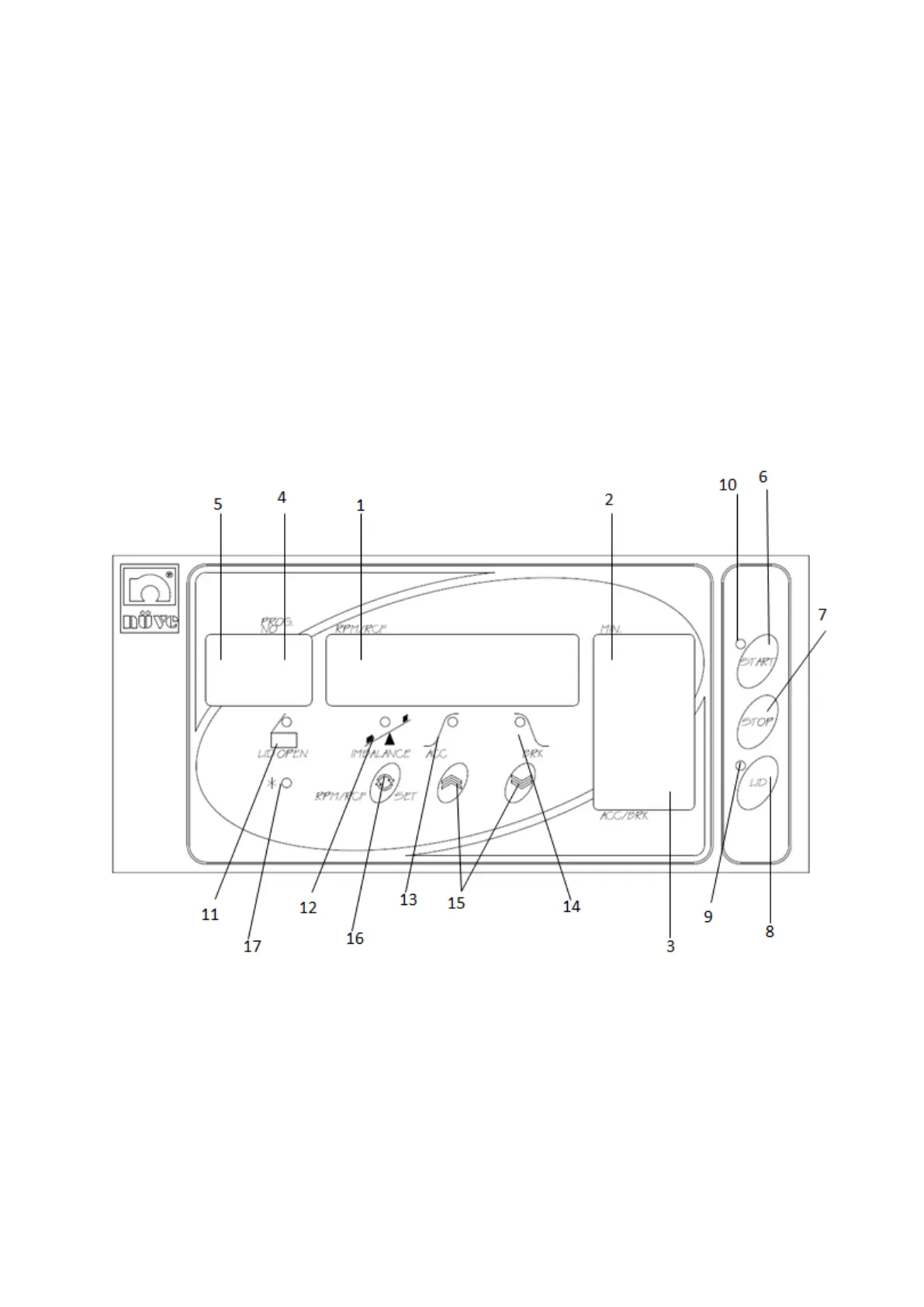
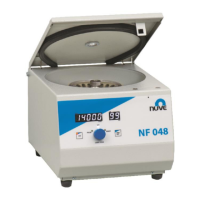
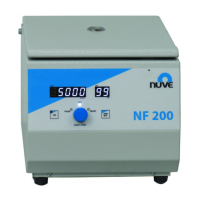
Figure 3
5.2.1 Introduction to Control Display Panel Components and Functions
01- Speed Display
Display of speed (500-14.000 rpm) or display of RCF (0-18.405 x g) during the run and rotor
type during programming.
02- Time Display
Display of the run time from 1 min. to 99 min. and hold position (H).
03- Acceleration/Brake/Temperature Display
Display of the acceleration and brake rates from 0 to 10, for NF 800 R it also displays the bowl


 To Next Page