12
5.3 MAKING A NEW PROGRAM
Determine the rotor type, the speed and time, the acceleration and braking rates.
Push the function key (16) once and see that the value on the program no display (4) flashes.
Enter the program number by pushing the value increase and value decrease keys (15).
Push the function key (16) again and see that the value on the speed display (1) flashes.
Select the proper rotor type by pushing value increase and value decrease keys (15).
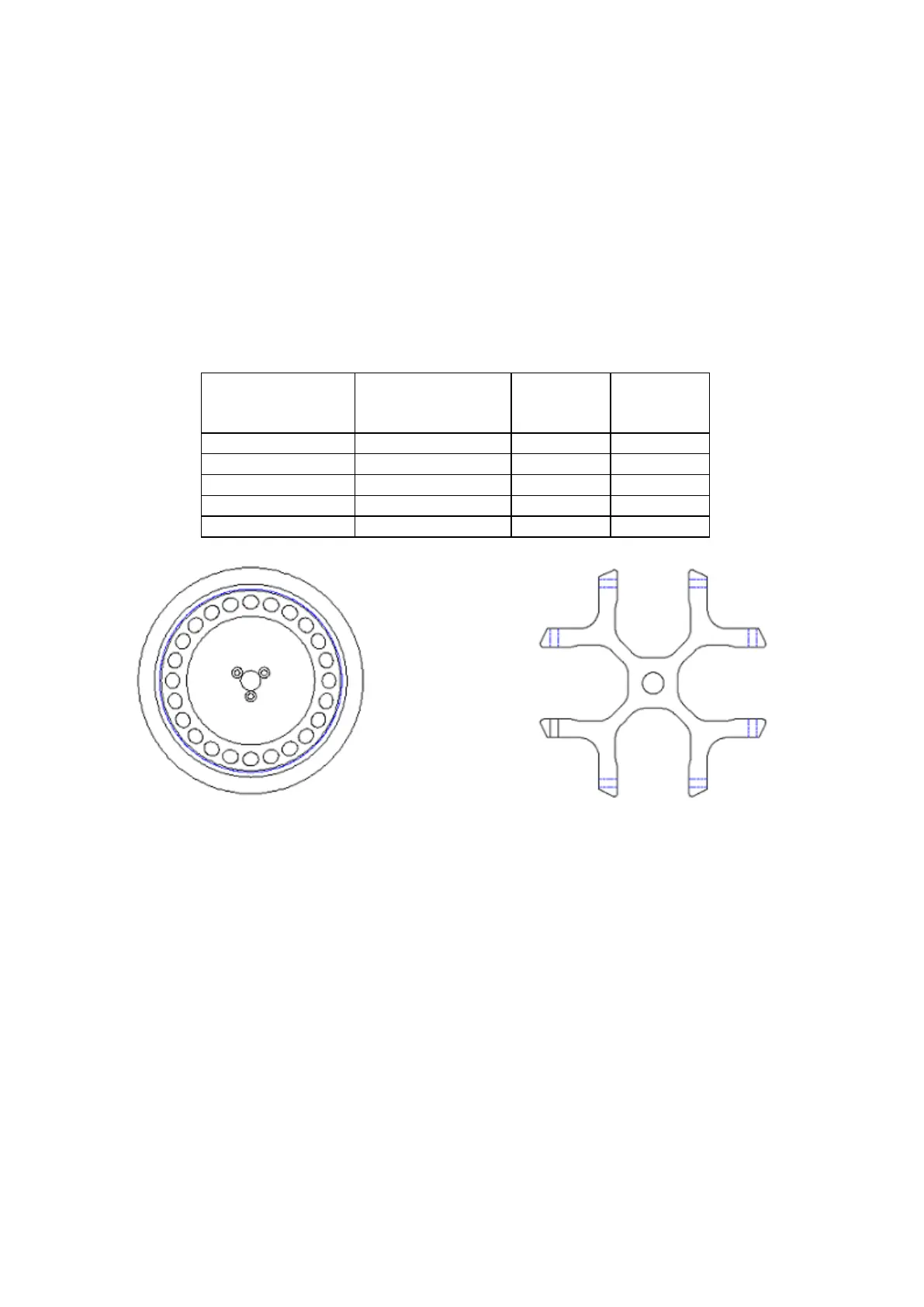
Angle Rotor Swing-out Rotor
The correct rotor type should be selected in order to see the correct RCF values
during the run.
Push the function key (16) and see that the RPM or RCF option on the speed display (1)
flashes. Choose the RPM or RCF option by pushing value increase and value decrease keys
(15).
Push the function key (16) and see that the value on the speed display (1) flashes. Enter the
run speed or RCF by pushing value increase and value decrease keys (15).
Push the function key (16) and see that the value on the time display (2) flashes. Enter the run
time by pushing the value increase and decrease keys (16). (H means hold position)
Push the function key (16) and see that the acceleration led turns on and the value on the
temperature display (3) flashes. Choose the acceleration value among 0,1,2,3,4,5,6,7,8 or 9 by
pushing the value increase and decrease keys (15).
(0: slowest 10: fastest rates)



 To Next Page