1
2
3
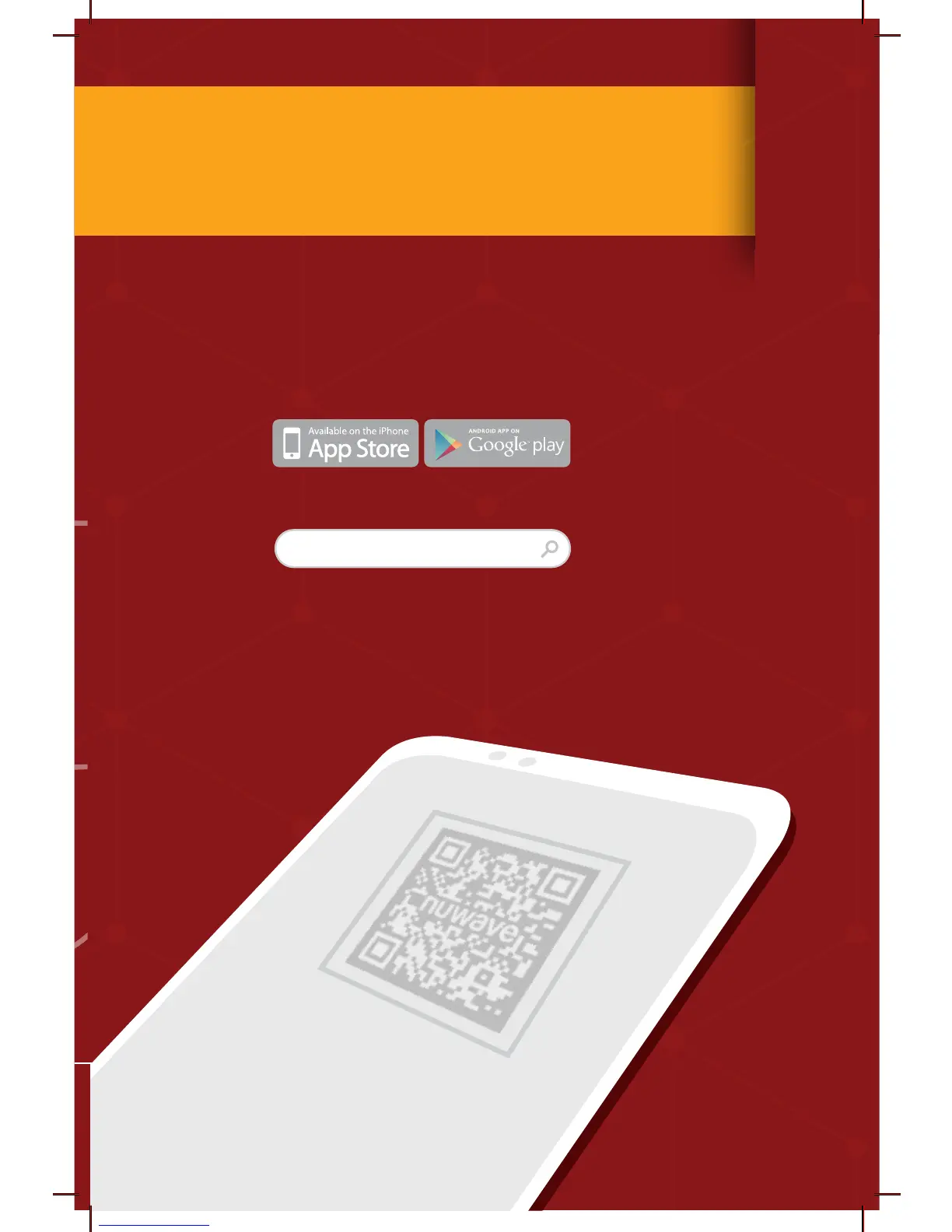
Open your mobile app store
(App Store, Google Play).
Search for "QR code readers".
Simply download the QR code reader to your phone,
open it and scan the code, you are ready to go.
NOTE: You may need to open your downloaded QR
code reader each time you want to scan a QR code.
DOWNLOAD THE QR CODE
APP TO YOUR MOBILE DEVICE
6
for an additional
months
warranty!
QR code readers


 To Next Page