16 Océ 7055/7056 User Manual
Note:
Changing the copy quantity can be done at all times. When you make a
mistake you simply press the correction button to correct the copy quantity.
[4] Setting more than one copy using the ‘+’ or ‘-’ button
4
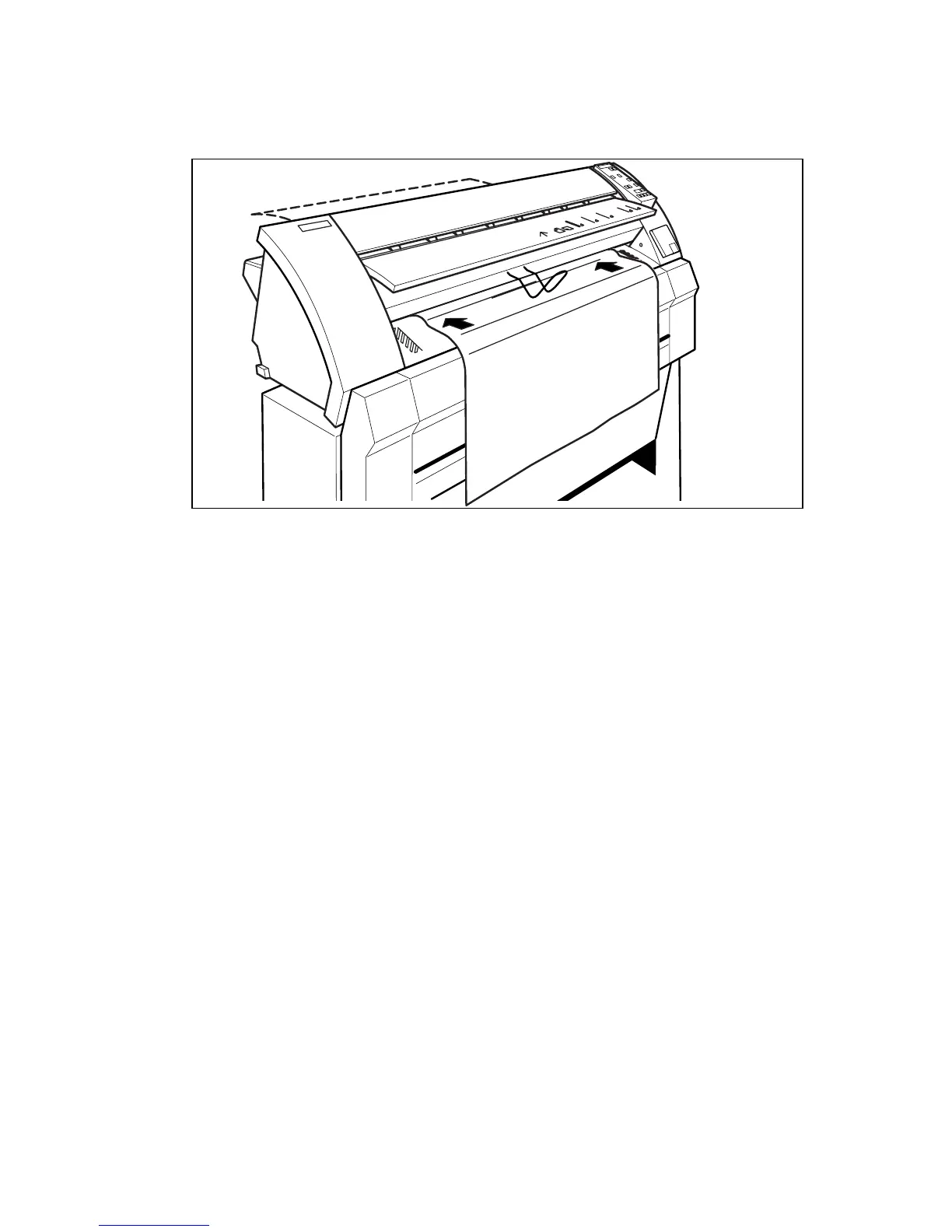
Feed the original centrally and face down into the original feed table in
accordance with the guidelines (see figure 5 on page 17).
Note:
The original is aligned in the nip of the rollers. By inserting the material
with an amount of slack, the leading edge is aligned in the nip. A delay between
insertion of the material and the start of the transport ensures proper
alignment.
The original is transported to the rear of the machine and the display shows
the length of the original.
2477



 To Next Page