16 Chapter 1 Read this first
Installing the Printer
Installing the Printer
Illustration
[41]
[42]
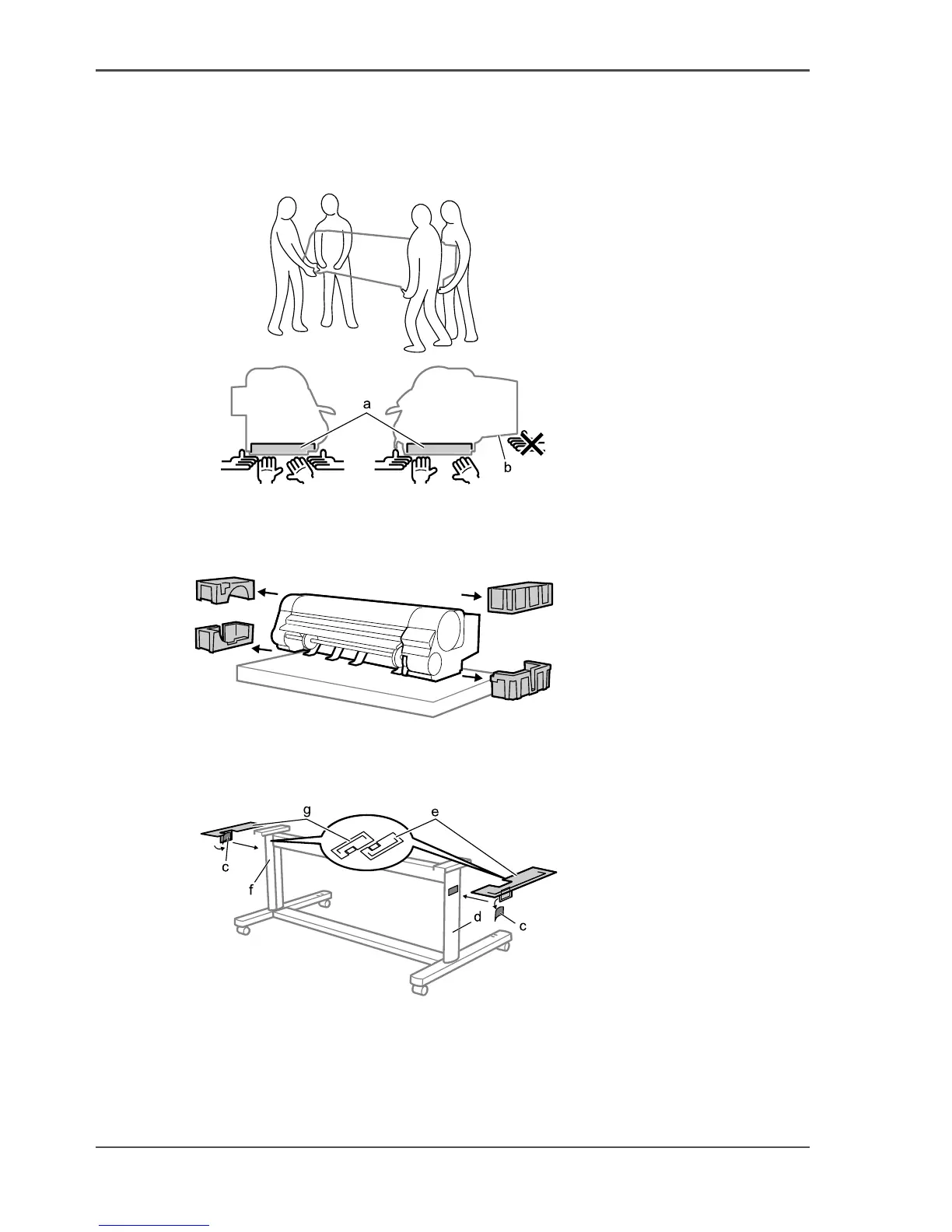
1. Remove the box from the printer body and clear out the packing material from above
the printer, then lift up the base of the printer one side at a time and clear out the
packing material from under the printer.
[43]
2. Fold and then peel off the double-sided tape (c) from the Stand Extensions Boards,
then stick Stand Extension Board (e) to the side of Stand Leg R (d) and Stand
Extension Board (g) to the side of Stand Leg L (f).
[44]



 To Next Page