38 Chapter 1 Read this first
Adjusting the Print Status
Adjusting the Print Status
Adjusting the Printhead Position
Note: It is recommended that you run the printhead adjustment using the type of
media that you use most frequently.
Note: If you are using cut sheets, load at least one sheet of unused A3 or larger
paper (not the blank side of used paper) in landscape orientation.
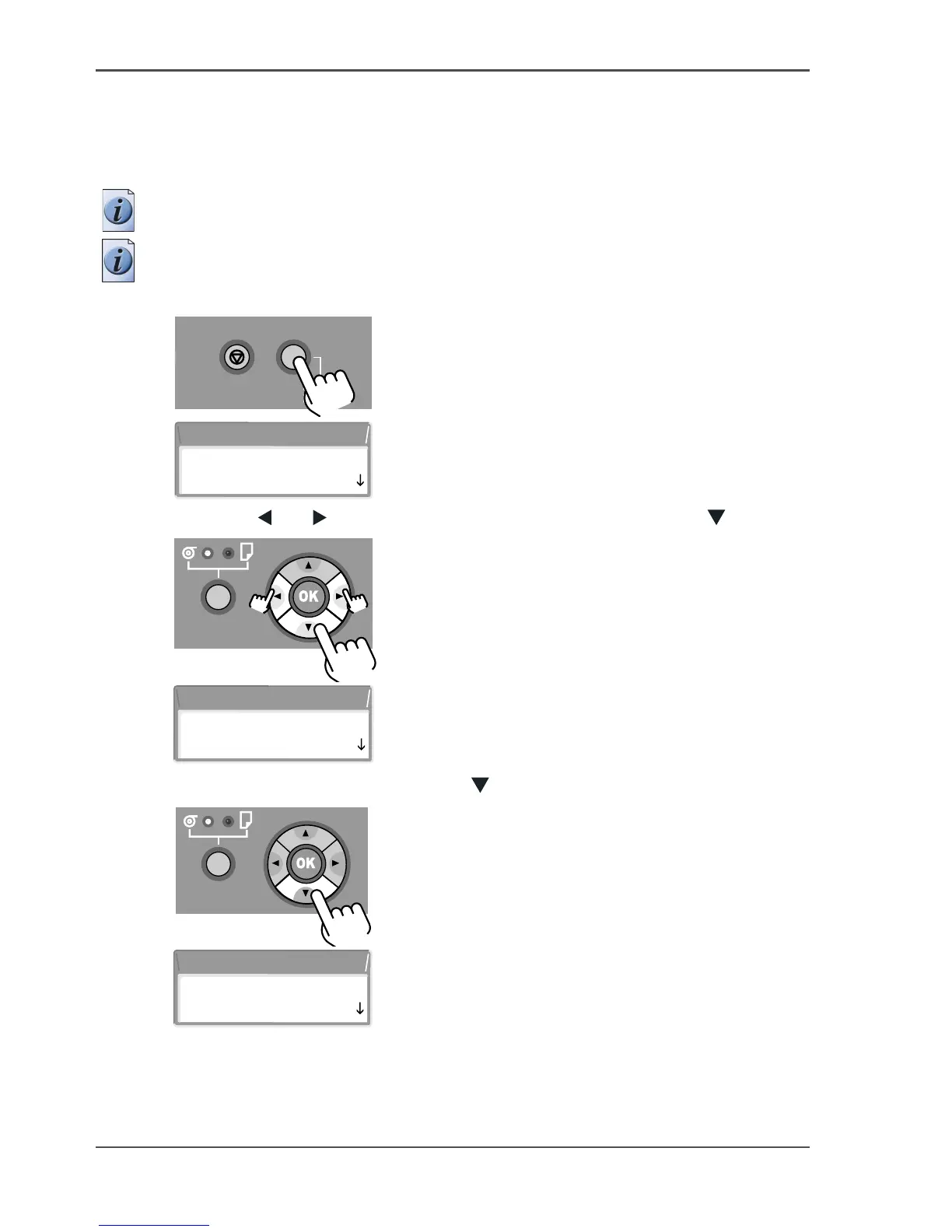
19. Press the Online button to display MAIN MENU on the printer display.
[95]
[96]
20. Press the [ ] or [ ] buttons to select Adjust Printer then press the [ ] button.
[97]
[98]
21. Select Printhead Adj. then press the [ ] button.
[99]
[100]
Stop/Eject Online
Offline
Menu
MAIN MENU
Head Cleaning
MAIN MENU
Adjust Printer
Adjust Printer
Printhead Adj



 To Next Page