37
Loading Roll Media
Attention: Always set the Media Type setting to the type of roll media loaded
in the printer.If the media type setting does not match the loaded roll media,
printing quality may be reduced.
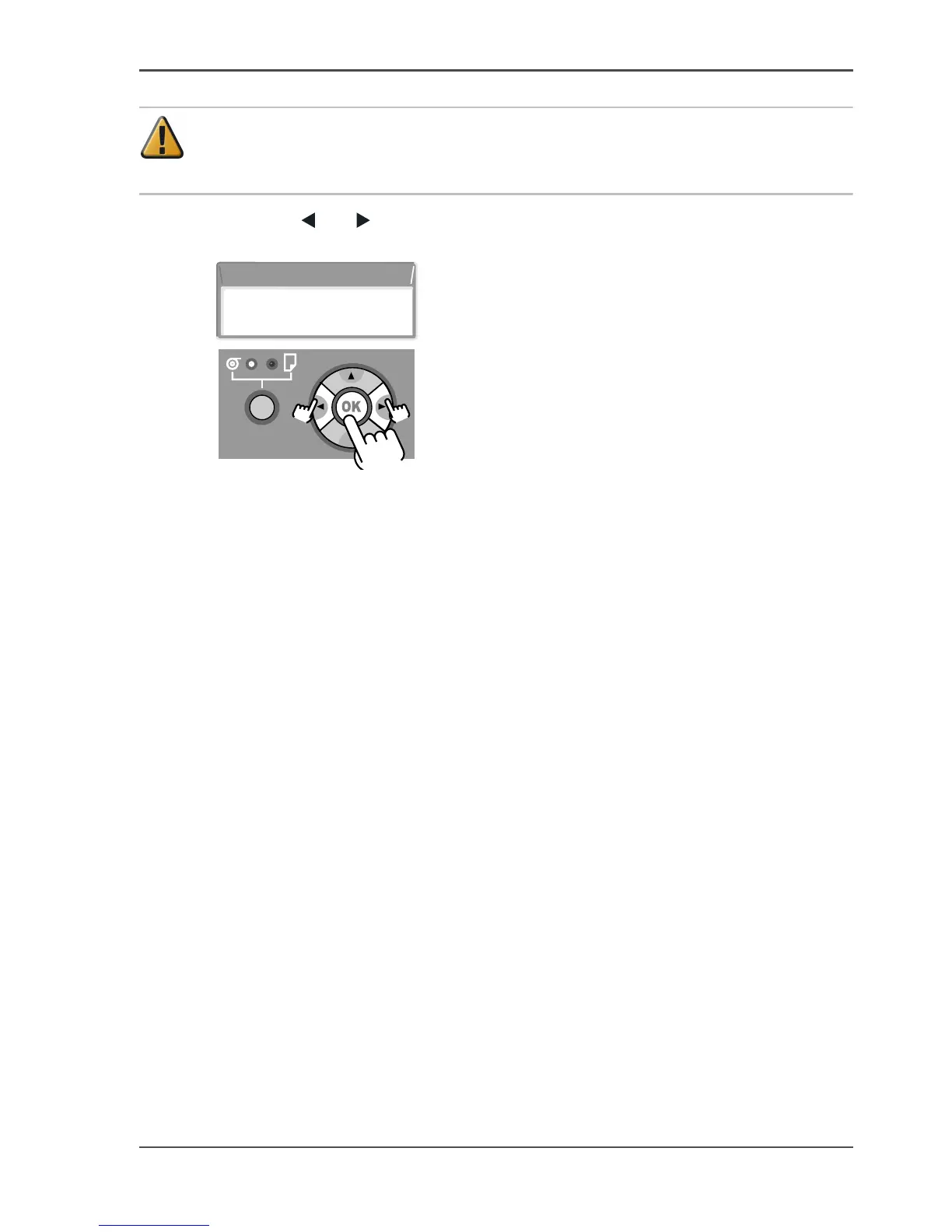
18. Press the [ ] or [ ] button to select the setting for the roll media length, and then
press the OK button.
[93]
[94]
When the printer has finished preparing to feed the roll media, Online is displayed
on the printer display and the printer is ready to print.
Roll Length Set
30.0m



 To Next Page